

The Most Popular WordPress Chatbot Plugin Wasn’t the Best
 Founder

If someone lands on your site at 11 p.m. with a question, a chatbot is often the only thing between them and leaving. But “chatbot” on WordPress.org now covers everything from AI tools that read your content to live chat widgets with a bot bolted on. Pick the wrong type and you pay for AI you don’t need, or miss it.
I’m Sakhavat Ismayilov, founder of FS Code. I’ve worked with WordPress for close to 10 years and have personally used and tested the major plugins in this category over that time. I wrote this comparison to help readers pick the right one for their own site. No plugin company paid me to include or rank their product, and nothing here is affiliate-driven.
Quick comparison
| Plugin | Starting Price | AI Model Approach | Trains on Your Content | Live-Agent Handoff | Conversation Limit (Free/ |
|---|---|---|---|---|---|
AI Agent by SiteGround |
Free with SiteGround hosting; $10/ |
Multiple models via SiteGround AI Studio |
No, it manages your site, not visitor chats |
Not applicable, admin-only tool |
20,000 tokens/ |
AI Engine |
Free; Pro from $79/ |
Your choice (OpenAI, Anthropic, and more) |
Yes, free-tier fine-tuning; Pro adds embeddings/ |
No built-in handoff |
Unlimited by the plugin, limited by your API budget |
Tidio |
Free; Starter $29/ |
Tidio’s own Lyro AI |
Yes, trained on your help center |
Yes, built in |
50 Lyro conversations total (one-time) on the free plan |
WPBot |
Free Lite; Starter $39/ |
Your choice (OpenAI, Dialogflow, and more) |
Yes, RAG on site content is listed in the free version |
Yes, from the Master plan (Slack) |
Depends on your chosen AI provider |
Crisp |
Free; Mini $45/ |
Crisp’s own AI |
Yes, from the Essentials plan ($95/ |
Yes, built in |
None free; about 90 chats on Mini |
Tawk.to |
Live chat free, unlimited; AI Assist from $29/ |
Tawk.to AI Assist (paid add-on) |
Yes, from your Knowledge Base/ |
Yes, built in (human agents) |
Live chat: unlimited free. AI Assist free tier: very low volume only |
HubSpot |
Free; Starter $20/ |
Rule-based chatflows; AI customer agent from Professional |
Not on Free or Starter; customer agent from Professional ($90/ |
Yes, built in |
2 free users, then per seat |
AI Agent by SiteGround
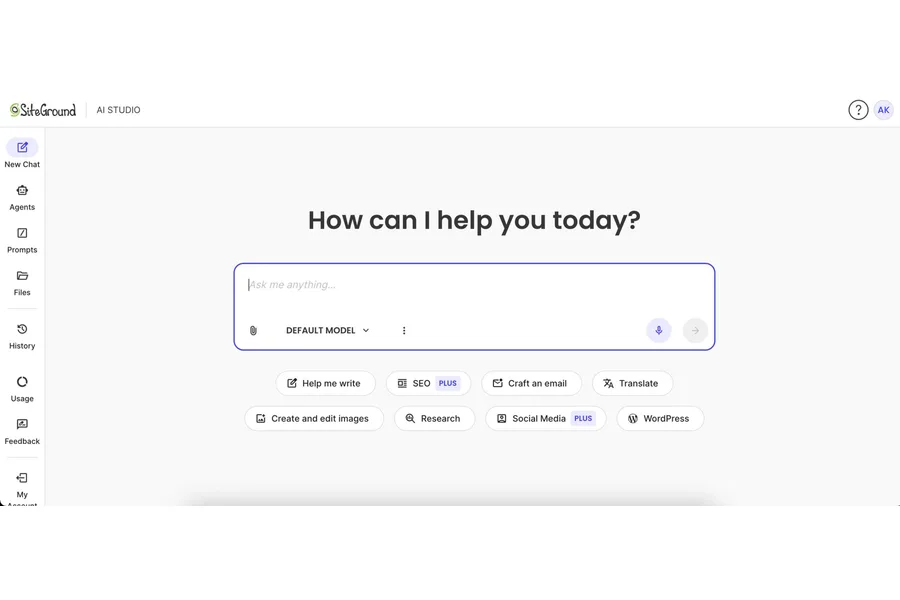
AI Agent by SiteGround is an AI assistant built into SiteGround’s AI Studio, not a chatbot for visitors. It runs inside wp-admin, connecting to multiple AI models for content, WooCommerce, and routine tasks.
Best for: owners wanting a chat-based admin assistant, not a visitor bot.
On WordPress.org’s chatbot tag page, AI Agent by SiteGround ranks first with over 1 million installs. SiteGround auto-installs it on hosted sites, making that count an imperfect popularity proxy. It separately carries a 1.6/5 rating: 81 one-star reviews versus 15 five-star.
Pricing: free Essential tier (20,000 tokens/month, SiteGround hosting only). Plus, for any host, runs $10-$500/month (100,000-5,000,000 tokens), 20% off annually.
What I found useful: the chat commands handle WooCommerce and content tasks well once connected.
Who I recommend it to: owners wanting an admin chat helper for content and store work.
Who I would not recommend it to: anyone wanting a visitor chatbot. It adds nothing here.
AI Engine
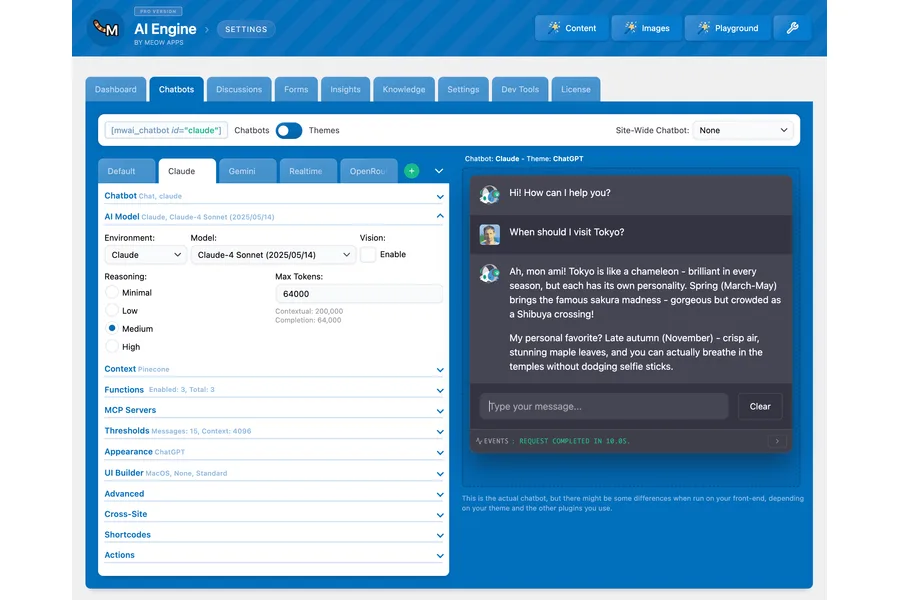
AI Engine is a developer-oriented plugin for building chatbots on your own AI provider account. The free version includes a configurable chatbot and fine-tuning tools. Paid Pro adds a separate “Embeddings and Content Aware” feature that builds a knowledge base from your content.
Best for: technical owners who want their own AI model and real-content training.
AI Engine has 90,000+ installs and a 4.9 star rating.
Pricing: free. Pro starts at $79/year for one site, up to $179/year for twenty sites, with lifetime licenses from $499.
What I found useful: you control the model and the cost through your own API key.
Who I recommend it to: developers comfortable managing an API key and token budget.
Who I would not recommend it to: anyone wanting a zero-setup chatbot.
Tidio
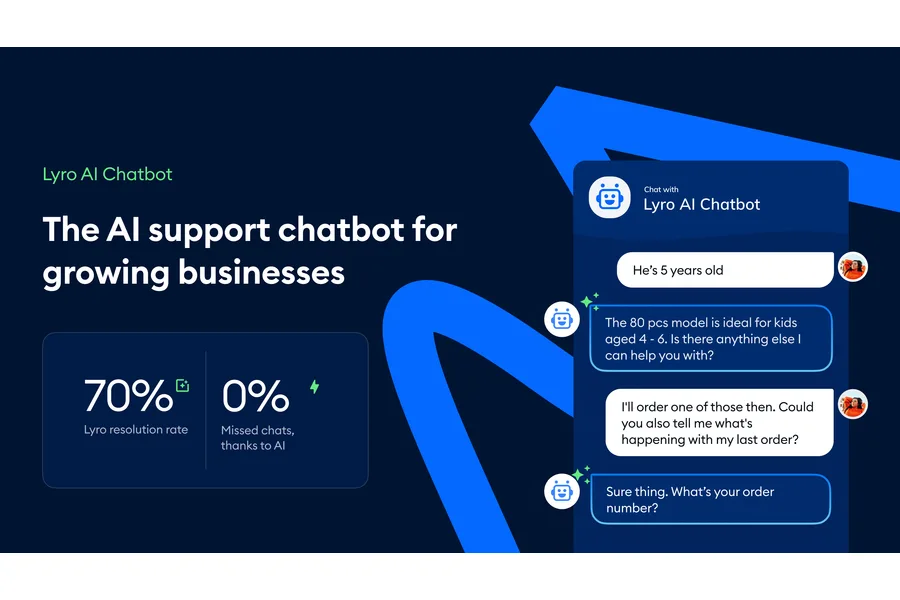
Tidio combines live chat with a help desk inbox. Its AI chatbot, called Lyro, reads your help center content and answers visitor questions directly.
Best for: small businesses wanting a working AI chatbot with minimal setup.
Tidio has 70,000+ installs and a 4.7 star rating.
Pricing: free plan includes 50 Lyro AI conversations total (not monthly). Starter is $29/month billed monthly, or $290/year billed annually ($24.17/month). Growth is $59/month billed monthly, or $49.17/month billed annually. Ongoing Lyro use is a separate quota, from $32.50/month on annual billing for 50 conversations a month.
What I found useful: Lyro answers straight from your existing help center content, no separate training step.
Who I recommend it to: small sites wanting AI answering fast without writing code.
Who I would not recommend it to: anyone expecting ongoing free AI. The 50-conversation Lyro allowance is one-time, not monthly, and the paid Starter plan does not refill it either.
WPBot
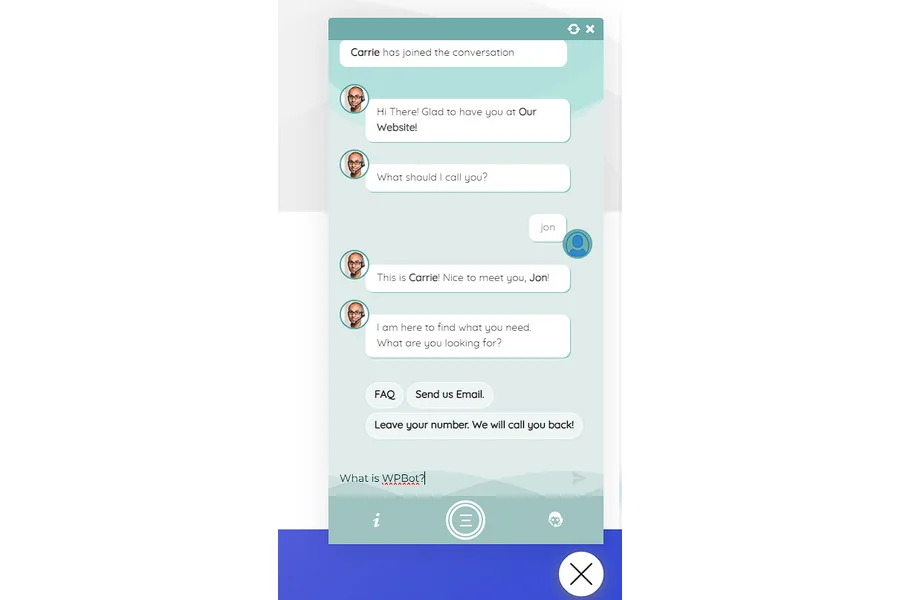
WPBot is a rules-and-AI hybrid that connects to several AI backends. Free Lite covers button menus and connects to Dialogflow, OpenRouter and Gemini, with RAG on your site content listed too. Paid tiers add OpenAI training tools, WooCommerce and, on Master, Slack handoff.
Best for: owners wanting AI-backend choice who prefer paying once.
WPBot has 5,000+ installs and a 4.7 star rating.
Pricing: free Lite. Yearly licenses are $39/$99/$189 for Starter/Professional/Master, and lifetime licenses are $149/$279/$369 for the same tiers.
What I found useful: knowledge-base answering already starts in the free version, and lifetime pricing is unusual here.
Who I recommend it to: owners wanting AI-model flexibility who don’t mind paying once.
Who I would not recommend it to: anyone wanting WooCommerce lookups on the cheapest tier. That needs Professional or higher.
Crisp
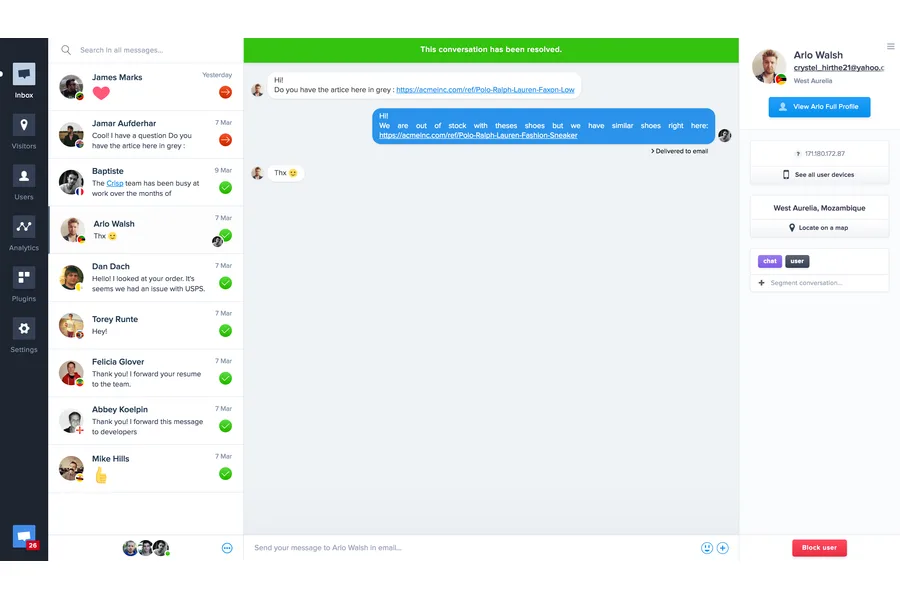
Crisp is a multi-channel support inbox (chat, email, WhatsApp) with an AI chatbot builder. The free plan covers two seats with no AI credits. Paid tiers add AI allowances, and the chatbot builder starts at Essentials.
Best for: small teams wanting live chat plus a real AI builder and channels like WhatsApp.
Crisp shows 20,000+ installs and a 4.6 star rating.
Pricing: free (2 seats, no AI credits). Mini is $45/month for 4 seats and about 90 AI conversations. Essentials is $95/month for 10 seats, about 450 AI conversations, and the chatbot builder.
What I found useful: the Essentials builder ties real AI into the same inbox your agents already use.
Who I recommend it to: teams wanting multi-channel support who’ll pay for Essentials to get real AI.
Who I would not recommend it to: anyone expecting AI on the free plan. There isn’t one.
Tawk.to
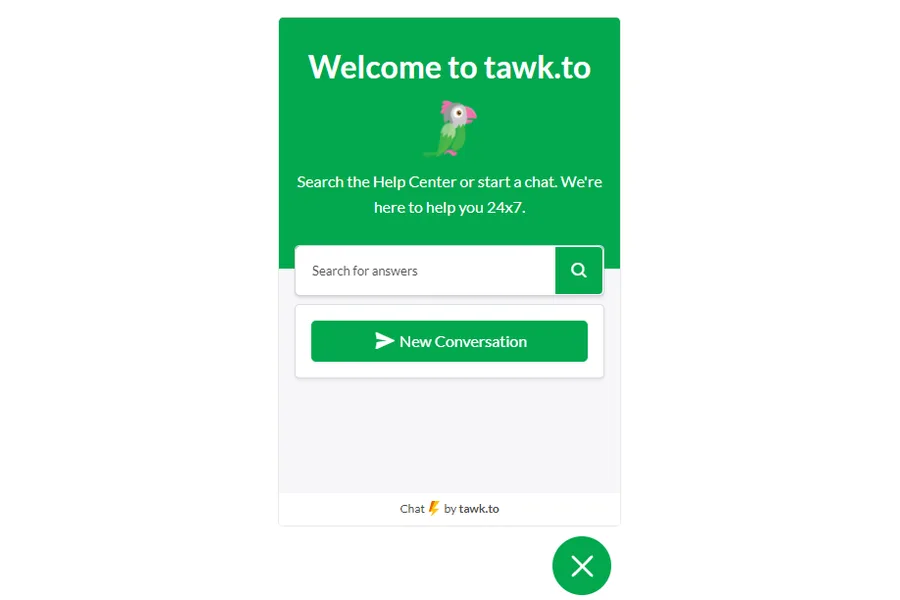
Tawk.to is first and foremost a free, human-staffed live chat tool. AI is a separate add-on. Core live chat has no feature limits, funded by an optional branding-removal fee.
Best for: sites wanting free, full-featured human live chat, with AI as an optional extra.
Tawk.to has 100,000+ installs and a 4.6 star rating.
Pricing: core live chat is free and unlimited. Branding removal costs $29/month. AI Assist starts at $29/month, with a separate free tier limited to very low volume.
What I found useful: the free tier is genuinely unrestricted for human chat.
Who I recommend it to: budget-conscious sites wanting a human chat widget. More like it in my best live support plugins for WordPress comparison.
Who I would not recommend it to: anyone wanting AI specifically. That’s a separate paid layer on top of the core free chat.
HubSpot
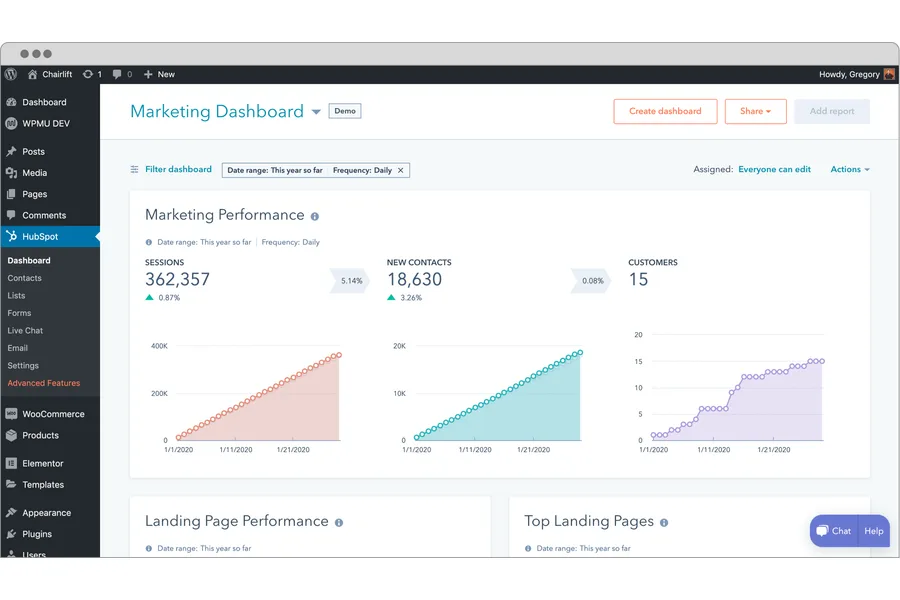
HubSpot’s WordPress plugin bundles live chat and rule-based chatflows with HubSpot’s free CRM, rather than generative AI. Chatflows route leads and book meetings via decision-tree logic. HubSpot’s AI customer agent only starts on the Professional plan.
Best for: businesses wanting HubSpot’s free CRM who don’t need generative AI.
HubSpot’s plugin has 200,000+ installs, the most of any visitor-facing option here (SiteGround’s AI Agent has more installs overall but is admin-only), and a 4.3 star rating.
Pricing: free for up to 2 users with branded chat. Starter is $20/seat/month standard, with a new-customer promo of $10/seat/month month-to-month or $7/seat/month annually. Professional is $90/seat/month billed annually, or $100/seat/month billed monthly. Enterprise is $175/seat/month.
What I found useful: the chatflows builder for routing leads and booking meetings is genuinely free.
Who I recommend it to: teams already using or considering HubSpot’s CRM who want basic chat and lead routing.
Who I would not recommend it to: anyone wanting AI trained on their content. That needs Professional, and per-seat costs climb fast.
Frequently Asked Questions
What’s the real difference between an AI chatbot and a live chat plugin?
An AI chatbot like AI Engine’s or Tidio’s Lyro reads your content and writes its own answers. A live chat plugin like Tawk.to connects a visitor to a human, with AI optional.
Do I need a paid plan, or is free enough?
It depends on your usage. Tidio’s free plan caps at 50 Lyro AI conversations total, a one-time allowance, not a monthly refill. Tawk.to’s core live chat stays free and unlimited. Check the Conversation Limit column above for specifics.
Will an AI chatbot ever give a visitor the wrong answer?
Yes. Content-trained chatbots generally answer only as well as the content you give them, so thin source material leads to thin answers.
Is it safe to send visitor chats to an AI model like OpenAI or Anthropic?
It depends on the plugin. AI Engine and WPBot let you control the API connection. Tidio and Crisp process chats on their own servers. Chatbot cookies may still need a separate consent tool, so see my best GDPR compliance WordPress plugins roundup.
Can I run two chat plugins at once?
Technically yes, but it is rarely a good idea since two floating widgets compete for screen space. If you want both AI answers and human handoff, pick one plugin here that offers both instead of stacking two.
Which One Should You Actually Use
Skip AI Agent by SiteGround for a visitor-facing chatbot. It’s built for a different job. Want AI trained on your content with an API key? AI Engine is my pick. Tidio is the pick for a built-in AI chatbot already tied to your help center, with no API key needed. WPBot suits anyone wanting AI-vendor choice and a one-time price. Crisp and HubSpot make sense if you need their inbox or CRM. For free, human-staffed live chat with AI as an afterthought, Tawk.to still does the job well.


