

Broken Links Are Costing You Traffic — These WordPress Plugins Can Fix Them
 Founder

If you've ever renamed a page, deleted a post, or moved your site to a new domain, you've probably broken a link without realizing it. A broken link is a dead end: a visitor lands on a 404 and leaves, and search engines get no replacement URL to follow. Hiding or deleting the bad link doesn't fix this, since the old URL can stay indexed by Google or linked from elsewhere. A redirect plugin closes that gap by sending both to the page that replaced it.
I'm Sakhavat Ismayilov, founder of FS Code. I've worked in WordPress for close to 10 years and have personally used and tested the major plugins in this category over that time. No plugin paid me to include or rank anything here, and none of these links are affiliate links. I wrote this to help you pick one.
Quick comparison
| Plugin | Active installs (WordPress.org) | Price | Redirect types | 404 monitoring | Regex / wildcard matching |
|---|---|---|---|---|---|
2+ million | Free | 301, 302, 303, 304, 307, 308 | Yes, built in | Yes, full regex | |
4+ million | Free (Pro from $7.99/ | 301, 302, 307, 410, 451 | Yes, 404 Monitor (free) | Yes, regex (free) | |
40,000+ | Free | 301, 302, 303, 307, 403, 404, 410 | No, by design | Yes, regex and wildcards | |
100,000+ | Free | 301 only | No | Wildcard folders only | |
30,000+ | Free; Pro lifetime $49-$99 | 301 only (free) | Yes, with dashboard widget | No regex in free | |
100,000+ | Free | 301, 302, 307, 410, 451 | Yes, with email alerts | Yes, exact/ | |
Not on WordPress.org (paid) | $118.80/ | 301, 302, 307, 410, 451 | No | Yes, regex redirects |
1. Redirection
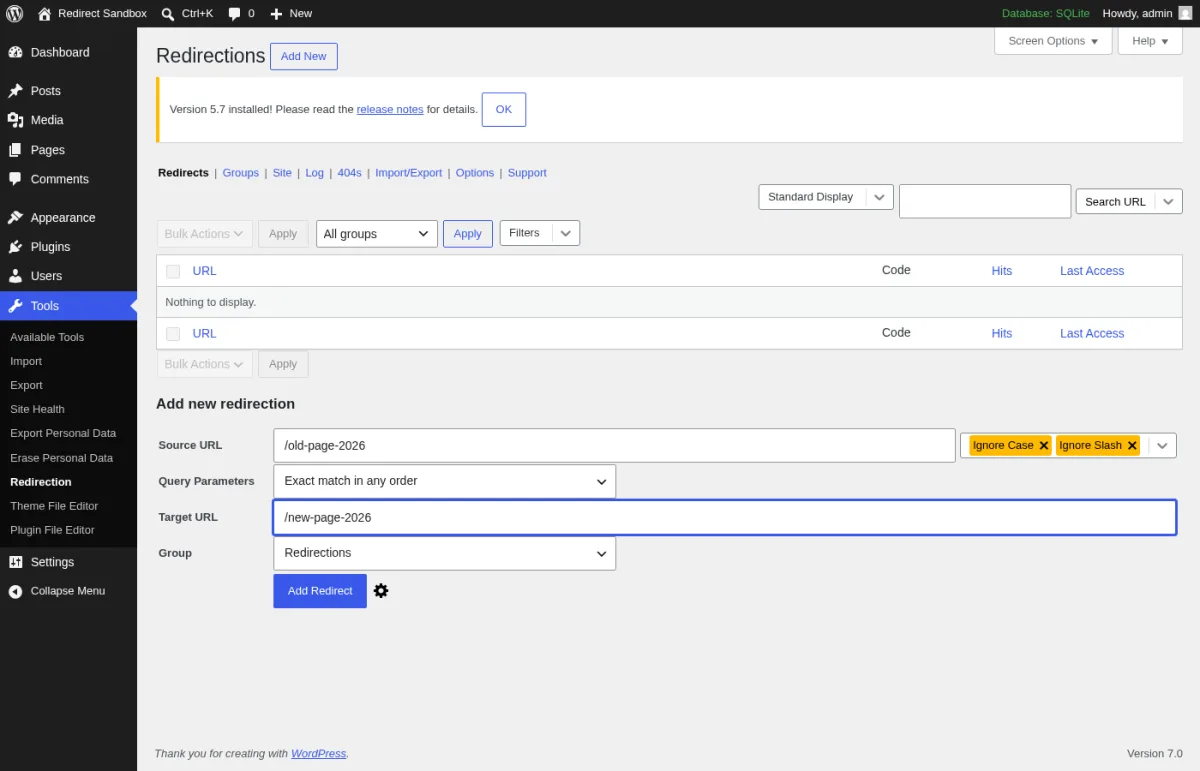
Redirection is a standalone redirect and 404-tracking plugin, independent of any SEO plugin. It sticks to redirects, unlike all-in-one tools such as Rank Math and Yoast.
Best for: Most WordPress sites that want a free, full-featured redirect manager with no catch.
Pricing: Free, with no premium tier at all.
What I found useful: Conditional redirects (login status, browser, referrer, cookies, or a 404 hit), full regex support, a 404 log, import/export for .htaccess and CSV, and export to Nginx rewrite rules.
Who I recommend it to: Anyone who wants a dedicated redirect plugin without upsells.
Who I would not recommend it to: Sites already using Rank Math's redirect module. Overlapping rules can conflict.
2. Rank Math SEO
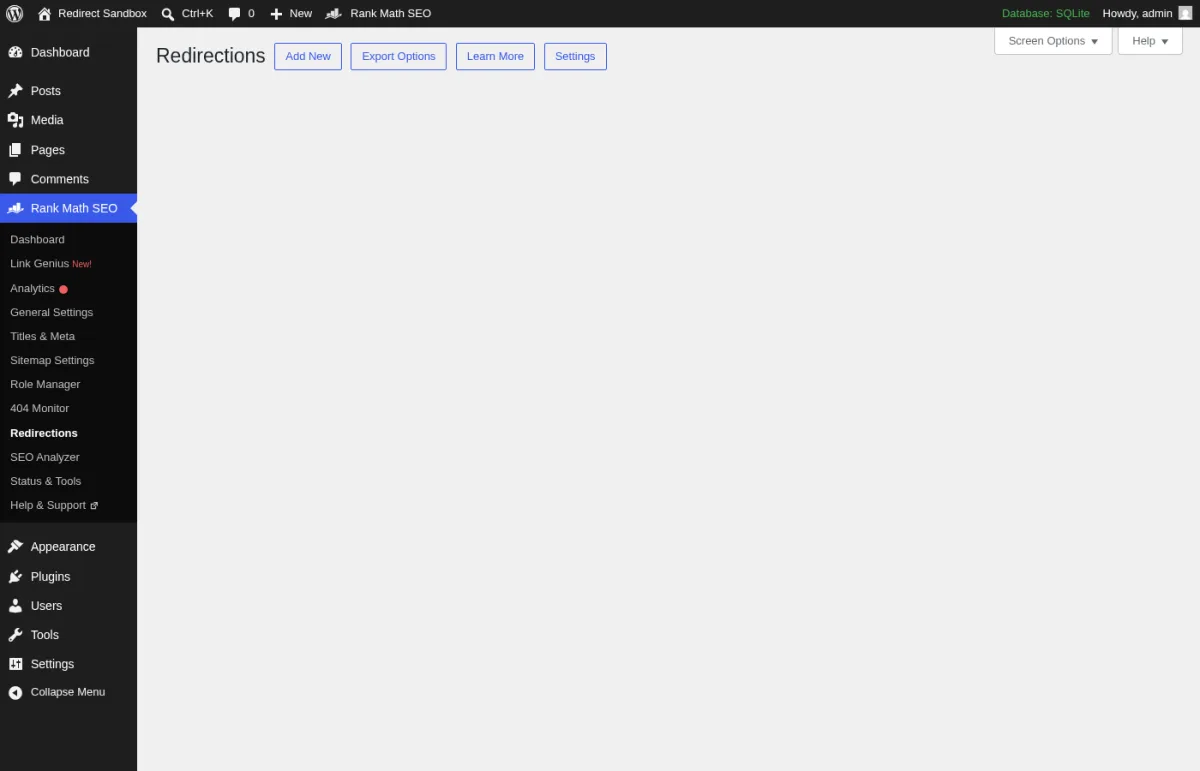
Rank Math is a full WordPress SEO plugin with a built-in redirect manager, similar to Yoast. Redirects live in the same dashboard as your meta tags and schema settings.
Best for: Sites that want their SEO plugin and redirect manager to be the same tool.
Pricing: Free, including the Redirections module and 404 Monitor. Pro starts at $7.99/month billed annually ($95.88/yr), renewing at $8.99/month billed annually.
What I found useful: Five redirect types (301, 302, 307, 410, 451) and a 404 Monitor that turns broken URLs into redirects. Categories and CSV import/export are Pro-only.
Who I recommend it to: Anyone already using Rank Math for SEO who doesn't want a second redirect plugin.
Who I would not recommend it to: Sites on another SEO plugin. Installing Rank Math just for redirects is overkill.
3. Safe Redirect Manager
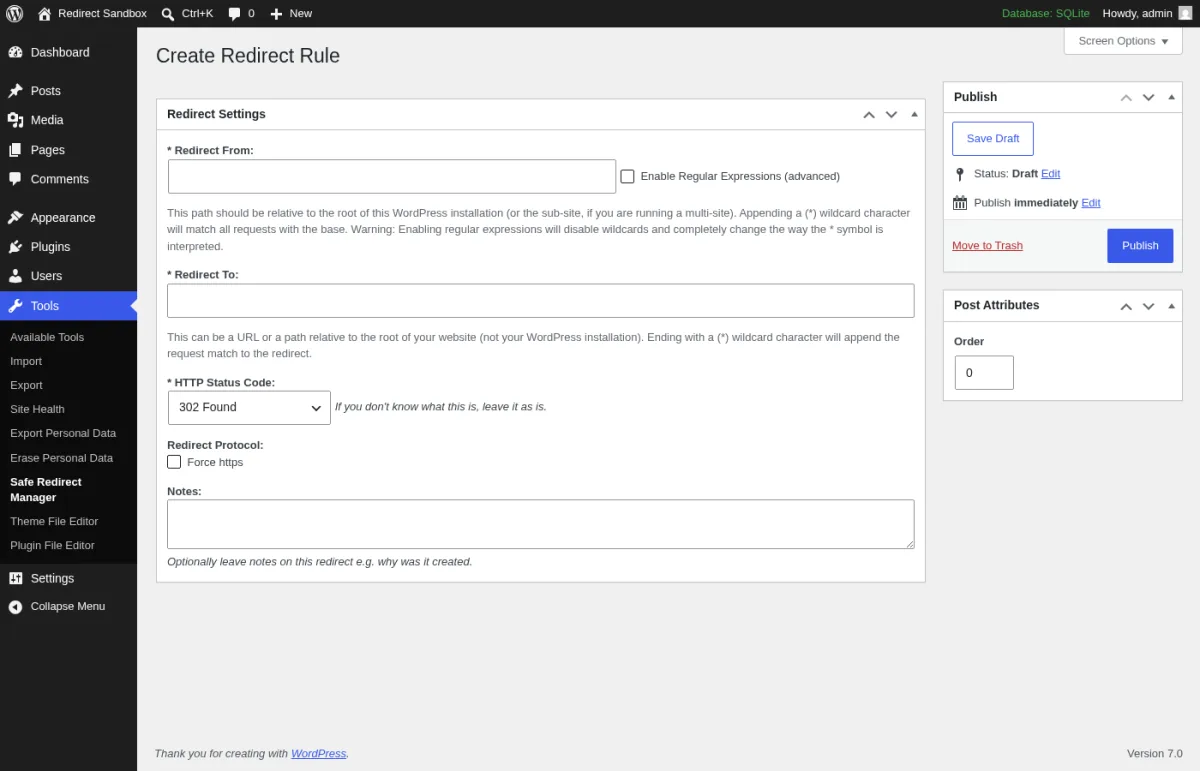
Safe Redirect Manager is a developer-built plugin from 10up, an agency serving large publishers. It skips a 404 log and extra settings screens by design, trading convenience for speed.
Best for: Agencies and larger publishers who want redirects to behave like normal WordPress content.
Pricing: Free, maintained as an open-source project by 10up and contributors.
What I found useful: Redirects are stored as a custom post type and cached via WordPress's Transients API, clearing on any change. It supports 301, 302, 303, 307, 403, 404, and 410 codes, plus regex and wildcard matching, with no 404 log by design.
Who I recommend it to: Developers and agencies managing high-traffic sites where every extra database query matters.
Who I would not recommend it to: Anyone who wants to see which URLs are 404ing first. You'll need server logs for that. It also caps you at 1,000 redirects by default, and raising that takes a code filter.
4. Simple 301 Redirects
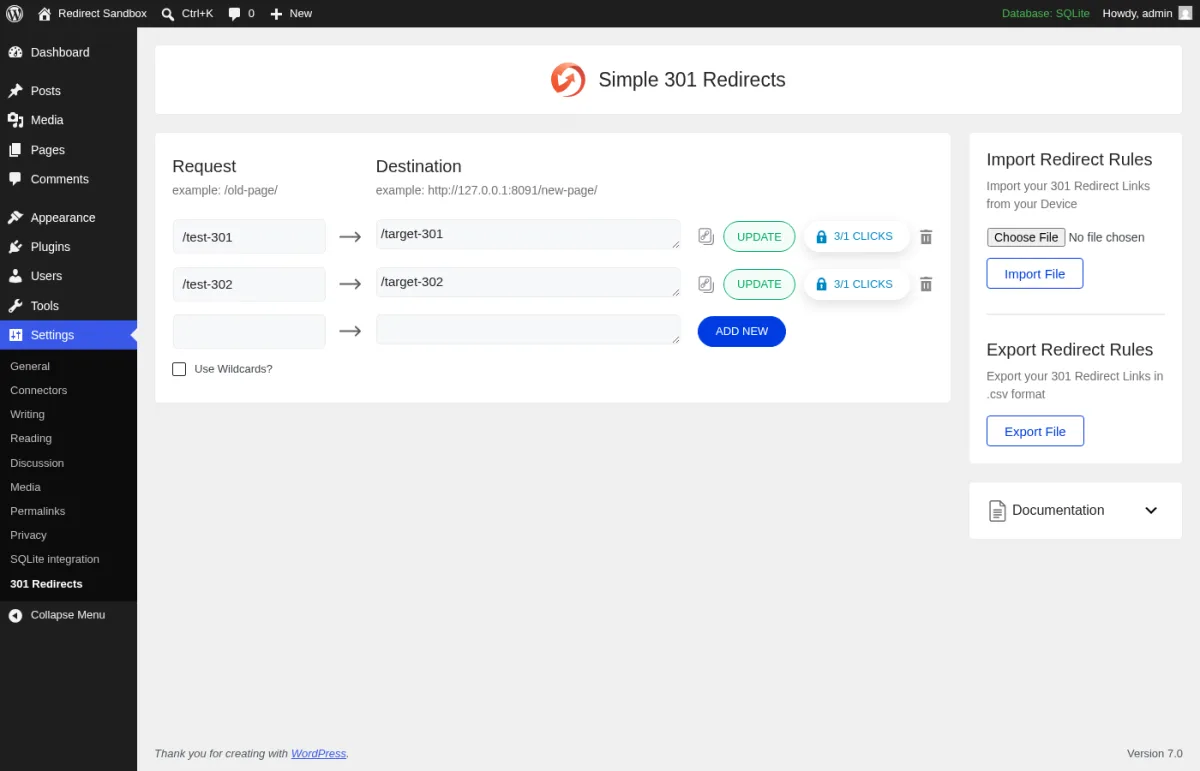
Simple 301 Redirects is a lightweight plugin from WPDeveloper built around one job: point an old URL to a new one. It skips conditional rules and extra redirect types.
Best for: Non-technical owners handling a single old-to-new URL change.
Pricing: Free, with no paid tier. On WordPress.org it is now branded "Simple 301 Redirects by BetterLinks", and the admin screen promotes BetterLinks, WPDeveloper's separate link-management plugin.
What I found useful: A minimal setup screen, CSV import/export, and wildcard support for redirecting an entire folder at once.
Who I recommend it to: Someone who needs basic 301 redirects after a small cleanup and doesn't want to learn a new interface.
Who I would not recommend it to: Anyone who needs 302 redirects, regex matching, or 404 logging. It doesn't do any of those.
5. 301 Redirects & 404 Error Log
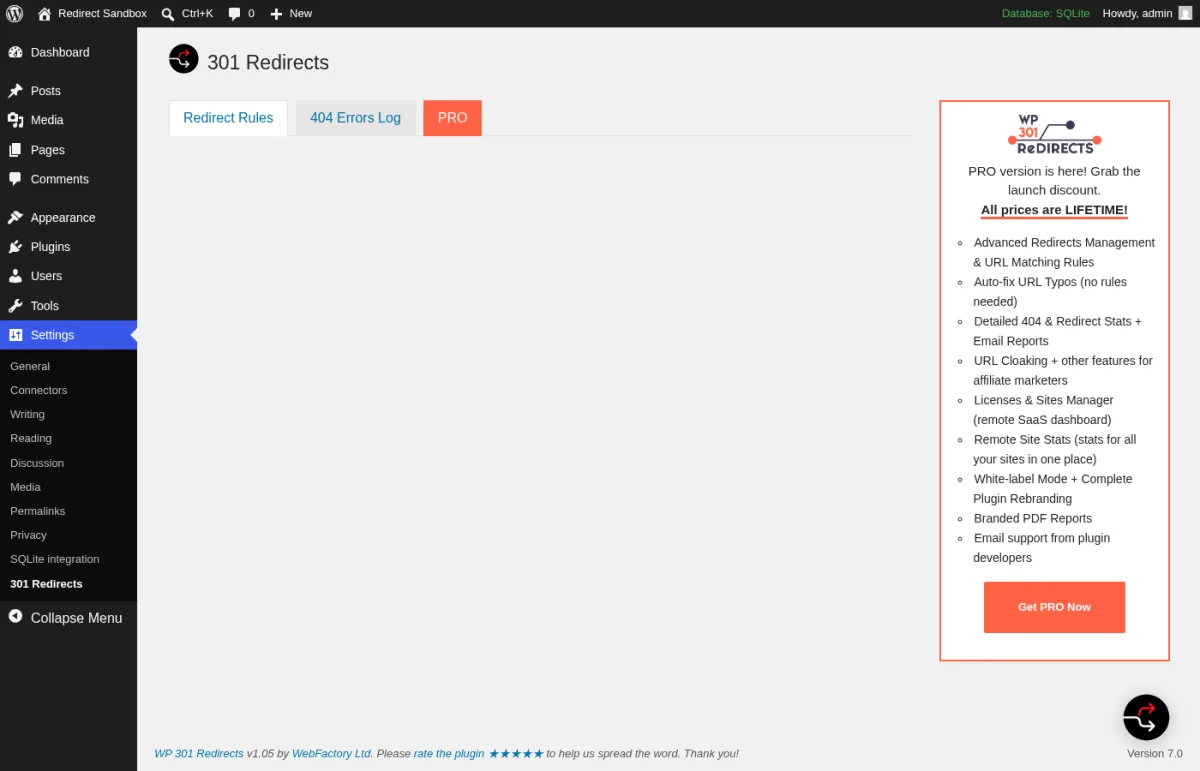
301 Redirects & 404 Error Log is a WebFactory plugin pairing basic 301 redirects with a 404 tracking dashboard. It's aimed at owners who want broken links visible without server logs.
Best for: Owners who'd rather pay once than commit to a subscription.
Pricing: Free version available. The paid upgrade is a one-time lifetime license: $49 for one site, $59 for five, or $99 for 100 (or $9.99/month if you'd rather not pay upfront).
What I found useful: A dashboard widget showing recent 404s, plus basic 301 redirect rules in the free version. The free 404 log keeps only the last 50 errors by default.
Who I recommend it to: Owners who want a 404 dashboard and prefer a one-time cost over a yearly bill.
Who I would not recommend it to: Anyone who needs 302 redirects in the free version. It's 301-only until you upgrade.
6. 404 to 301
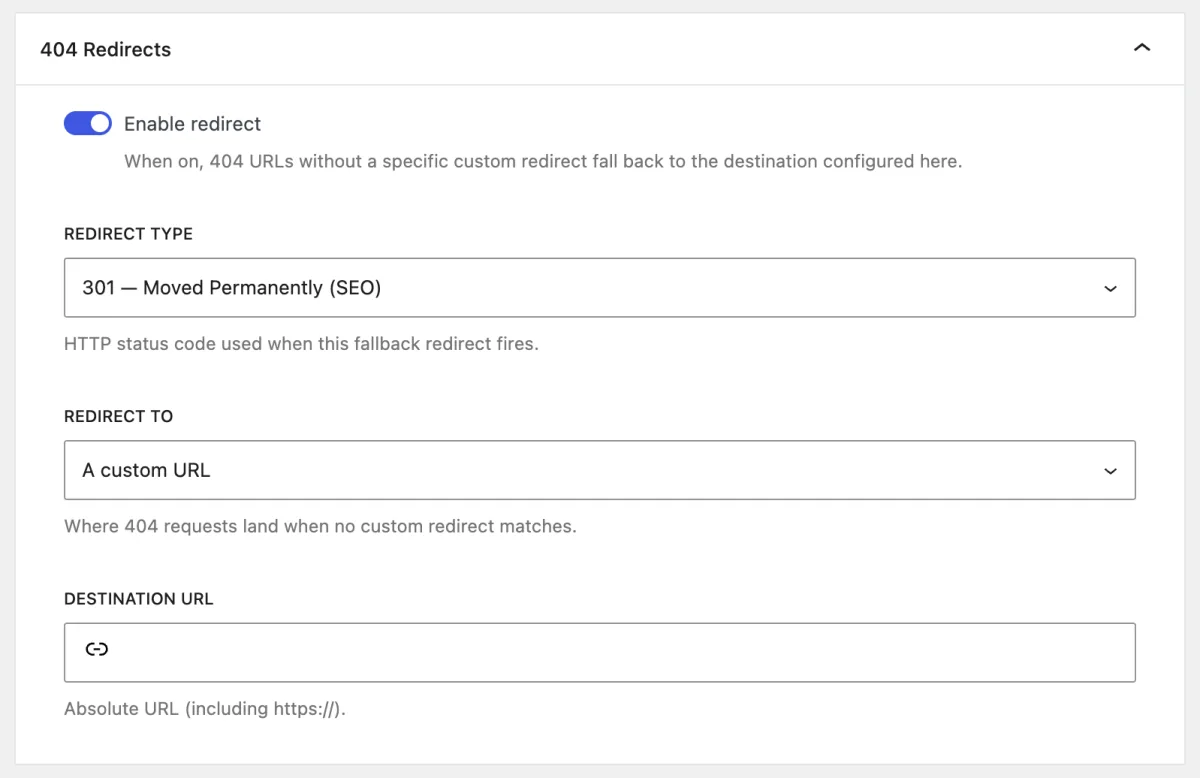
404 to 301 is a free plugin built around catching broken links and turning them into redirects, with built-in reporting. It's actively developed, aimed at owners who want visibility into what's breaking.
Best for: Sites where catching and reporting 404 errors matters as much as the redirect itself.
Pricing: Free, with no license key. Since version 4.0.3 the former add-ons are built in. The plugin now belongs to the All in One SEO team and points to AIOSEO Pro for anything beyond redirects and 404 logs.
What I found useful: A recent rewrite added a React-based admin with exact/prefix/regex matching and hit counts per redirect, plus email alerts and scheduled 404 reports.
Who I recommend it to: Anyone who wants to be notified automatically when visitors hit a dead link.
Who I would not recommend it to: Sites that already get this from Rank Math or Redirection. A third redirect plugin is unnecessary.
7. Yoast SEO Premium (Redirect Manager)
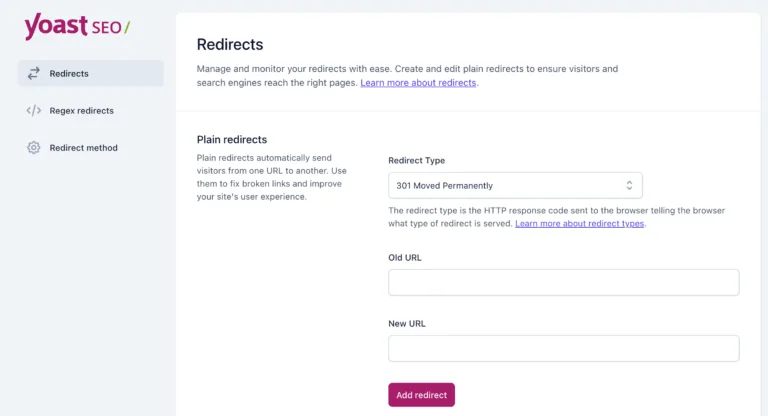
Yoast SEO Premium is the paid upgrade to Yoast SEO, bundling a Redirect Manager with other premium features. Like Rank Math, redirects live inside a broader SEO toolkit rather than a standalone tool.
Best for: Sites that already pay for Yoast SEO Premium and want one less plugin to manage.
Pricing: $118.80 per year (ex VAT) for one site, billed annually.
What I found useful: Automatic redirect suggestions when you change a URL, five redirect types (301, 302, 307, 410, 451), and regex for bulk changes.
Who I recommend it to: Current Yoast Premium users who want redirects in the same dashboard as the rest of their SEO work.
Who I would not recommend it to: Anyone buying Premium just for this feature. Redirection and Rank Math both do more for free.
FAQ
What's the difference between a redirect and just deleting a broken link?
Deleting or hiding a link doesn't remove the URL from Google's index or old backlinks. A redirect sends visitors and search engines to a working page instead, and a 301 can preserve some of its ranking signal.
Do I need a plugin, or can I just edit my .htaccess file?
Redirects can go straight into .htaccess, but the list gets hard to manage. A plugin adds a UI, and many (not all) also log unfixed 404s.
What's the difference between a 301 and a 302 redirect?
A 301 tells search engines the move is permanent and passes ranking signals to the new URL. A 302 signals it's temporary, so search engines generally keep the original URL as canonical. Use 301 for anything you don't plan to undo.
Will a redirect plugin slow down my site?
Checking each request against your rule list adds a little overhead. The real impact depends on rule count, matching method, traffic, and logging, so check your own site. Heavy logging is why Safe Redirect Manager skips it by design.
Do I need a separate redirect plugin if my SEO plugin already has one?
If Rank Math or Yoast Premium already covers this, skip a second plugin. Running two at once can cause conflicts.
Which one should you pick
If you want one answer: install Redirection, which is free and handles almost every scenario. Already running Rank Math or Yoast Premium? Use its built-in redirect manager instead of a second plugin. Otherwise, pick Safe Redirect Manager for an enterprise site, Simple 301 Redirects for the simplest interface, 404 to 301 for broken-link reporting, or WebFactory's plugin to pay once, not yearly.


