How to Build a Social Network Website with BuddyX Pro in 2026


Do you want to launch a social network on your own domain instead of renting space on Facebook, X, or LinkedIn? In 2026, the most flexible way to do that is still the same combination that powered the first wave of niche communities: WordPress as the platform, BuddyPress as the community engine, and a purpose-built theme such as BuddyX Pro on top.
This guide walks through what BuddyX Pro actually gives you in 2026, when it makes sense, and how to set up a working community site step by step.
What you can build with this stack
A WordPress + BuddyPress + BuddyX Pro setup is suited to:
- niche communities (hobby, profession, fandom, alumni)
- private member communities behind a paywall
- coaching and course communities (social learning)
- creator and marketplace communities (services, digital products, listings)
- internal communities for teams or associations
If you are still deciding what kind of site to launch, our overview of the best types of websites to create in WordPress is a good companion read.
Why create a social network website with the BuddyX Pro Theme?
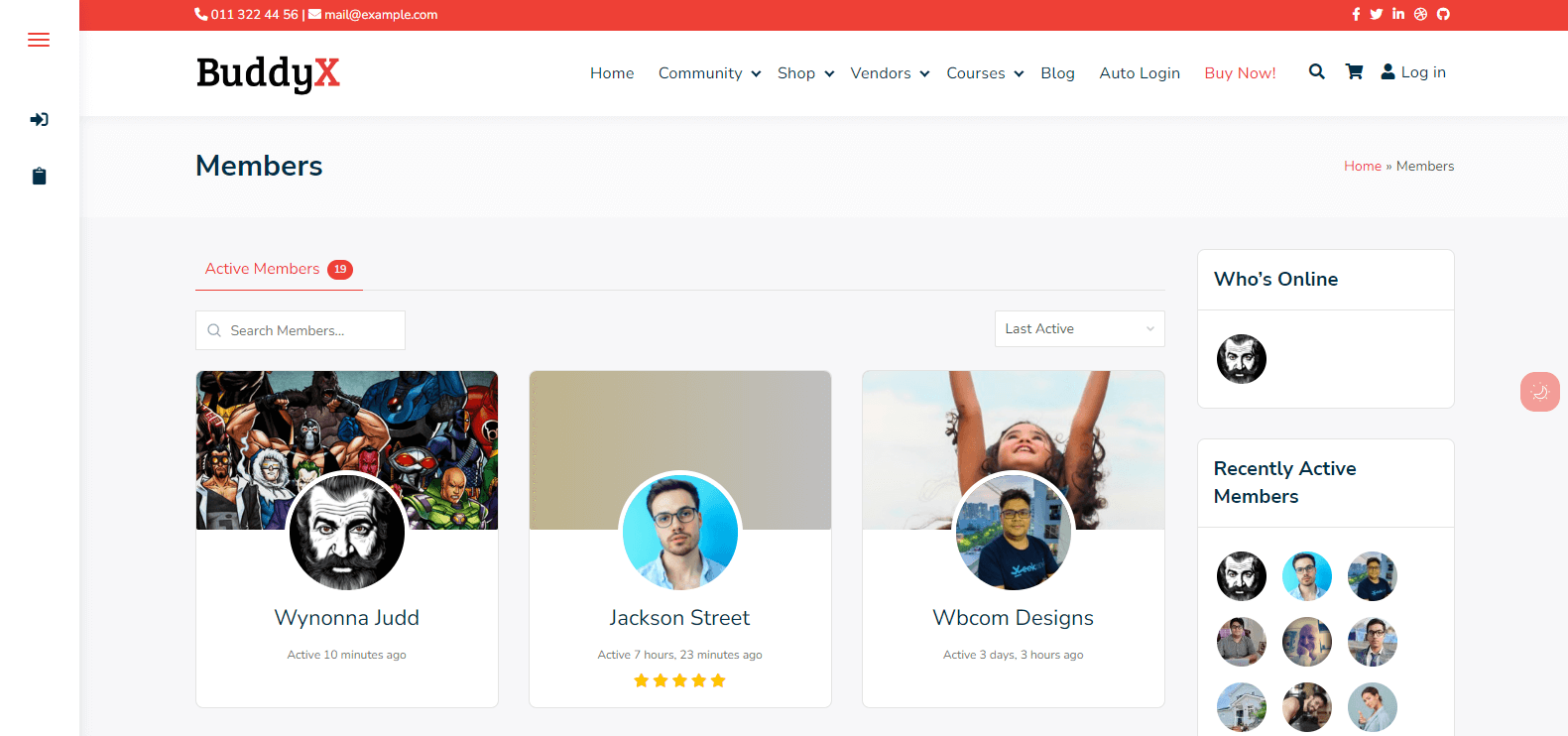
BuddyX Pro is the premium version of the free BuddyX theme by Wbcom Designs. The free version sits at v5.0.2 with 3,000+ active installs on WordPress.org and a 5-star average rating, while the Pro version is on the 5.x line in 2026 with thousands of paid license holders.
A few reasons it remains a default pick this year:
- Built around BuddyPress, with BuddyBoss compatibility on top. BuddyX Pro is primarily designed for the official BuddyPress plugin (currently v14.x, 100,000+ active installs), so you get standard activity streams, members, groups, friend connections, private messages, and notifications without lock-in. Wbcom Designs also lists BuddyBoss Platform compatibility, so teams already on BuddyBoss can use the theme too.
- Modern UI controls, no custom HTML required. Pro ships with 12 color schemes, 7 typography presets, 5 header styles, 4 login layouts, full dark mode support, and 90+ light and dark color tokens. You configure everything from the WordPress Customizer.
- Block editor and page builder friendly. Works with Gutenberg out of the box, with Elementor support for landing pages and custom community sections. There is no proprietary builder you are forced to learn.
- A bundled plugin stack instead of a paywall maze. Pro includes the free tier of seven Wbcom plugins pre-configured to work together: Jetonomy (forums), MediaVerse (video upload and hosting), WB Gamification (points, ranks, badges), WP Career Board (jobs and resumes), WP Sell Services (service marketplace), Listora (directory), and Learnomy (LMS).
- Performance and SEO ready. Lightweight CSS, responsive layouts, RTL support, translation-ready files, and clean markup.
- Multilingual and white-label. Translation-ready, multisite-compatible, GPL licensed, and suitable for branded community products.
If you are weighing alternatives at the theme layer, browse our roundup of the 10 best free WordPress themes to compare general-purpose options before locking in a community-specific theme.
The Era of Social Networking Websites
The market for niche, self-hosted communities has only grown since the original version of this article. The major platforms keep adjusting their algorithms, monetization rules, and content policies, and creators and brands increasingly want a home base they control. A WordPress community gives you:
- full ownership of member data and content
- direct monetization without platform fees on subscriptions
- the freedom to combine forums, courses, listings, and commerce on a single site
- portability: no platform can shut your community down
That is the practical reason BuddyPress and themes like BuddyX Pro remain relevant even as social SaaS products come and go.
How does the BuddyX Pro Theme Work?
BuddyX Pro is a WordPress theme that sits on top of the official BuddyPress community framework (and is compatible with BuddyBoss Platform). You install WordPress, install BuddyPress, then activate BuddyX Pro and configure the look, feel, and member experience from the WordPress Customizer. Most community structure (members, profiles, groups, activity, messages) comes from BuddyPress. The look, feel, and layout polish (headers, footers, login screens, group cards, member directories, dark mode, color schemes, layouts) comes from the theme. The bundled Wbcom plugins layer in the extras most communities want next: forums, video, gamification, jobs, services, directories, and an LMS.
BuddyX Pro Features
Social Experiences like top social networking platforms
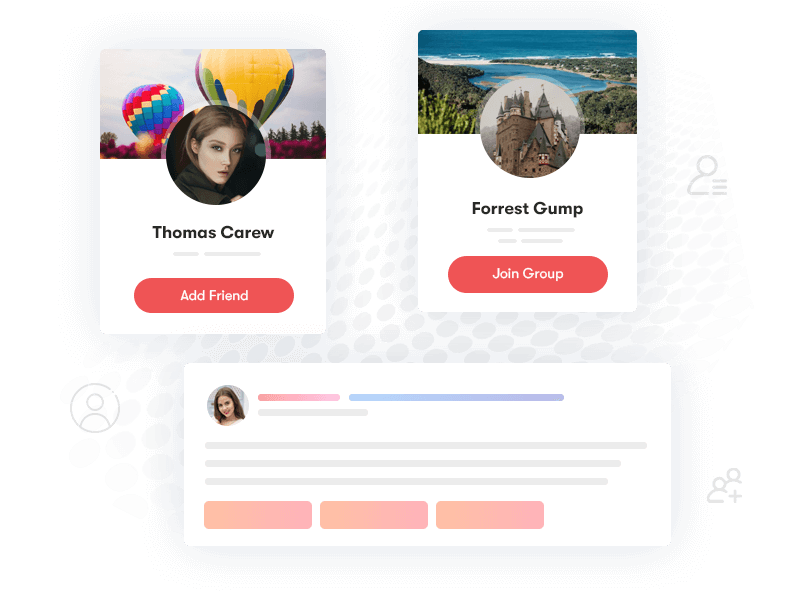
You get a site-wide activity stream plus per-group and per-profile streams, with likes, comments, replies, @mentions, and notifications. Members can post status updates, share links and media, and follow each other.
Social Activity Share and Reaction
-1666620651.png)
Reactions, GIFs, polls, and inline media share extend the standard BuddyPress activity feed. With Jetonomy and MediaVerse in the Pro bundle, members can also share videos, audio clips, and polls without an extra plugin license.
Activity and Engagements
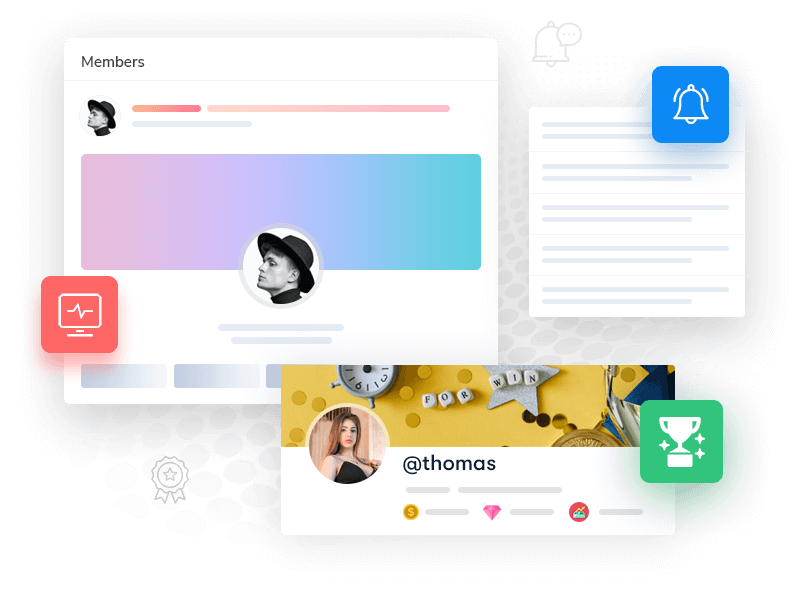
Site-wide, group, and profile activity feeds give different views of the same data, so members can follow the whole community, a specific group, or just the people they care about most.
User/Member Profiles
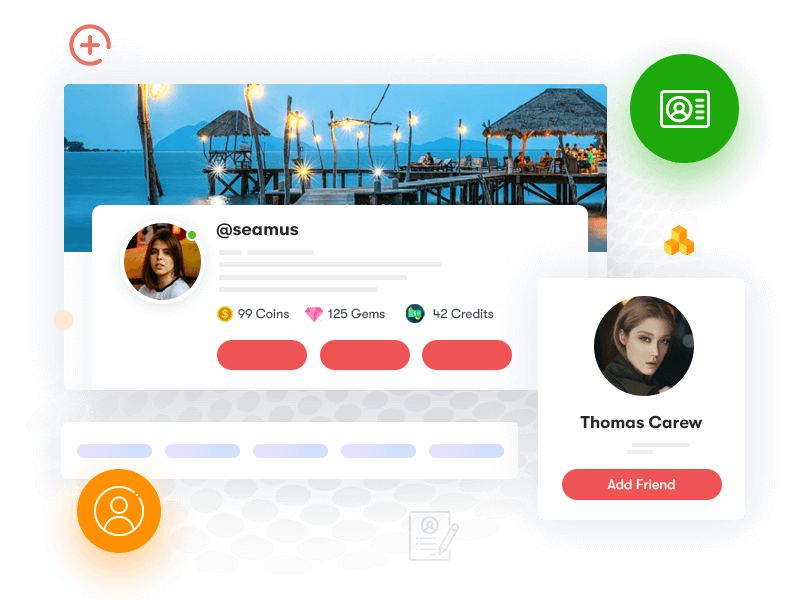
Each member has a customizable profile with cover image, avatar, profile fields, friend connections, private messaging, and notification settings. Profile field types include text, number, date, dropdown, multiselect, checkbox, radio, and URL.
Groups and Forums

Groups can be public, private, or hidden, each with its own members, activity stream, media, and discussion area. With Jetonomy (included in the Pro bundle), you can run dedicated forum boards alongside group discussions, with six trust levels and a Q&A mode.
Additional Features of BuddyX Pro
Create and sell online courses

BuddyX Pro ships with dedicated layouts for LearnDash, LearnPress, and LifterLMS, and includes Learnomy as a built-in LMS option if you do not want to install a third-party LMS. You get course builders, lesson players, quizzes, and certificates, all wrapped in the same community design.
If you plan to sell courses or memberships, Wbcom maintains a useful overview of the best LMS plugins for WordPress communities.
Create and sell products
-1666620783.png)
BuddyX Pro includes layouts and integration for WooCommerce, plus three bundled monetization plugins:
- WP Sell Services for a service marketplace where members sell offerings to each other.
- WP Career Board for job listings and resume management inside the community.
- Listora for a directory of businesses, courses, places, or members with paid premium listings.
If you plan to add a store on top of the community, our guide to setting up a WooCommerce store walks through the full setup.
Monetize With Memberships
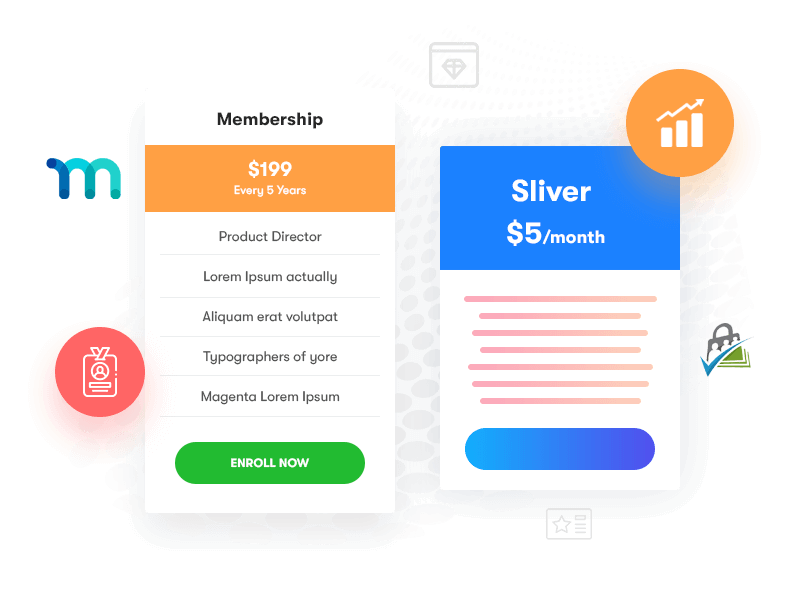
BuddyX Pro works with the major WordPress membership and access-control plugins, including Paid Memberships Pro, MemberPress, Restrict Content Pro, and Wbcom's own restriction tools. You can paywall groups, courses, content sections, or the entire community, and create tiered access levels for free, basic, and premium members.
Use your social network for branding
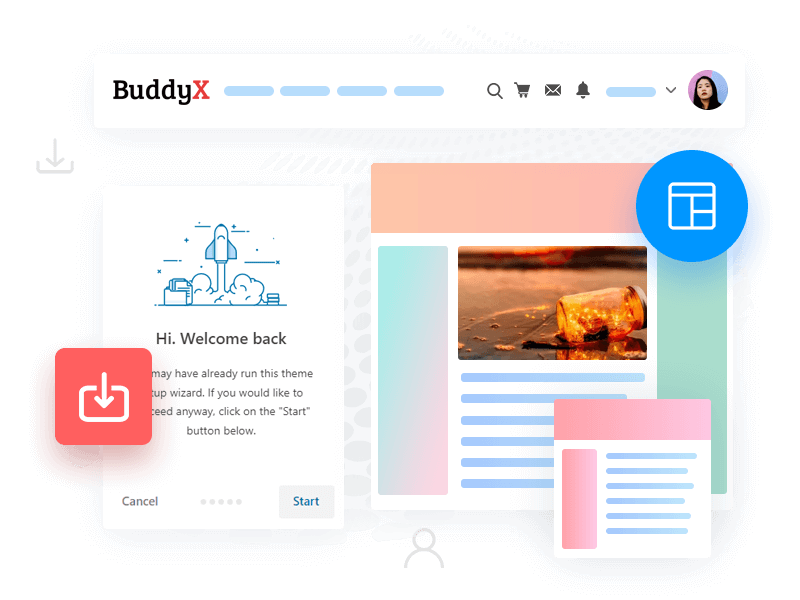
The theme is translation-ready, RTL-ready, multisite-compatible, and GPL licensed, which makes it suitable for white-label community products and agency builds. Logos, colors, typography, login screens, and email templates can all be themed.
Gamify Your Social Network
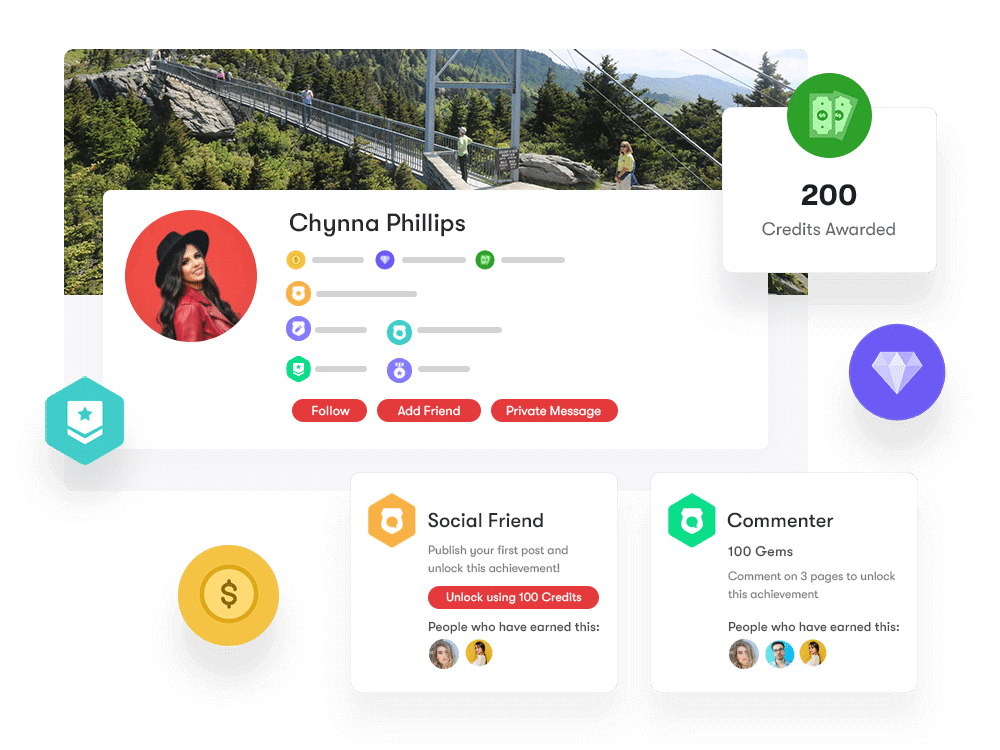
WB Gamification adds points, ranks, badges, leaderboards, and achievements. You can reward members for actions like creating a profile, posting, replying, joining a group, or completing a course.
How to create a social network website with the BuddyX Pro Theme?
Use WordPress (the best CMS platform)
Community sites are heavier than blogs because of activity streams, profiles, and uploads, so do not start on the cheapest shared plan you can find. Pick a host that handles dynamic queries and uploaded media well. Our WordPress hosting comparison covers the main options for 2026.
Once hosting is ready, install WordPress (most hosts have a one-click installer), set permalinks to a clean structure, and install an SSL certificate.
Install BuddyPress Or BuddyBoss
Inside the WordPress admin go to Plugins, Add New and install the official BuddyPress plugin by the BuddyPress team. Activate it.
Then:
- Open Settings, BuddyPress, Components and enable Extended Profiles, Account Settings, Friend Connections, Private Messaging, Activity Streams, Notifications, Site Tracking, Member Types, and Groups (turn off anything you will not use).
- Open Settings, BuddyPress, Pages and let BuddyPress auto-create the directory pages (Members, Groups, Activity, Register, Activate). Customize their slugs to match your brand.
- Open Settings, BuddyPress, Settings and review the global options (avatar uploads, registration, group creation permissions).
BuddyPress 14.x requires WordPress 6.1 or higher and PHP 5.6 or higher. PHP 5.6 has been End Of Life for years, so in practice you should run BuddyPress on a current PHP release. The WordPress.org requirements page recommends PHP 8.3 or greater for WordPress in 2026; PHP 8.2 is acceptable only as a still-supported minimum (it is in security-only support through the end of 2026), and anything older should be upgraded. Confirm your host meets the WordPress minimum and is on a current PHP release before going further.
Install the BuddyX Pro Theme
For a no-cost start, install the free BuddyX theme from Appearance, Themes, Add New. It is enough to validate your concept.
When you are ready to launch, buy BuddyX Pro, download the ZIP, and upload it through Appearance, Themes, Add New, Upload Theme. Activate the Pro version and enter your license key under Appearance, BuddyX Pro, License.
Open Appearance, Customize and walk through the BuddyX Pro panels. The key sections:
- Global, Colors and Typography: pick a color scheme and font preset, or set custom values.
- Header: pick a header style, configure logo, menu, and top bar.
- Footer: choose a footer layout and add widgets.
- Layout: set container width, sidebar position, and content density.
- Login layouts: pick one of four login screen styles.
- Dark Mode: enable system-aware or user-toggleable dark mode.
Save and publish.
Use additional add-ons to make your social network look professional
From BuddyX Pro, Plugins (or via the standard Plugins screen), install only the bundled plugins your community actually needs:
- Jetonomy if you want forums or Q&A boards.
- MediaVerse if members will share video.
- WB Gamification for points, badges, and leaderboards.
- WP Career Board if you want a job board.
- WP Sell Services for a service marketplace.
- Listora for a directory.
- Learnomy if you want a built-in LMS.
Skip anything you do not need; community sites slow down quickly when overloaded with plugins.
If you plan to monetize:
- Install WooCommerce if you will sell products, digital downloads, or one-off payments. See our WooCommerce setup guide.
- Add a membership plugin (Paid Memberships Pro, MemberPress, or Restrict Content Pro) and define your plans.
- Decide which groups, content, or LMS courses are gated and to which tier.
- Configure payment gateways (Stripe and PayPal are the most common).
Then handle moderation, anti-spam, and email:
- Install Akismet (or another anti-spam tool) and connect a key.
- Configure registration to require email confirmation, and consider adding hCaptcha or reCAPTCHA on register and login.
- Set up a transactional email service (Amazon SES, Postmark, SendGrid, or Brevo) and connect it via an SMTP plugin so notification emails reliably reach members.
- Define group creation rules: can any member create a group, or only admins/moderators?
- Appoint moderators for each major group and document community guidelines on a public page.
For performance and SEO, BuddyPress sites are dynamic and personalized, so you cannot rely on full-page caching everywhere. Aim for:
- a caching plugin that respects logged-in user contexts (WP Rocket, FlyingPress, or LiteSpeed Cache where supported)
- image optimization (ShortPixel, Imagify, or built-in WebP conversion on your host)
- a CDN for static assets
- a lightweight, well-built theme (BuddyX Pro qualifies)
Our roundup of free plugins to speed up your WordPress site covers the safe starting set. For organic growth, set up an SEO plugin and follow the practical recommendations in our WordPress SEO guide.
Finally, seed content and invite your first members. A new community looks empty by definition, so prepare:
- a clear About / Welcome page
- 3 to 5 starter groups with descriptions and a few pinned posts
- a "How this community works" guideline page
- 10 to 20 seed posts in the activity stream (real content, not filler)
- direct invitations to a small group of friendly first members
Cross-promote your launch through your existing audience and social channels. If you publish regularly, our list of the best WordPress social media plugins can help automate distribution.
BuddyX Pro pricing in 2026
Pricing on the Wbcom Designs store at the time of this update (confirm on publish day):
- Annual licenses: $79/year for a single site, $119/year for 5 sites, $199/year for unlimited sites.
- Lifetime licenses: $199 one-time for a single site, $299 for 5 sites, $499 for unlimited sites.
- 30-day money-back guarantee.
- All purchases include the bundled free versions of seven Wbcom plugins.
Pricing can change, so confirm on the BuddyX Pro page before purchase.
When BuddyX Pro is not the right choice
It is a strong pick for most community use cases, but consider alternatives if:
- You want a fully hosted, SaaS-style platform with zero maintenance. Look at Circle, Discourse Hosted, or similar.
- You want a community fully separate from WordPress. Discourse (self-hosted) or Flarum may fit better.
- You need a closed product-team community deeply tied to a specific SaaS product. Look at purpose-built community-as-a-service tools.
- You want a Facebook-style mobile app on day one. BuddyX Pro is web-first; mobile apps are possible but require extra work or third-party app builders.
Frequently asked questions
Is BuddyX Pro the same as BuddyBoss?
No. BuddyX Pro is a community theme made by Wbcom Designs and is built primarily for the official BuddyPress plugin. BuddyBoss is a separate company with its own theme and its own community framework (BuddyBoss Platform). The two are not the same product, but BuddyX Pro is also documented by Wbcom as compatible with BuddyBoss Platform, so you can run it on either community engine. You do not need BuddyBoss to use BuddyX Pro.
Do I need both BuddyX and BuddyX Pro?
No. BuddyX Pro is the premium standalone theme. You install BuddyX Pro on its own. The free BuddyX theme on WordPress.org is a good way to try the look before upgrading.
Does BuddyX Pro work with the latest WordPress and PHP versions?
Yes. The theme is updated on a regular cadence and is tested against current WordPress 6.x releases. The official BuddyPress plugin page lists WordPress 6.1+ and PHP 5.6+ as the minimum requirements, but PHP 5.6 is End Of Life. The WordPress.org requirements page recommends PHP 8.3 or greater for 2026. PHP 8.2 is still in security-only support through the end of 2026 and is acceptable as a fallback, but PHP 8.3 (or 8.4) is the safer choice for a new community site.
Can I sell memberships and courses on the same site?
Yes. BuddyX Pro is designed for exactly that. You can combine BuddyPress for the community layer, a membership plugin (Paid Memberships Pro, MemberPress, or Restrict Content Pro) for paid access, and an LMS (LearnDash, LearnPress, LifterLMS, or the bundled Learnomy) for courses, with WooCommerce handling checkout.
Is BuddyX Pro good for SEO?
The theme is lightweight and follows current SEO best practices in markup, structured data, image handling, and responsive design. SEO outcomes still depend on hosting, page speed, content quality, internal linking, and your SEO plugin configuration. Our WordPress SEO guide covers what to do at the site level.
How much does BuddyX Pro cost in 2026?
Annual licenses start at $79/year for one site, with $119/year for 5 sites and $199/year for unlimited sites. Lifetime licenses are $199, $299, and $499 for the same site tiers. All plans include the bundled free Wbcom plugins and a 30-day money-back guarantee. Check the BuddyX Pro product page for current pricing.
What hosting do I need for a BuddyPress community?
Plan for managed WordPress hosting or a VPS rather than entry-level shared hosting. Memory (PHP), database performance, and storage for user uploads all matter more than for a static brochure site. Compare your options in our WordPress hosting guide.
Can I build a Facebook-like site with BuddyX Pro?
You can build a Facebook-style web community: profiles, friends, groups, activity streams, reactions, private messaging, photos, and video. Mobile apps, in-app real-time push, and end-to-end encryption are outside the theme's scope and would require additional infrastructure.
Wrapping Up
BuddyX Pro in 2026 is one of the cleanest ways to ship a self-hosted social network on WordPress without writing custom code. You get a polished design, BuddyPress under the hood, a bundled plugin stack for video, forums, gamification, jobs, services, directories, and LMS, plus realistic pricing for both single sites and agency use.
Pick reliable hosting, install BuddyPress, install BuddyX Pro, enable only the bundled plugins you actually need, configure membership and moderation, and start inviting your first members. The hardest part is rarely the software; it is filling the rooms with real conversations.