

7 Best WordPress Hosting Plans in 2026 (Compared and Tested)

WordPress hosting has a direct effect on speed, uptime, security, and how much time you spend maintaining your site. That matters even more once your setup includes WooCommerce, membership tools, or booking plugins such as Booknetic, where poor hosting drags down both the frontend and the admin workflow.
This 2026 roundup compares the seven WordPress hosts most worth shortlisting today. Each one is rated on price, performance, support, and the managed features that actually save you time after launch. If you are still working out whether you want WordPress.com or self-hosted WordPress, start with our WordPress.com vs WordPress.org comparison; once that is settled, the step-by-step WordPress setup guide covers the install side. This article picks up where those leave off: choosing the host.
What is WordPress hosting?
WordPress hosting is web hosting that is tuned specifically for WordPress websites. In practice, that usually means faster PHP performance, WordPress-friendly caching, one-click installs, automatic updates, stronger security defaults, and support teams that actually understand common WordPress issues.
You can still run WordPress on a generic shared hosting plan, but a WordPress-focused host usually gives you better speed, fewer setup headaches, and a cleaner path to staging, backups, migrations, and scaling once your site grows.
How to choose the right WordPress hosting plan
When comparing WordPress hosts, focus on the basics that actually affect daily use:
- Performance: Look at caching, CDN support, storage type (NVMe vs SSD vs HDD), and whether the platform is built to handle plugin-heavy WordPress sites.
- Reliability: Uptime promises matter, but so do backups, monitoring, and how a host handles traffic spikes.
- Support quality: 24/7 support is only useful if the team can solve WordPress-specific issues quickly. Look for in-house WordPress experts, not first-line chat agents.
- Management tools: Staging, migrations, automatic updates, and security tooling save real time once your site moves past the hobby stage.
- Pricing model: Intro pricing can look great, but renewal pricing, add-ons, and upgrade paths matter just as much over a 24-month window.
- Scalability: A good host should let you move from a small brochure site to a larger business site without forcing a full rebuild.
Quick comparison table
| Provider | Type | Starting price* | Stack and free perks | Best for | Main trade-off |
|---|---|---|---|---|---|
Kinsta |
Managed cloud |
$35/ |
Google Cloud + Cloudflare, free SSL, free CDN, free migrations |
Agencies, ecommerce, multisite |
Expensive for small sites |
Bluehost |
Shared and managed |
$3.99/ |
NVMe SSD, free SSL, free domain (1 yr), free CDN, free migration tool |
First WordPress sites |
Higher renewals, starter tier limits |
Hostinger |
Shared and managed |
$2.99/ |
LiteSpeed, free SSL, free domain (1 yr), free migration, daily/ |
Budget-conscious site owners |
Cheapest pricing needs long-term billing |
SiteGround |
Managed shared |
$2.99/ |
Free SSL, free CDN, free email, free migrations, staging on GrowBig+ |
Growing business sites |
Higher renewal pricing |
Cloudways |
Managed cloud |
$11/ |
DigitalOcean / Vultr / Linode / AWS / Google Cloud, free SSL, staging, vertical scaling |
Agencies and developers |
Less beginner-friendly, no email/ |
Hosting.com |
Managed shared and cloud |
Around $3.99/ |
Cloudflare Enterprise, free SSL, free CDN, free migrations, malware protection |
Performance-focused WordPress users |
Managed pricing is less transparent |
DreamHost |
Shared and managed |
$2.89/ |
NVMe storage, free SSL, free domain (annual plans), daily backups |
Small businesses and bloggers |
Best managed features cost more on DreamPress |
*Pricing and feature snapshot reflects provider pages checked on May 23, 2026, with no material changes since the April 22, 2026 review. Prices vary by region, plan tier, and billing term.
If $2.89 to $3.99 per month is still more than your project can absorb, our best free WordPress hosting plans for 2026 covers the five free hosts still worth shortlisting, with the limits, ads, and tradeoffs spelled out honestly.
1. Kinsta
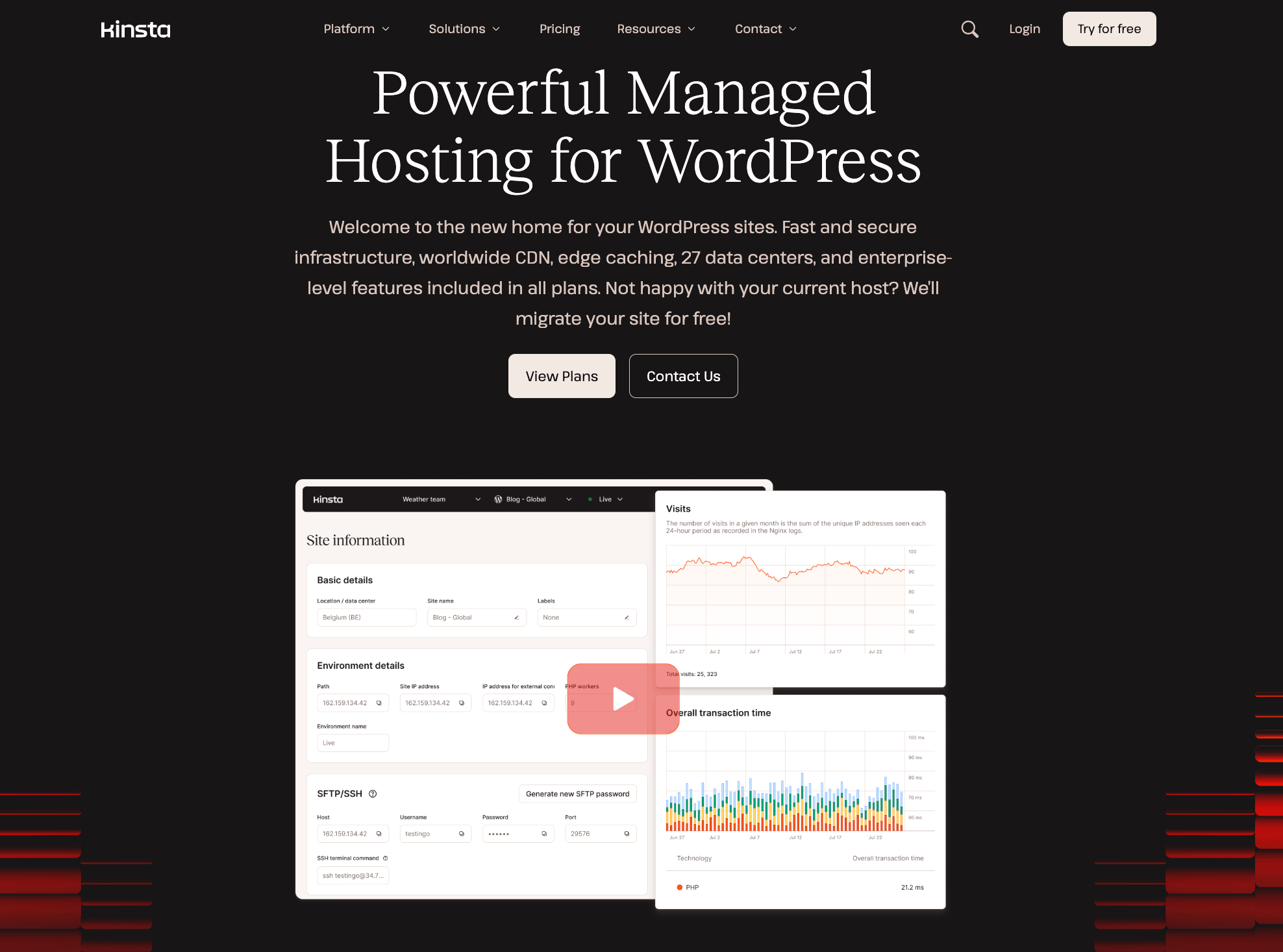
- Uptime: 99.9% (SLA-backed)
- Load time: Kinsta cites an average 50% reduction in Time to First Byte after migration
- Support: 24/7/365 in 8 languages
- Features: next-gen Google Cloud servers, Cloudflare-backed CDN with 300+ locations, free wildcard SSL, free site migrations, custom MyKinsta dashboard
Kinsta is an upscale managed WordPress host built for agencies, enterprises, ecommerce sites, and WordPress multisite networks. The platform is used by more than 230,000 businesses that need fast, secure, hands-off WordPress hosting.
The combination of Google Cloud infrastructure and Cloudflare's edge network is what differentiates Kinsta from most other hosts on this list. Sites run on premium-tier Google Cloud machines, and Cloudflare's CDN serves cached assets from 300+ locations, so visitors get pages from a point of presence close to them rather than from a single origin server.
MyKinsta, the in-house dashboard, lets you create and migrate sites, track resource usage, manage cache, debug, enable the CDN, generate free SSL, automate via the API, and update themes and plugins automatically. Kinsta also bundles Application Performance Monitoring so you can spot slow plugins or queries inside the same panel, plus granular access for teammates and clients.
Plans start at $35/month with the first month free. The entry tier includes 10 GB of disk space and 35,000 monthly visits (or 20 GB of server bandwidth) for one site, with higher tiers adding capacity and additional sites. Every plan includes free wildcard SSL, the Cloudflare CDN, one-click staging, free migrations, and 24/7/365 support.
Pros: premium managed stack, strong dashboard, free migrations, predictable scaling path.
Cons: not a fit for small or hobby sites, no email hosting, no domain registration.
2. Bluehost
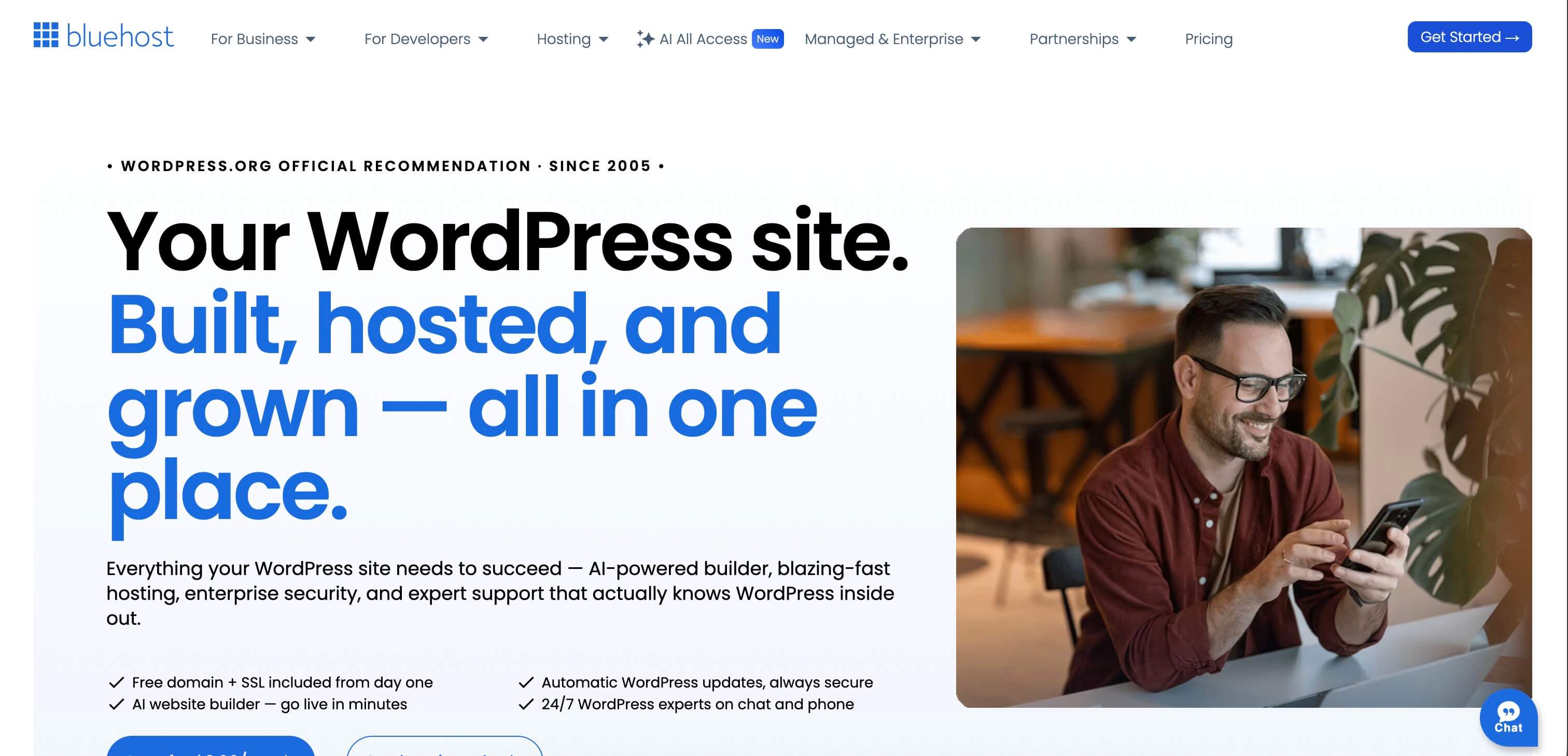
- Uptime: 99.99% SLA
- Load time: Bluehost publishes a 0.35s average US load time
- Support: 24/7 WordPress support on chat and phone
- Features: free domain and SSL, AI site builder, managed WordPress updates, free CDN, free site migration tool
Bluehost is still the most recognizable entry point into WordPress hosting, particularly for first websites, content projects, and small business sites. It remains officially recommended by WordPress.org, and the current offer is much broader than the low-cost shared hosting Bluehost is known for: hosting, site creation, SEO tooling, security, and support are packaged together.
Performance is one of Bluehost's clearer selling points in 2026. The current product page highlights NVMe SSD storage, a global CDN, server-level WordPress caching, and that 0.35s average US load time. The 99.99% uptime SLA is the same one the company has held to for the last few quarters and makes Bluehost easier to recommend today than the older budget-only version many returning users still picture.
Bluehost also leans hard into guided setup. Its AI website builder generates a WordPress site from a short brief, while managed WordPress updates, free SSL, malware scanning, DDoS protection, backups, and pre-installed Yoast SEO tooling reduce how much manual setup a beginner needs to handle.
Entry pricing starts at $3.99/month on a long-term term, with a free domain for the first year and a 30-day money-back guarantee. The catch is the cheapest plan: it is more limited than the higher tiers, phone support is not included on the starter, and renewal pricing climbs after the intro period.
Pros: beginner-friendly, strong all-in-one setup, free domain and SSL, much better performance than the old reputation suggests.
Cons: intro pricing requires commitment, starter plan is limited, renewals are higher.
3. Hostinger
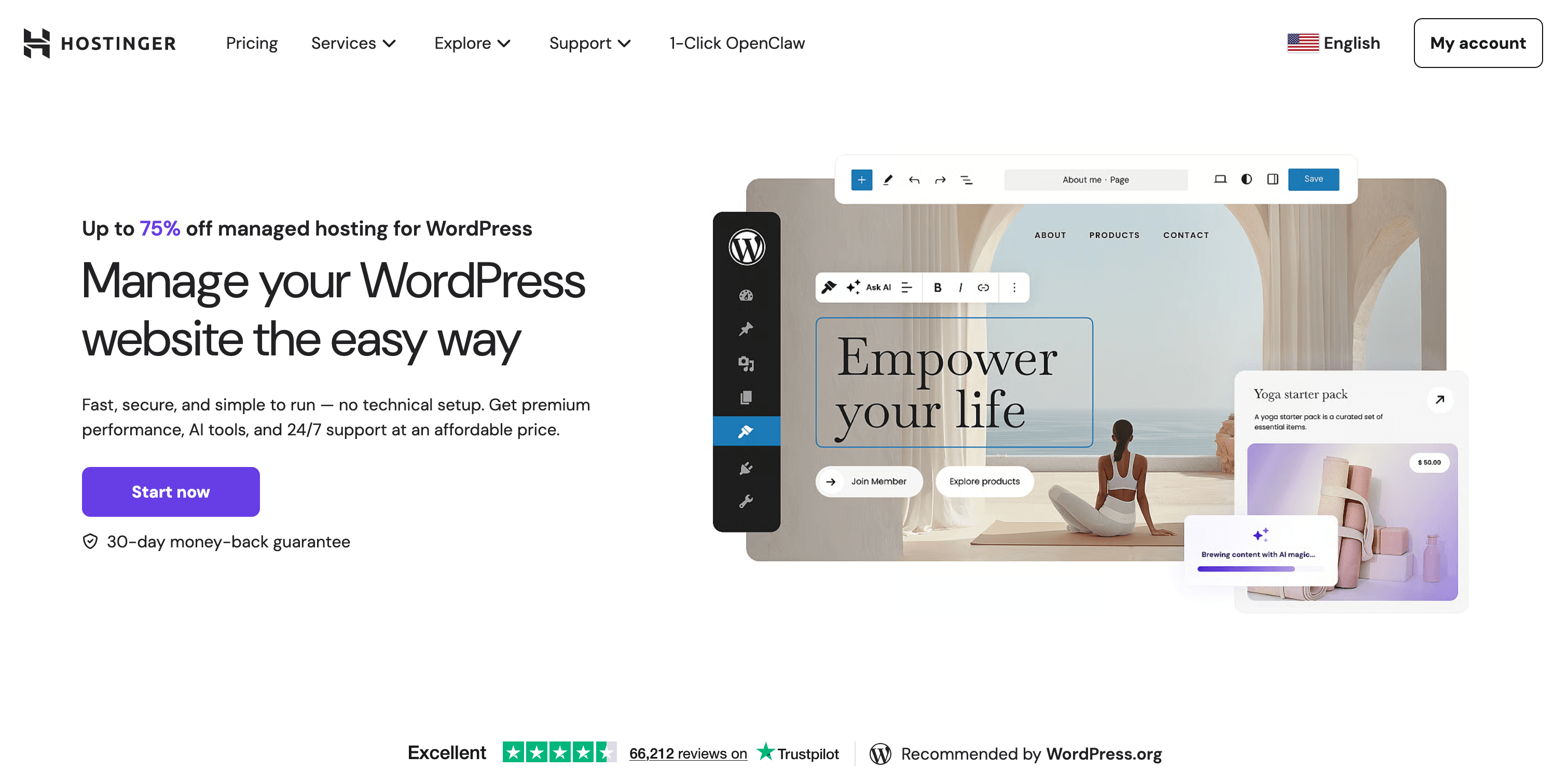
- Uptime: 99.9% uptime guarantee
- Load time: LiteSpeed-based stack with caching and AI optimization tools (Hostinger claims up to a 40% speed boost)
- Support: 24/7 monitoring and support
- Features: free domain, free SSL, free migration, automatic backups, staging on higher plans, AI WordPress tools (Kodee)
Hostinger remains one of the strongest low-cost WordPress hosts for users who want solid value without jumping straight to premium managed pricing. It is especially appealing for freelancers, brochure sites, blogs, and small business sites that want modern tooling on a tight budget.
On the performance side, Hostinger leans on LiteSpeed servers, smart caching, image optimization, and global request rerouting, with its product page claiming up to a 40% speed boost from those optimizations. The 99.9% uptime guarantee and 24/7 monitoring are reassuring for owners who want an affordable plan without treating reliability as an afterthought.
Where Hostinger stands out most is the breadth of included tools. Even the lower tiers include free SSL, a free domain for a year, automatic backups, and free migrations, while higher plans add a WordPress staging tool, CDN, and a growing set of AI features such as Kodee, the company's WordPress AI agent and troubleshooting toolkit.
Pricing starts at $2.99/month on long-term billing for the Premium plan, while Business and Cloud tiers add more storage, mailboxes, backups, and performance headroom. The compromise is that the best price requires a longer term, the cheapest plans still have tighter limits, and resource-hungry WordPress projects will outgrow the entry tier.
Pros: aggressive pricing, free migration and SSL, strong performance stack for the price, useful AI tooling.
Cons: long-term billing is needed for the lowest price, entry plans have tighter limits, larger sites outgrow the cheapest tier quickly.
4. SiteGround
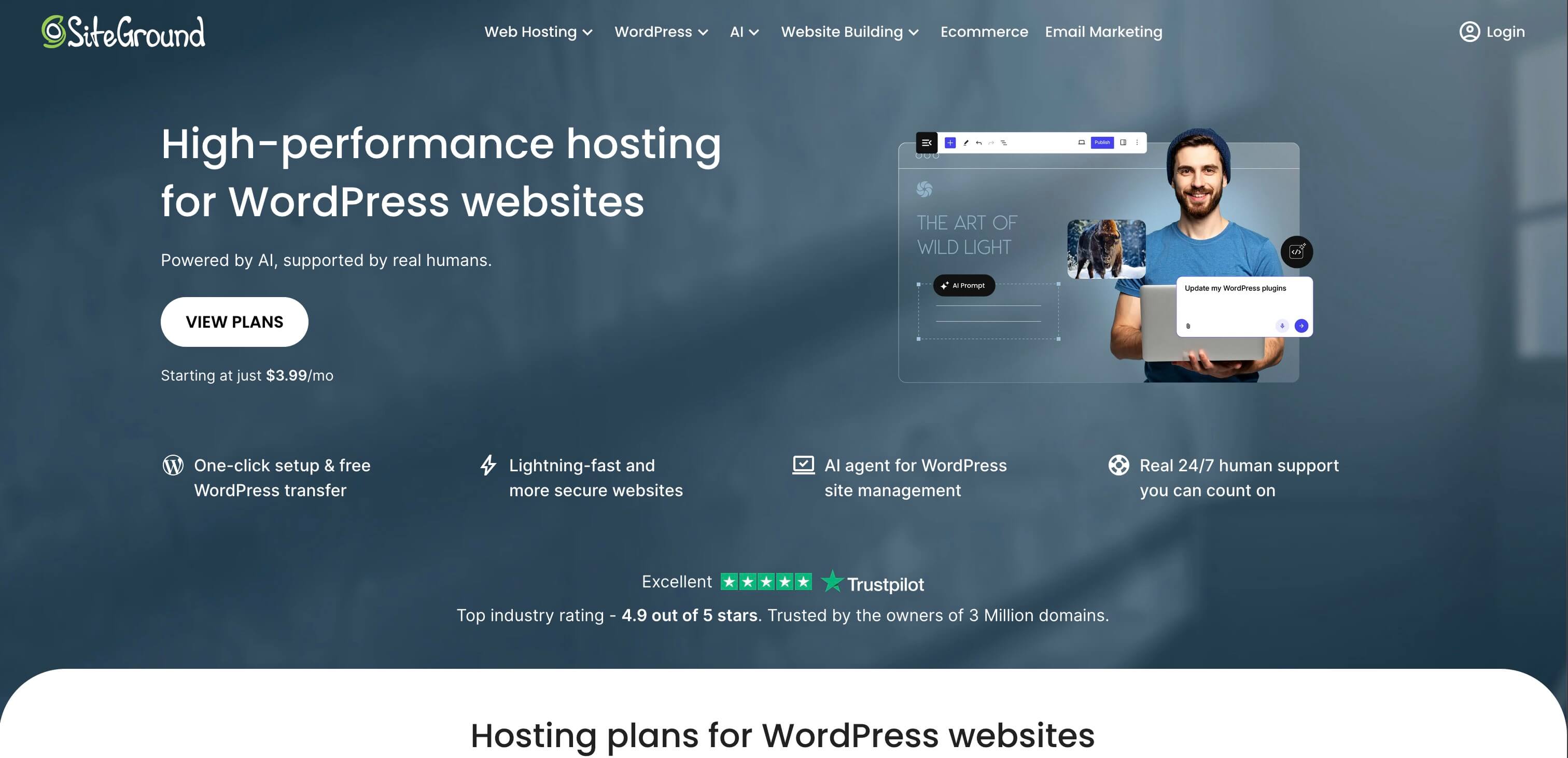
- Uptime: strong reliability with 24/7 human monitoring
- Load time: SiteGround reports WordPress sites are on average 78% faster after migration in its 2025 comparison data
- Support: real 24/7 human support
- Features: free domain, free SSL, free CDN, free backups, free email, free site migrations, managed autoupdates, staging on GrowBig+
SiteGround has stayed popular because it balances polish and accessibility well. It is more refined than most budget hosts but still approachable for small businesses, agencies, and site owners who want managed WordPress features without going all the way to premium enterprise pricing.
The company now emphasises measured migration performance instead of vague speed promises. SiteGround says WordPress sites moved to its platform were 78% faster on average in its 2025 benchmarks, with published TTFB comparisons against providers such as Bluehost, Hostinger, GoDaddy, and WP Engine. Real-world results will always vary, but it is a clearer performance story than many hosts offer.
Feature depth is another reason SiteGround keeps showing up on shortlists. Current WordPress plans include free SSL, CDN, backups, email, multi-level caching, enhanced security, free site migrations, managed autoupdates, WP-CLI and SSH access, and an AI agent for WordPress management. GrowBig and higher tiers add staging, on-demand backups, and faster PHP handling.
Promotional pricing in the US currently starts at $2.99/month on the StartUp plan, with higher tiers at $4.99 and $7.99. The biggest catch is the renewal pricing: SiteGround often looks excellent on the first-year promo, but the ongoing cost is meaningfully higher.
Pros: strong support reputation, deep managed WordPress feature set, very good migration story, staging on mid-tier plans.
Cons: renewals are significantly higher than intro pricing, not the cheapest long-term option, best power features start above the base plan.
5. Cloudways
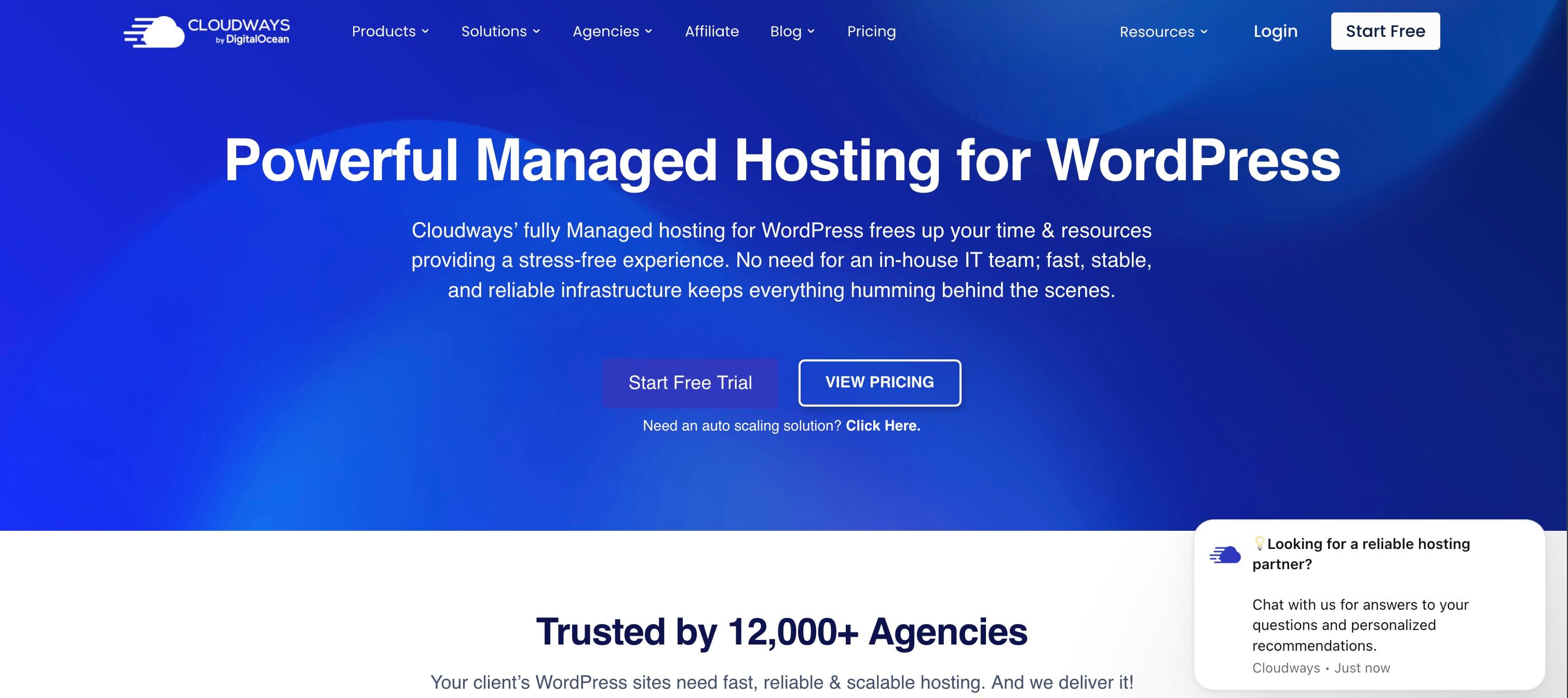
- Uptime: 99.99% uptime
- Load time: performance-focused cloud stack with advanced caching and vertical scaling
- Support: 24/7/365 expert support
- Features: choice of DigitalOcean, Vultr, Linode, AWS, or Google Cloud; free SSL; automated backups; staging; unlimited apps; vertical scaling
Cloudways is a better fit for users who want more control over infrastructure without taking on raw server management themselves. Agencies, developers, WooCommerce stores, and growing content sites tend to like it because the platform sits between easy shared hosting and fully self-managed cloud servers.
Its biggest advantage is flexibility. Instead of locking you into one underlying stack, Cloudways lets you choose between DigitalOcean, Vultr, Linode, AWS, and Google Cloud. That makes it easier to match your hosting to your workload, budget, and region, and to scale upward as your site outgrows the entry plan.
The managed layer is what makes Cloudways attractive. The platform bundles free SSL, automated backups, staging, monitoring, advanced caching, SSH/SFTP access, and 24/7/365 support, while add-ons such as Cloudflare, SafeUpdates, and malware protection extend the setup when you need them. For WordPress users who care about staging, cloning, and vertical scaling, that toolkit is more compelling than most low-cost shared hosts can offer.
Entry pricing starts at $11/month on DigitalOcean, so Cloudways is not the cheapest option in this roundup, but the per-dollar value holds up well. The trade-off is that beginners may find it less plug-and-play than Bluehost or Hostinger, and email or domain hosting still sit outside its main value proposition.
Pros: flexible cloud provider choice, strong scaling path, staging and backups built in, good agency and developer fit.
Cons: less beginner-friendly, extras can add cost, not ideal if you want a classic all-in-one hosting bundle.
6. Hosting.com (formerly A2 Hosting)
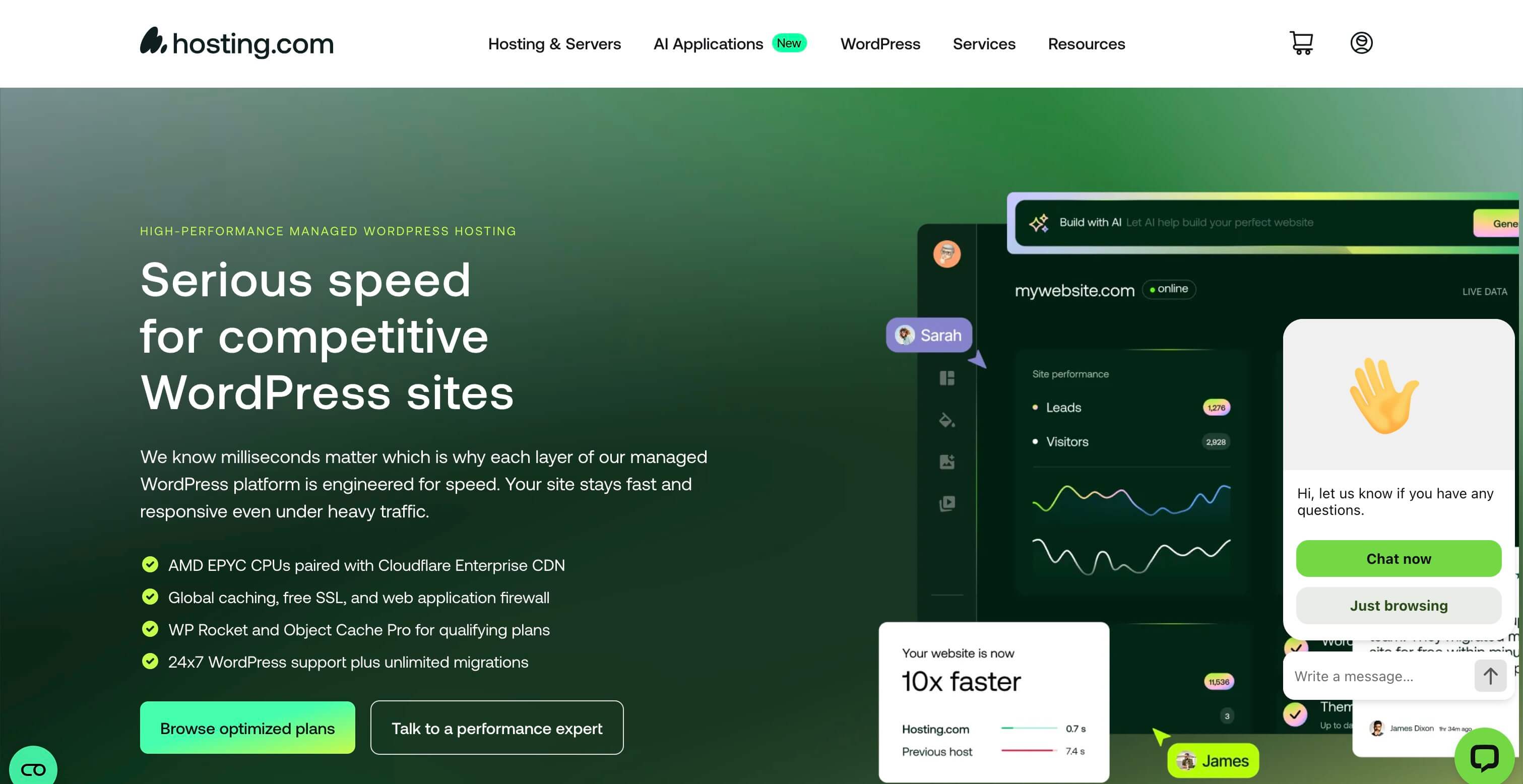
- Uptime: enterprise-grade reliability
- Load time: global edge response times under 100ms (Hosting.com claim)
- Support: 24/7/365 expert WordPress support
- Features: Cloudflare Enterprise, free SSL and CDN, malware protection, website firewall, unlimited free migrations
If the Hosting.com name still feels new, that is because the company officially rebranded from A2 Hosting in 2025. The positioning is still performance-first, but the newer messaging is much more clearly focused on managed WordPress workflows, security, and migration support, rather than only low-cost hosting.
Hosting.com leans hard into performance. Its current managed WordPress platform highlights AMD EPYC CPUs, Cloudflare Enterprise, and a global edge network with response times under 100ms. That is a materially stronger performance pitch than the older "Turbo" branding many WordPress users still associate with A2 Hosting.
The platform also includes serious security and migration benefits. Free SSL, CDN, malware protection, a website firewall, and unlimited free migrations are positioned as standard parts of the managed offer, while the WordPress-focused dashboard is built around publishing, backups, performance checks, and day-to-day site management.
Pricing is less transparent on the managed WordPress page than it is with some rivals, although Hosting.com also markets lower-cost WordPress plans starting around $3.99/month on annual billing. Compare the shared and managed tracks carefully before buying. The product looks strongest when speed, migration help, and security matter more than rock-bottom entry pricing.
Pros: strong performance stack, serious security posture, unlimited migrations, helpful expert support.
Cons: the A2-to-Hosting.com transition can still confuse comparisons, plan structure is less straightforward, managed pricing is not as obvious as some competitors.
7. DreamHost
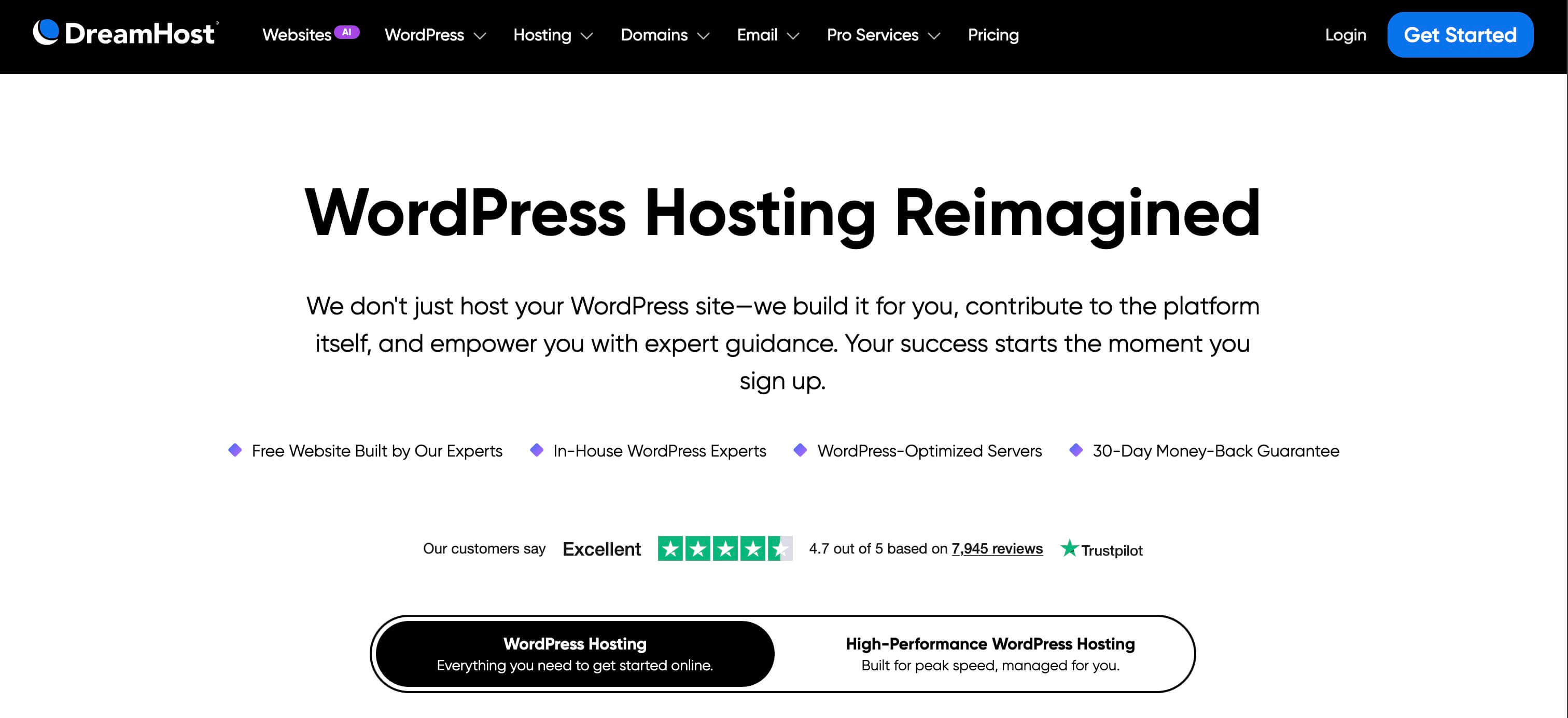
- Uptime: reliable WordPress infrastructure with daily automated backups
- Load time: WordPress-optimized servers; DreamPress claims up to 6x faster response time
- Support: 24/7/365 in-house WordPress experts
- Features: free SSL, free domain on annual plans, daily backups, easy control panel, DreamPress upgrade options with CDN and staging
DreamHost remains one of the most established WordPress-friendly hosts and still appeals to users who want a simpler experience than Cloudways or other more technical platforms. It is a reasonable fit for bloggers, small business sites, and WordPress users who value in-house support and straightforward plan choices.
On the standard WordPress hosting side, DreamHost currently sells affordable Launch and Growth plans with NVMe storage, unmetered bandwidth, daily automated backups, unlimited free SSL certificates, a free domain for the first year, and easy WordPress setup. That keeps the entry barrier low for sites that need dependable hosting without premium managed pricing on day one.
For more performance and more WordPress-specific tooling, DreamPress is DreamHost's managed tier. It adds professional migrations, staging, on-demand backups, a CDN, traffic analytics, and a more performance-focused stack built around NGINX caching, Redis object cache, and PHP OPcache. DreamHost says DreamPress can deliver up to 6x faster site response time, with content display 20-30% faster in its latest benchmarks.
Standard WordPress plans start at $2.89/month, while DreamPress starts at $14.99/month on sale. That gives DreamHost a useful range from beginner-friendly to more advanced managed hosting. The trade-off is that the premium managed tier is meaningfully more expensive than the shared plans, so buyers need to decide upfront how much performance headroom and hands-off tooling they actually need.
Pros: affordable entry plans, strong in-house support, free SSL and daily backups, clear upgrade path to DreamPress.
Cons: best managed features live on pricier DreamPress plans, shared plans are not as feature-rich as premium managed hosts, advanced users may want more infrastructure flexibility.
Which WordPress host should you choose?
If you want the short version, map your situation to one row in the table below and you have your answer:
| If you are... | Pick |
|---|---|
| Running an agency, WooCommerce store, or multisite and willing to pay for premium managed hosting | Kinsta |
| Launching your first WordPress site and want guided, all-in-one onboarding | Bluehost |
| On the tightest budget but still want modern WordPress tooling, AI helpers, and free migration | Hostinger |
| Running a growing business site and willing to pay more after the intro term for stronger support | SiteGround |
| Comfortable picking a cloud provider yourself and want a clear scaling path | Cloudways |
| Migrating an existing WordPress site and prioritising speed, security, and migration help | Hosting.com |
| Looking for a straightforward WordPress host with both budget and managed (DreamPress) upgrade options | DreamHost |
FAQ
What is the difference between shared and managed WordPress hosting?
Shared WordPress hosting puts multiple sites on the same server. It is the cheaper option and works well for smaller or newer sites. Managed WordPress hosting usually adds better performance tuning, stronger security defaults, easier backups, staging, free migrations, and more hands-off maintenance. You pay more, but the host handles more of the routine work.
Is premium WordPress hosting worth it?
It usually is if your site makes money, handles heavy traffic, or relies on complex plugins like WooCommerce or membership stacks. For a business site, paying more for better uptime, support, and performance is often cheaper than dealing with downtime, a slow backend, or a botched recovery later.
Which WordPress hosting provider is best for small businesses?
For small businesses on a tighter budget, Hostinger, Bluehost, and DreamHost are the easiest starting points. If the site is already revenue-generating or performance-sensitive, SiteGround or Kinsta are usually the stronger long-term choices.
How much does WordPress hosting cost in 2026?
Shared WordPress hosting starts at $2.89 to $3.99 per month on long-term billing across the budget-friendly providers in this roundup. Mid-tier managed plans tend to fall between $10 and $25 per month, and premium managed hosting (Kinsta, DreamPress, the higher Cloudways tiers) starts at $25 to $35 per month and scales up with traffic, storage, and the number of sites you host on the plan.
Is free WordPress hosting good enough?
Free hosting can run a hobby site, a sandbox, or a personal portfolio, but it is not the right place for anything revenue-generating, time-sensitive, or compliance-bound. If your project still needs to be free, see our best free WordPress hosting plans for 2026 for the five free hosts worth shortlisting and their hard limits. Plan to move to a paid plan as soon as the project starts to matter.
How do I move my WordPress site to a new host?
Most of the seven providers above include free migrations. Start by signing up at the new host, then either request a managed migration (Kinsta, SiteGround, Hosting.com, and DreamPress all offer this) or run the host's official migration plugin from your old WordPress dashboard. After the migration, test the staging copy, point your domain's nameservers or A record to the new host, wait for DNS to propagate, and then cancel the old plan only after the new site has been stable for a few days.
Is WordPress.com the same as WordPress hosting?
No. WordPress.com is a hosted product run by Automattic where you cannot install custom plugins or themes on the free tier and the platform handles the server. WordPress hosting in this article refers to self-hosted WordPress, meaning you run the open-source WordPress software from wordpress.org on a host like Bluehost, Hostinger, or Kinsta and you control plugins, themes, and the server stack. For a deeper breakdown, see our WordPress.com vs WordPress.org comparison.
Will switching hosts make my WordPress site faster?
Often yes, especially if you are moving from generic shared hosting to a WordPress-tuned stack with NVMe storage, server-level caching, and a real CDN. A host change alone is not a magic fix though, so plan to combine it with image optimisation, fewer/lighter plugins, and a proper caching setup. Our WordPress speed optimization guide covers the rest of the tuning checklist.
Does the host affect WordPress security?
Yes. A good WordPress host hardens the server, runs malware scans, isolates accounts, applies firewall rules, and patches PHP and the database. Six of the seven hosts on this list include free SSL, automated backups, and some level of malware protection or WAF as standard. Your responsibility is keeping WordPress core, themes, and plugins updated and using strong credentials; the host's responsibility is the layer underneath. See our monthly WordPress maintenance checklist for the routine on the WordPress side.
Conclusion
There is no single best WordPress host for every kind of site. Kinsta is the premium option in this roundup, Bluehost and Hostinger cover the beginner-to-budget end well, SiteGround remains a strong middle ground, Cloudways is the flexible infrastructure pick, Hosting.com focuses heavily on performance and security after the A2 rebrand, and DreamHost offers one of the cleaner upgrade paths from basic to managed WordPress hosting.
The right choice depends on three things: how critical the site is to you, how much technical work you want to handle yourself, and how much growth you expect over the next year. Match those three factors to the table above and you will end up with a hosting plan that fits both your current site and the next stage of your WordPress project.


