

Best WordPress Multi-Vendor Plugins in 2026
 Senior Content Writer
 Head of Marketing

Search for a WordPress multi-vendor plugin and you will quickly find five different platform types. The right tool for one type is often completely wrong for another.
A WooCommerce product marketplace plugin (like Dokan or WCFM) works well when vendors list physical goods or digital downloads. It does not handle appointment booking, service scheduling, or multi-tenant subscription billing. A booking SaaS builder like Booknetic SaaS covers all three of those needs, but it is not designed to run a WooCommerce storefront. HivePress and Directorist build browsable service directories with optional booking layers. Tutor LMS runs multi-instructor course platforms. Easy Digital Downloads handles plugin and theme marketplaces.
Each of these is a multi-vendor tool. None of them are interchangeable.
This guide covers all five categories with 8 specific plugin picks, compared on pricing, marketplace type, key features, and trade-offs. I compared each plugin based on current pricing pages, official feature sets, WordPress.org data, and the type of marketplace each one is built for.
Five Types of WordPress Multi-Vendor Platforms
Understanding which platform type fits your business before choosing a plugin saves significant rework. Here is how the five categories break down, with the best-fit tools for each.
WooCommerce product marketplaces let vendors list and sell physical or digital goods through WooCommerce. Customers browse, add to cart, and check out. Platforms like Etsy or Amazon are the reference model. Best tools: Dokan, WC Vendors, WCFM Marketplace.
Booking and service SaaS platforms let you run a platform where multiple independent businesses each manage their own booking calendars, services, and customers under your brand. The platform owner earns subscription fees and commissions. The reference model is Fresha, or a regional salon-and-clinic aggregator built for your city. Best tool: Booknetic SaaS.
Directory and service listing marketplaces combine browsable provider profiles with search, geolocation, reviews, and optional booking or commission layers. The reference model is Yelp, Fiverr, or Airbnb. Best tools: HivePress, Directorist.
Course and education marketplaces let multiple instructors publish courses, manage students, and earn commissions per enrollment. The reference model is Udemy or Teachable. Best tool: Tutor LMS.
Digital product marketplaces let multiple vendors upload and sell downloadable files: ebooks, themes, fonts, plugins, audio. The reference model is Creative Market. Best tool: Easy Digital Downloads with Frontend Submissions.
Best overall picks by marketplace type:
| Marketplace Type | Top Pick(s) |
|---|---|
| Booking and service SaaS | Booknetic SaaS |
| WooCommerce product marketplace | Dokan (broadest module library), WC Vendors (simpler setup), WCFM (strongest free tier) |
| Service and listing directory | HivePress (highest-rated), Directorist (all-in-one pricing) |
| Course and education | Tutor LMS |
| Digital product downloads | Easy Digital Downloads |
Quick Comparison: 8 Best WordPress Multi-Vendor Plugins
| Rank | Plugin | Best For | Platform Category | Starting Price |
|---|---|---|---|---|
1 |
Booknetic SaaS |
Booking platform or appointment SaaS with multiple vendors |
Booking / Service SaaS |
$499/ |
2 |
Dokan |
Feature-rich WooCommerce product marketplace |
Product (WooCommerce) |
Free, paid from $149/ |
3 |
WC Vendors |
Simpler WooCommerce multi-vendor setup with Stripe Connect |
Product (WooCommerce) |
Free, Pro $99.50 first year |
4 |
WCFM Marketplace |
100% frontend WooCommerce vendor marketplace |
Product (WooCommerce) |
Free core |
5 |
HivePress |
Service directory and freelancer marketplace |
Directory / Service listing |
Free core, bundle $99/ |
6 |
Directorist |
Niche directories with monetization and booking |
Directory / Listing |
$116/ |
7 |
Tutor LMS |
Multi-instructor online course marketplace |
LMS / Education |
Free core, paid from $199/ |
8 |
Easy Digital Downloads |
Digital product vendor marketplace |
Digital Downloads |
Free core, paid from $159.60 first year ($399 on renewal) |
Pricing checked on 8 September 2026. Check each vendor's pricing page before purchasing, as promotional rates and renewal rates differ.
1. Booknetic SaaS
Category: WordPress multi-tenant booking SaaS builder
Best for: Entrepreneurs, agencies, and developers who want to launch their own booking platform or service marketplace, where multiple independent businesses subscribe and manage their own scheduling
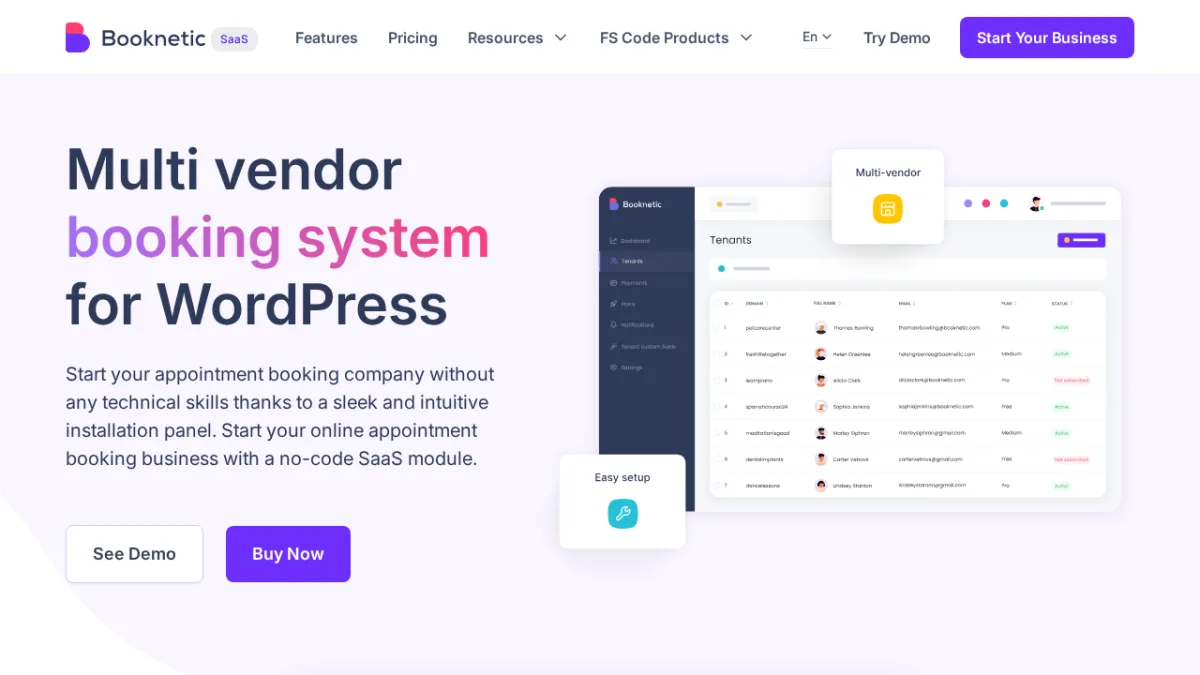
Booknetic SaaS belongs in a category of its own. Every other plugin in this list helps you build a marketplace on top of WooCommerce or a browsable directory. Booknetic SaaS gives you something different: a platform where you are the operator, and other businesses are your paying tenants.
Each tenant gets their own isolated dashboard, their own booking calendar, their own service menu, their own staff, and their own shareable booking URL and QR code. You define what each subscription plan includes, charge vendors monthly or annually, collect platform commissions, and control white-label branding across the entire system.
This is not a plugin for a business that needs booking software for its own locations. That is a job for the core Booknetic plugin. Booknetic SaaS is specifically for building booking infrastructure that other businesses run on top of. It is the tool for a regional version of Fresha, a niche Calendly for multiple businesses, or a local service aggregator. Salons, clinics, tutors, and fitness studios are the typical tenants.
Key multi-vendor features:
- Multi-tenant architecture: each tenant gets an isolated booking URL, calendar, services, customers, and QR codes
- Plan builder with 60+ permission toggles and quota controls: cap each plan's staff slots, locations, services, payment gateways, and notification channels per tier
- Stripe SaaS subscription billing for tenant subscriptions (Stripe Checkout, multi-currency, 3DS, Apple Pay, Google Pay)
- Stripe Connect split payments with configurable platform fee percentage
- Tenant Directory: a public-facing page listing all vendors with their booking pages
- Ready-Made Tenant Templates: configure a baseline tenant setup and auto-apply it on new vendor signups
- In-app Boostore for installing and managing add-ons without leaving the admin
- White-label admin panel: your logo, custom slug, documentation URL, and branding (all plans)
- Affiliate program so tenants can earn referral commissions
- Tenant self-registration with or without admin approval
The official setup guide video walks through the complete first-time configuration from a cold WordPress install:
Main strengths:
- The strongest self-hosted WordPress option I found for multi-tenant booking SaaS, with no other plugin in this category covering tenant billing, 60+ permission toggles, and white-label branding together
- No per-tenant usage fees within your plan limits. Ultimate and Infinity support unlimited tenants
- 60+ plan permission toggles give platform owners precise control over what each vendor tier can access
- White-label branding included on every plan without a separate add-on charge
- Covers niche verticals: beauty, fitness, healthcare, tutoring, legal, cleaning, corporate
Limitations and trade-offs:
- Starting price ($499/year for 5 tenants) is high relative to WooCommerce marketplace plugins. This is platform business infrastructure, not a plugin for a single shop.
- Not designed for physical product or digital download marketplaces
- Requires real WordPress operations experience: SMTP configuration, Stripe keys at two layers, domain and hosting setup
- Starter plan caps at 5 tenants: operators expecting to scale past 5 vendors from day one should budget for Ultimate
Pricing:
| Plan | Annual | Lifetime | Tenants |
|---|---|---|---|
Starter |
$499/ |
$999 |
5 |
Ultimate |
$1,199/ |
$2,399 |
Unlimited |
Infinity |
$1,999/ |
$3,399 |
Unlimited + all 50+ add-ons + priority support |
A 5-day sandbox with all add-ons enabled is available before purchase.
Who should choose Booknetic SaaS: Anyone building a multi-vendor booking SaaS platform on WordPress, from regional service aggregators to niche appointment marketplaces. Salon networks, tutor marketplaces, fitness studio aggregators, legal appointment platforms, healthcare scheduling networks, and any niche where multiple independent businesses need isolated booking infrastructure under one platform.
2. Dokan
Category: WooCommerce multi-vendor marketplace plugin
Best for: Product marketplace operators who need a large module library, an established community, and a real free tier to test with
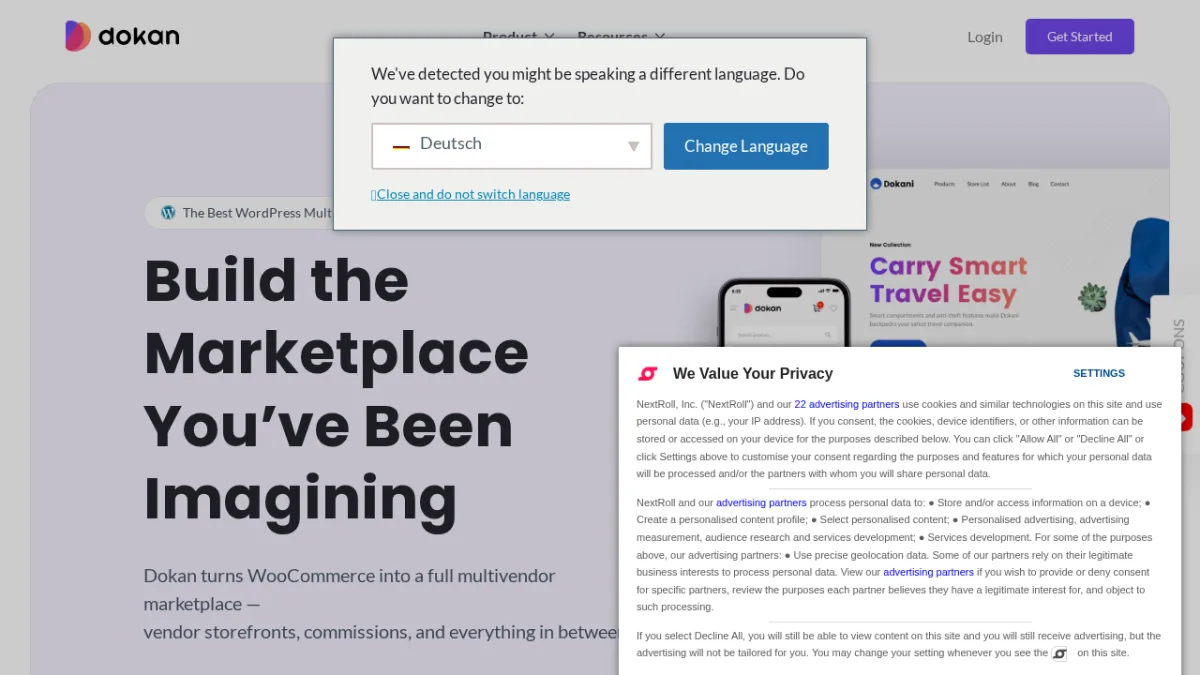
Dokan is the most established WooCommerce multi-vendor plugin, with 30,000+ active installs on WordPress.org. Its free tier (Dokan Lite) covers unlimited vendors, a frontend vendor dashboard, order management, and basic commissions. It is a real starting point, not a stripped demo.
The paid tiers add module access. The Business plan opens 42+ modules covering geolocation, staff manager, product Q&A, auction support, seller verification, and WooCommerce Bookings integration. For most WooCommerce product marketplace use cases, the module ecosystem is the deepest available.
Key multi-vendor features:
- Unlimited vendors on all tiers including the free version
- Frontend vendor storefronts with unique store URLs, branding, policies, and coupons
- Stripe Express and PayPal Marketplace for automated vendor payouts (Professional plan and above)
- Commission types: flat, percentage, per-vendor, per-product, and category-based
- Vendor analytics and reporting dashboards (Professional and above)
- Geolocation for vendor and product search (Business plan)
- Staff manager for vendors with multiple team members (Business plan)
- WooCommerce Bookings integration for bookable products (Business plan)
- Product Q&A, seller verification, and vendor reviews
- AI-powered product image enhancement and description tools
WordPress.org shows 30,000+ active installs and a 4.6/5 rating from 767 reviews.
Main strengths:
- Largest WooCommerce multi-vendor community with active third-party integration support
- 42+ modules on Business plan covers most product marketplace needs
- Genuine free tier for validating a concept before investing in a paid plan
- Detailed documentation and active developer ecosystem
Limitations and trade-offs:
- Most practically useful features are paywalled behind Professional ($249/year) or Business ($499/year)
- Business plan is limited to 5 sites
- Enterprise plan ($999/year) required for live chat and priority support
- Not designed for booking, course, or directory use cases
Pricing:
- Free (Lite): unlimited vendors, basic dashboard
- Starter: $149/year (1 site, 4 premium modules)
- Professional: $249/year (3 sites, 23 premium modules)
- Business: $499/year (5 sites, 42+ premium modules)
- Enterprise: $999/year (20 sites, all modules, live chat support)
- Lifetime plans available
Who should choose Dokan: Operators building a WooCommerce product marketplace who need a large module library and are willing to invest in a Business plan for the full feature set.
3. WC Vendors
Category: WooCommerce multi-vendor marketplace plugin
Best for: Operators who want a proven, simpler WooCommerce marketplace with Stripe Connect at the entry paid tier
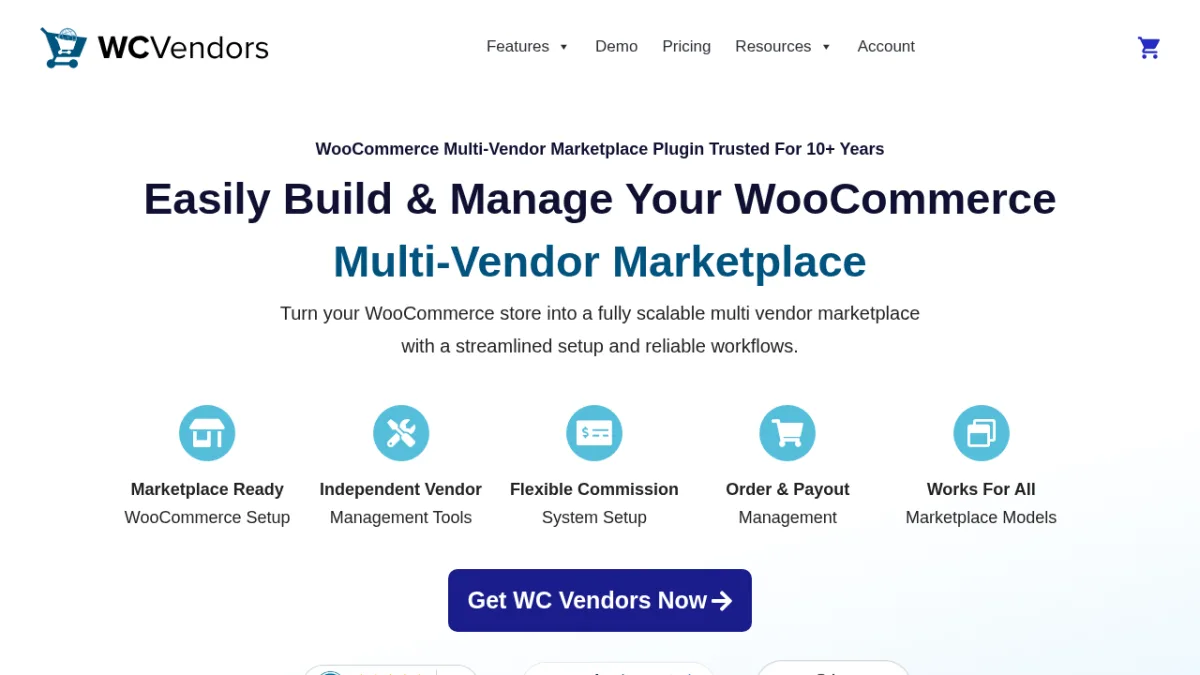
WC Vendors has been active for over 10 years, which gives it a stable codebase and a reputation for straightforward vendor management. The free version covers basic vendor dashboards and commission tracking. The Pro tier adds Stripe Connect for automated vendor payouts, table rate shipping, a feedback system, and Gutenberg blocks for marketplace pages. The Growth plan adds WooCommerce Subscriptions integration and vendor membership tiers. The Business plan adds WooCommerce Bookings and auction support.
Compared to Dokan, WC Vendors is simpler in scope: fewer modules, a smaller active install base, but also less complexity to manage upfront.
Key multi-vendor features:
- Unlimited vendors on all tiers
- Stripe Connect for automated vendor payouts (Pro tier)
- Flexible commissions: percentage, fixed, tiered, per-vendor, per-product
- Frontend vendor dashboard for product and order management
- Vendor coupons and feedback system
- WooCommerce Subscriptions integration (Growth plan)
- Vendor memberships with configurable tiers (Growth plan)
- WooCommerce Bookings integration for bookable product listings (Business plan)
- Simple Auctions integration for eBay-style listings (Business plan)
- 14-day money-back guarantee on all plans
Main strengths:
- 10+ years of active development: stable codebase with a predictable update cadence
- Stripe Connect built into the Pro tier, not locked behind a higher plan
- Clean initial setup for operators who want fewer decisions upfront
- Growth plan adds subscriptions and vendor memberships without requiring the Business tier
Limitations and trade-offs:
- Smaller active install base and module library than Dokan
- All paid plans are limited to 1 domain plus a staging site (no multi-site licensing at any tier)
- Plans renew at the full standard rate, which is meaningfully higher than the first-year promotional price
- Not designed for booking, course, or directory marketplace use cases
Pricing (current promotional rates, plans renew at standard rates):
- Free: basic vendor functionality
- Pro: $99.50 first year, renews at $199/year, 1 domain plus a staging site
- Growth: $199.50 first year, renews at $399/year, adds subscriptions and memberships
- Business: $299.50 first year, renews at $599/year, adds bookings and auctions
Who should choose WC Vendors: Operators who want a stable, proven WooCommerce marketplace with Stripe Connect at the Pro tier, without Dokan's module complexity.
4. WCFM Marketplace
Category: WooCommerce multi-vendor marketplace plugin
Best for: Operators who want a 100% frontend vendor experience with the strongest free-tier functionality in a WooCommerce marketplace
WCFM Marketplace has a defining feature that sets it apart from Dokan and WC Vendors: the vendor dashboard is 100% frontend. Vendors manage products, orders, commissions, shipping, and withdrawals entirely from the storefront, without ever accessing the WordPress admin area. Stripe Split Payments is included in the free core plugin, not locked behind a paid tier.
The free plugin is capable enough to run a real marketplace without immediately upgrading to premium add-ons. That combination of a fully frontend vendor workflow and meaningful free-tier functionality gives WCFM a different value proposition from the other WooCommerce options in this list.
WordPress.org shows 10,000+ active installs and a 4.6/5 rating from 448 reviews.
Key multi-vendor features:
- 100% frontend vendor dashboard: product creation, order management, commission tracking, shipping, and withdrawal requests all handled from the storefront
- Commission management: fixed, percentage, category-based, and membership-tier-based rules
- Stripe Split Payments, PayPal, and PayStack included in the free core plugin
- Zone-based, weight-based, and distance-rate shipping options
- Refund management with automatic commission recalculation
- Group store support for multi-location vendor scenarios
- Premium companion plugins (WCFM Membership, WCFM Ultimate, WCFM Analytics) available for extended features
Main strengths:
- 100% frontend vendor experience: vendors never need WordPress admin access
- Stripe Split Payments in the free core, not a paid add-on
- Strongest free-tier functionality of any WooCommerce multi-vendor plugin in this list
- Long-running plugin with an active community
Limitations and trade-offs:
- Premium add-on pricing is not publicly listed on a standard pricing page. Verify current support and licensing options directly at wclovers.com before choosing it.
- Initial configuration takes more time than WC Vendors' setup wizard approach
- Smaller marketing presence than Dokan means fewer external troubleshooting resources
Pricing:
- Free core: on WordPress.org. Covers most standard marketplace needs including Stripe Split Payments.
- Premium add-ons (WCFM Ultimate, WCFM Membership, WCFM Analytics): pricing not publicly listed. Contact vendor at wclovers.com for current rates.
Who should choose WCFM Marketplace: Operators who want maximum free-tier power in a WooCommerce marketplace, particularly when keeping vendors entirely out of the WordPress admin is a hard requirement.
5. HivePress
Category: WordPress directory and service marketplace plugin
Best for: Building service provider directories, freelancer platforms, or expert marketplaces where vendors list services and customers browse, contact, or book
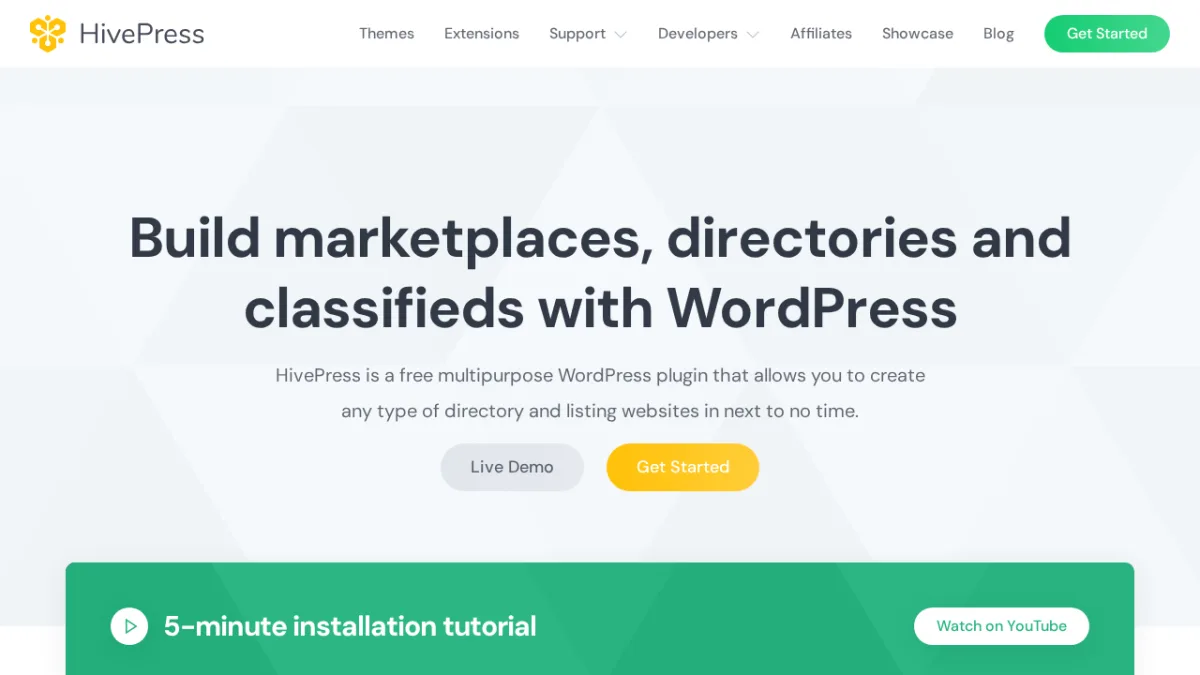
HivePress is not a WooCommerce product marketplace. It is a listing and directory framework designed for service marketplaces, freelance platforms, rental directories, and expert classifieds. Providers create profiles and listings, customers search and filter, and the platform earns through commissions or listing fees.
The free core handles listings, categories, custom fields, user profiles, reviews, private messaging, favorites, and geolocation. The marketplace layer comes through paid extensions: the Marketplace extension ($39/year) enables commission-based vendor payouts, and the Bookings extension ($39/year) adds appointment scheduling for service providers. Combining both gives you a service marketplace where providers list, customers book, and payments flow through WooCommerce.
WordPress.org shows 10,000+ active installs and a 4.9/5 rating from 221 reviews, the highest rating of any plugin reviewed here.
Key multi-vendor features:
- Listings with custom fields, categories, search filters, and validation rules
- Frontend user dashboards for managing listings and profiles without wp-admin access
- Ratings and reviews system (free core)
- Geolocation and radius search (free core)
- Private messaging between vendors and customers (free core)
- Marketplace extension ($39): commission-based vendor payouts via WooCommerce
- Bookings extension ($39): appointment scheduling and availability management
- Requests extension ($39): buyers post project requests, vendors submit quotes
- Memberships extension ($39): vendor tier and plan management
- All Extensions bundle ($99/year): all paid extensions at a flat annual rate
- Premium themes from $89 for specific marketplace verticals (ExpertHive, MeetingHive, RentalHive)
Main strengths:
- 4.9/5 from 221 reviews: highest WordPress.org rating of any plugin in this list
- Modular extension design: pay for only what you need, or use the $99/year bundle
- Free core is functional for a browsable provider directory from day one
- Bookings and marketplace commissions available without switching to a separate platform
Limitations and trade-offs:
- Not a WooCommerce product marketplace: physical goods sales are outside its design
- A full-featured service marketplace requires several paid extensions plus a compatible theme
- Booking depth is good for standard scheduling but does not match Booknetic SaaS for multi-tenant plan billing or Stripe SaaS subscriptions for vendors
- Free support is community-based
Pricing:
- Core plugin: free (WordPress.org)
- Individual extensions: $29-$39/year each
- All Extensions bundle: $99/year
- Premium themes: from $89
Who should choose HivePress: Operators building a service listing directory, freelancer marketplace, or expert classifieds site where providers list services and customers browse, search, and optionally book.
6. Directorist
Category: WordPress directory and marketplace plugin
Best for: Niche business directory operators who need monetization, maps, reviews, and booking features bundled under one predictable plan price
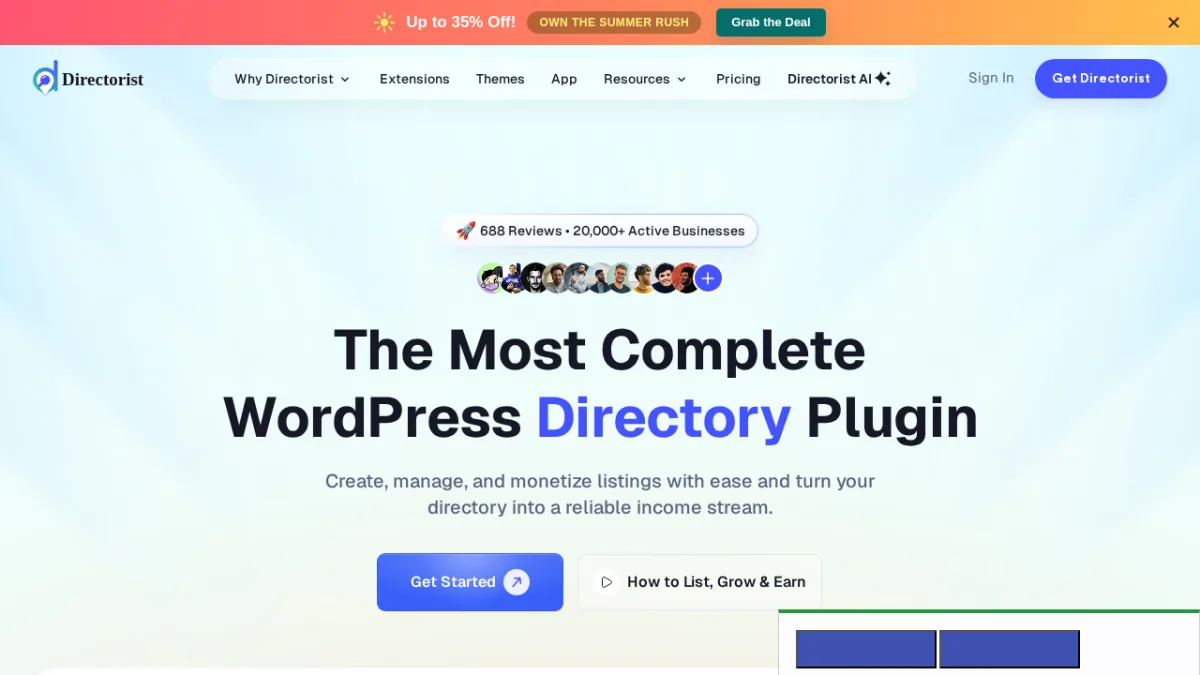
Directorist is a dedicated directory plugin with 30+ extensions that cover advanced search, geolocation, PayPal and Stripe monetization, review systems, pricing plans, a mobile app, and a booking module. All 30+ extensions are included in every paid plan rather than sold separately. That makes the total cost predictable from day one, which is a meaningful difference from platforms that charge per extension.
The use case is business directories, local service listings, restaurant guides, real estate portals, job boards, and any niche listing site where operators want to monetize through listing fees, featured placements, or booking transactions.
Key multi-vendor features:
- 30+ extensions included with all paid plans: maps, geolocation, advanced search, monetization, reviews, booking
- Charge for listing submissions, featured placements, and category access
- Payment processing via PayPal, Stripe, and WooCommerce
- Multiple listing types: businesses, restaurants, real estate, jobs, events, classifieds
- Booking module: appointment scheduling within the directory framework
- Mobile app (iOS and Android) sold in the $999 "Go Live in 14 Days" bundle, 1 year included
- 14-day money-back guarantee on all plans
Main strengths:
- All 30+ extensions included in every paid plan: no per-extension surprise costs
- Agency plan ($153/year) covers unlimited sites, which is strong value for agencies managing multiple client directories
- Booking and monetization available without switching platforms
- Predictable all-in-one cost model from the first purchase
Limitations and trade-offs:
- Booking features are directory-adjacent, not a full multi-tenant appointment SaaS
- Not designed for physical product or digital download marketplaces
- Free version is more limited than WCFM or HivePress free tiers
- 30+ extensions bring a configuration learning curve at initial setup
Pricing:
- Free: available on WordPress.org
- Starter: $116/year (1 site, all 30+ extensions)
- Pro: $135/year (5 sites, all extensions)
- Agency: $153/year (unlimited sites, all extensions)
- Lifetime plans: $379 (1 site), $579 (5 sites), $749 (20 sites)
Who should choose Directorist: Operators building a niche business directory, local service listing site, or portal where monetization, maps, reviews, and booking are needed and predictable all-in-one pricing matters.
7. Tutor LMS
Category: WordPress LMS and course marketplace plugin
Best for: Multi-instructor online course marketplaces and education platforms

Tutor LMS is a learning management system with multi-instructor support built into the free core. The free plugin is fully capable: unlimited courses, unlimited students and instructors, a course builder, quizzes, assignments, and per-instructor dashboards. The Pro add-ons add revenue sharing, live lessons, AI course creation, and certificate generation.
For operators building a Udemy-style course marketplace, a coaching network, or an industry-specific training platform where multiple instructors deliver content independently and earn commissions per enrollment, Tutor LMS covers that use case cleanly.
Key multi-vendor features:
- Free core: unlimited courses, instructors, students, quizzes, and assignments
- Multi-instructor support: instructors submit courses, admin approves, revenue splits configured per course or globally
- Instructor dashboards: independent course management, earnings tracking, and withdrawal requests
- Course builder with video, text, quiz, and assignment modules
- WooCommerce integration for course purchases and revenue sharing
- AI Studio for AI-generated course content (all paid plans, requires a separate OpenAI API key)
- Certificate generation for students (paid)
- Live lessons via Zoom, Google Meet, and Jitsi integrations (paid)
- All Pro add-ons included in every paid plan, no per-add-on charges
- 30-day money-back guarantee on all paid plans
Main strengths:
- Genuinely capable free core for launching and testing a course marketplace
- All Pro add-ons included in paid plans: no add-on upsell
- AI course creation tools included at no extra licensing cost (OpenAI API usage billed separately by OpenAI)
- Agency plan covers unlimited sites
Limitations and trade-offs:
- Limited to course and education content: not a fit for physical products, digital downloads, or service booking
- Revenue sharing and WooCommerce checkout adds configuration complexity for non-technical operators
- AI Studio requires a separate OpenAI API key with its own usage costs
- No marketplace-level branding or multi-tenant billing features
Pricing:
- Free core: fully functional, available on WordPress.org
- Individual: $199/year (1 site, all Pro add-ons)
- Business: $399/year (up to 10 sites)
- Agency: $799/year (unlimited sites)
- Lifetime plans: from $499 (1 site) to $1,999 (50 sites)
Who should choose Tutor LMS: Operators building a multi-instructor course marketplace, coaching network, or vertical education platform where course content and instructor earnings are the core product.
8. Easy Digital Downloads
Category: WordPress digital product store with multi-vendor extension
Best for: Digital product marketplaces where vendors sell plugins, themes, ebooks, fonts, audio, or software downloads
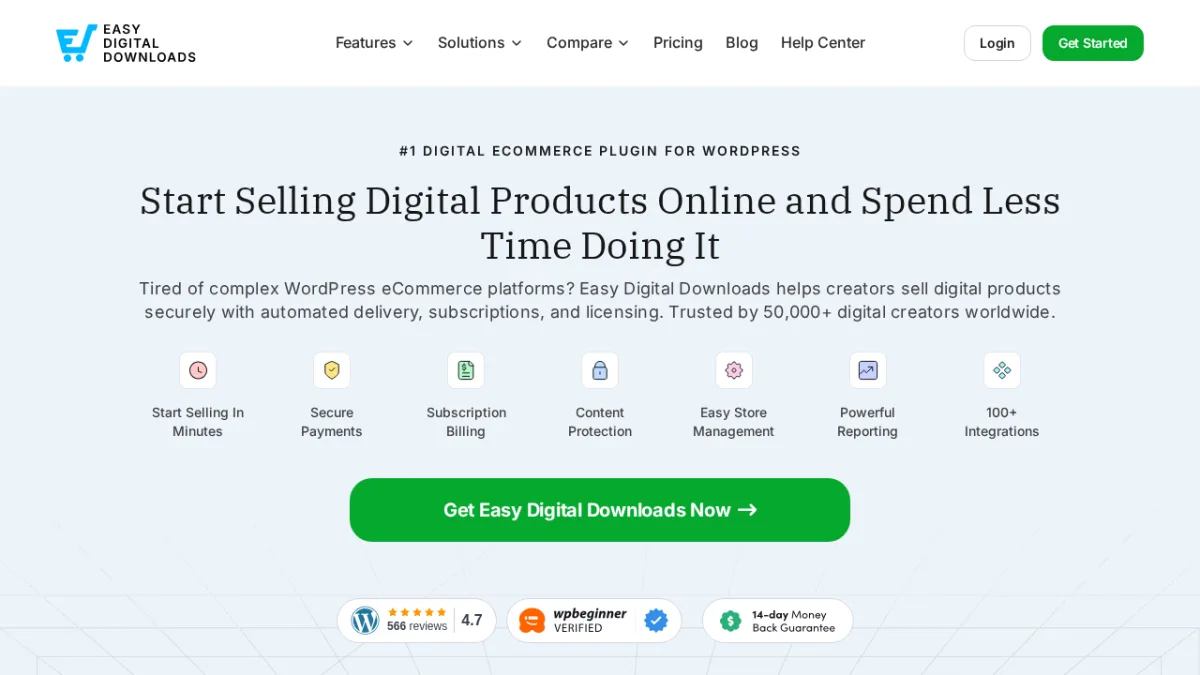
Easy Digital Downloads (EDD) is the standard WordPress solution for selling digital files. The free core handles file delivery, purchase receipts, discount codes, and basic reporting. For multi-vendor use, the Frontend Submissions extension turns a single EDD store into a vendor marketplace.
With Frontend Submissions, vendors register from the frontend, submit their own products, manage orders, track earnings, and communicate with customers from a vendor dashboard. The Commissions extension integrates to split and track per-vendor earnings on every sale. This combination is used in several established WordPress plugin and theme marketplaces.
Key multi-vendor features:
- Free core: file delivery, purchase receipts, discount codes, and basic reporting
- Frontend Submissions (Extended plan and above): vendor registration, frontend dashboard, product submission, order management, and earnings tracking
- Commissions extension: automated per-vendor commission calculation and tracking, integrated with Frontend Submissions
- 100+ official extensions for licensing, software update delivery, subscriptions, recurring payments, and PayPal Adaptive Payments for vendor payouts
- Expiring download links and license key integration for software products
- All Access pass: every official extension under one license
Main strengths:
- Purpose-built for digital products: handles file delivery, versioned software updates, and licensing correctly
- Frontend Submissions is a mature, production-tested vendor marketplace layer
- Broad extension ecosystem covering every aspect of digital product monetization
- Long track record in the WordPress plugin and theme marketplace space
Limitations and trade-offs:
- Not designed for physical products or service-based booking
- Frontend Submissions requires the Extended plan or higher: not available on the Personal plan
- Commission payout automation requires additional configuration and may need a dedicated payout extension
- Less consumer-facing polish than dedicated marketplace platforms for non-technical operators
Pricing (current promotional rates, all plans renew at full price):
- Free (Lite): core plugin only, available on WordPress.org
- Personal: $79.60 first year, renews at $199/year (1 site, no Frontend Submissions)
- Extended: $159.60 first year, renews at $399/year (1 site, includes Frontend Submissions and Commissions)
- Professional: $209.65 first year, renews at $599/year (2 sites)
- All Access: $349.65 first year, renews at $999/year (3 sites, every official extension)
Who should choose Easy Digital Downloads: Operators building a marketplace specifically for digital products: WordPress plugins, themes, ebooks, fonts, audio files, stock graphics, or software downloads. File delivery, licensing, and vendor commissions are the core requirements.
Which Plugin Should You Choose?
- Choose Booknetic SaaS if your marketplace is built around booking, appointments, or services where multiple vendors need their own dashboards, billing, and booking calendars under your brand.
- Choose Dokan if you need the broadest module library for a WooCommerce product marketplace and are ready to invest in a Business plan for the full feature set.
- Choose WC Vendors if you want a proven, simpler WooCommerce setup with Stripe Connect at the entry paid tier, without Dokan's module complexity.
- Choose WCFM Marketplace if you want maximum free-tier power in a WooCommerce marketplace and a 100% frontend vendor experience where vendors never touch the WordPress admin.
- Choose HivePress if you are building a service directory or freelancer marketplace where providers list services and customers browse, search, and optionally book.
- Choose Directorist if you are building a niche business directory with monetization, maps, reviews, and booking bundled into predictable all-in-one plan pricing.
- Choose Tutor LMS if you are building a multi-instructor course marketplace or online education platform.
- Choose Easy Digital Downloads if your marketplace sells digital products like plugins, themes, ebooks, fonts, or audio files and you need proper file delivery, licensing, and vendor commissions.
Frequently Asked Questions
What is the best WordPress multi-vendor plugin for a booking marketplace?
Booknetic SaaS is the strongest WordPress option I found for building a booking or service marketplace with multiple vendors. Plugins like Dokan and WC Vendors integrate with WooCommerce Bookings for basic scheduling, but those treat booking as a product type added to a product marketplace. Booknetic SaaS builds the entire platform around the booking model: independent tenant dashboards, subscription billing for vendors, Stripe SaaS payments, Stripe Connect split payments, and a public-facing Tenant Directory. For a true booking SaaS or multi-vendor service marketplace, no other WordPress plugin I reviewed is purpose-built at this level.
What is the difference between Booknetic SaaS and the regular Booknetic plugin?
The regular Booknetic plugin manages booking for a single business: one company's services, staff, and customers. Booknetic SaaS is for building a platform where you are the operator and other businesses are your paying tenants. Each tenant gets their own isolated dashboard, booking URL, and service management. You charge tenants subscription fees, earn platform commissions, and control the system under your own branding. These are two separate products solving fundamentally different problems.
Can I build a WooCommerce multi-vendor marketplace for free?
Yes, with realistic expectations. Dokan Lite covers unlimited vendors and a basic vendor dashboard at no cost. WCFM Marketplace has one of the most capable free cores in the category, including Stripe Split Payments. WC Vendors also has a free version for basic marketplace setup. All three free tiers have limits on advanced features like automated payouts, analytics, and subscriptions, but they are practical for validating a marketplace concept before committing to a paid plan.
Which multi-vendor plugin is best for a course marketplace?
Tutor LMS is the strongest choice for a multi-instructor course marketplace. The free core is capable on its own, and paid plans add revenue sharing, AI course creation, live lesson integrations, and certificate generation. For a general product or service marketplace, Tutor LMS is not the right fit: it is built around course content delivery.
Which plugin is best for a directory marketplace?
It depends on the type. For a browsable service provider or freelancer directory with booking and commissions, HivePress is the stronger fit. For a local business directory with monetization, maps, and listing management, Directorist bundles all 30+ extensions into affordable plans. Both are covered in more depth in the WordPress directory plugins comparison.
Final Verdict
No single WordPress multi-vendor plugin covers every marketplace use case. Getting the platform type right before selecting a plugin is the most important decision you will make.
For booking and service marketplace SaaS, Booknetic SaaS is the strongest purpose-built option I found in the WordPress ecosystem. Its multi-tenant architecture, Stripe SaaS billing, 60+ plan permission toggles, and Tenant Directory put it in a different class from everything else here.
For WooCommerce product marketplaces, Dokan has the largest module ecosystem and community. WC Vendors is the cleaner, simpler setup for operators who do not need Dokan's full module scope. WCFM Marketplace has the strongest free tier, especially when keeping vendors entirely out of the WordPress admin is a priority.
For service and listing directories, HivePress leads on ratings and extension design. Directorist leads on all-in-one pricing and bundled extension access.
For course marketplaces, Tutor LMS is the straightforward choice. For digital product marketplaces, Easy Digital Downloads with Frontend Submissions is the established and well-tested solution.
Define the platform type first, then pick the plugin built for it.


