

Best Free WordPress Hosting Plans in 2026 (Limits, Tradeoffs, Honest Picks)

Most free WordPress hosting reviews still recommend services that no longer exist. 000webhost was shut down by Hostinger in 2024, several "free forever" plans now require a paid trial, and WordPress.com's free tier quietly dropped from 3 GB to 1 GB of storage along the way.
This refreshed 2026 guide checks the five free WordPress hosts that are actually worth shortlisting today, what each one really gives you, where each one breaks, and when you should stop trying to make free work and move to a paid plan.
TL;DR: free WordPress hosting at a glance (2026)
| Provider | Free disk | Free bandwidth | Custom domain | Ads on your site | One-click WordPress | Best for |
|---|---|---|---|---|---|---|
WordPress.com (Free) | 1 GB | Unrestricted | No (subdomain only) | Yes | N/ | Casual writers who never want to touch a server |
InfinityFree | 5 GB | Unlimited | Yes | No | Yes (Softaculous) | Self-hosted WordPress without a credit card |
AccuWeb Free WordPress | 2 GB SSD | 30 GB / month | Yes | No | Yes | Single low-traffic site with cPanel and email |
AwardSpace Free | 1 GB | 5 GB / month | Yes (1 domain + 3 subdomains) | No | Yes | Hosting up to 4 small sites at once |
Byethost | 5 GB NVMe | Unlimited | Yes | No | Yes (Softaculous) | Hobby site with PHP 8.3 and free SSL on a subdomain |
All five plans have one thing in common: they trade resources, performance, or support for $0. None of them will keep a real business site healthy long-term. They are excellent for learning, testing, prototyping, and shipping a hobby project.
If you already know you need performance, daily backups, staging, or paid support, skip this article and read our paid WordPress hosting comparison instead.
What "free WordPress hosting" really means in 2026
There are two very different products that both get called "free WordPress hosting":
- Hosted WordPress.com. You don't manage a server. You sign up, you get a subdomain like
yourname.wordpress.com, and Automattic runs everything for you. Trade-off: you can't install plugins or custom themes on the free tier, and your site shows WordPress.com's ads. - Self-hosted WordPress on a free shared host (InfinityFree, AccuWeb, AwardSpace, Byethost). You install the regular WordPress software yourself, usually via a one-click installer. You can use any theme or plugin from WordPress.org. Trade-off: shared resources, hard storage and bandwidth caps, and patchy uptime under traffic spikes.
If you don't already know which side you're on, our WordPress.com vs WordPress.org comparison is the right starting point.
1. WordPress.com (Free)
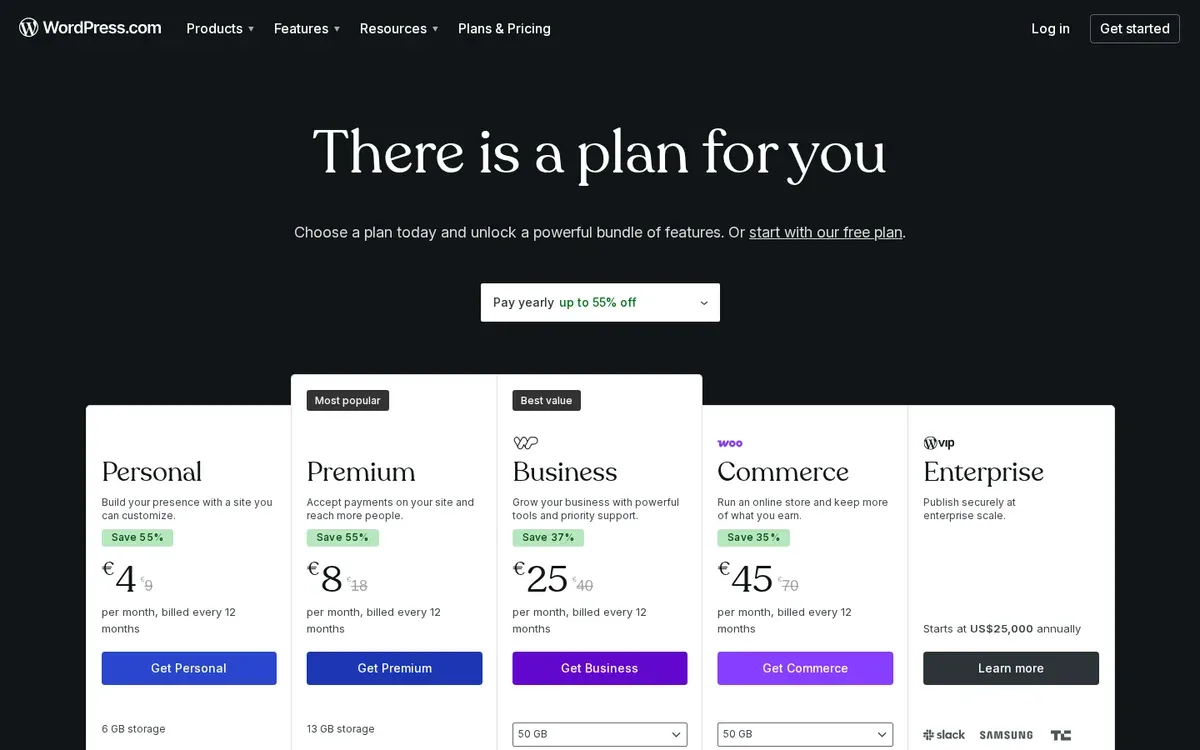
WordPress.com is the easiest way to put a WordPress site on the internet for $0. You sign up, pick a wordpress.com subdomain, and Automattic handles every part of the server, the updates, the backups, and the SSL certificate. You never touch hosting.
The catch is everything that makes WordPress feel like WordPress. The free tier does not let you install custom plugins or third-party themes. You're limited to the curated set inside the WordPress.com editor. Your site also shows WordPress.com ads, and any revenue from those ads belongs to Automattic.
Free plan in 2026:
- 1 GB of storage
- Unrestricted bandwidth
*.wordpress.comsubdomain only- Curated themes, no custom plugins or themes
- Ads on your site (no revenue share)
- Last 7 days of basic stats only
- Community support
- No expiration date
Best for: writers and hobbyists who want a published WordPress site today and never plan to touch hosting.
Avoid if: you need a custom domain on the free tier, plugins for SEO or commerce, or an ad-free site.
2. InfinityFree
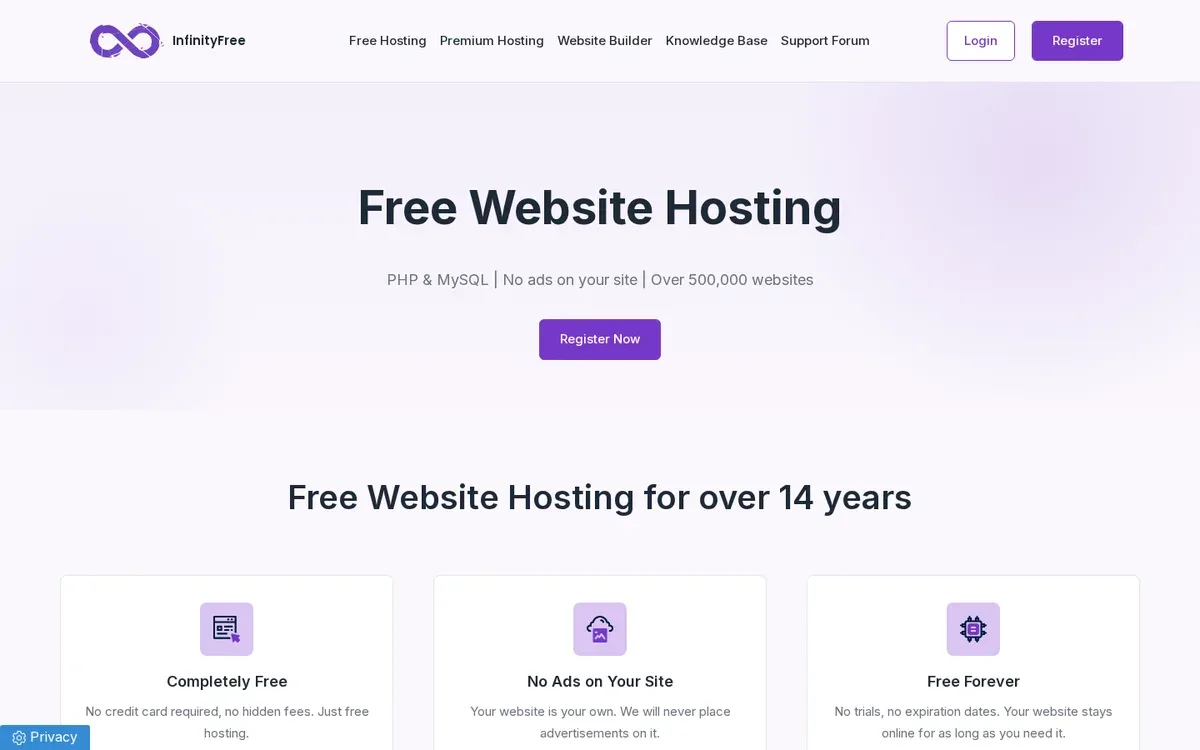
InfinityFree has quietly become the closest functional replacement for the now-defunct 000webhost: free, ad-free, no credit card, and generous resources for a free shared plan. You install standard WordPress through Softaculous in a few clicks and host it on a custom domain or one of 25+ free subdomain options.
The plan runs on PHP 8.3 with MySQL 8 / MariaDB 11.4, includes free SSL on subdomains, gives full .htaccess access, and quotes 99.9% uptime. The trade-off is the shared environment: per-account CPU and inode limits are intentionally tight to protect the platform from abuse, and InfinityFree will throttle accounts that consistently exceed them.
Free plan in 2026:
- 5 GB disk space
- Unlimited monthly bandwidth (subject to fair-use CPU limits)
- 400 MySQL databases
- 25+ free subdomain extensions, plus custom domains
- Free SSL on subdomains, full .htaccess
- One-click WordPress via Softaculous
- No ads, no credit card required
Best for: hobbyists who want real self-hosted WordPress on a custom domain without paying a cent.
Avoid if: you need email hosting (none on the free tier), heavy plugin activity, or guaranteed performance under traffic.
3. AccuWeb Free WordPress Hosting
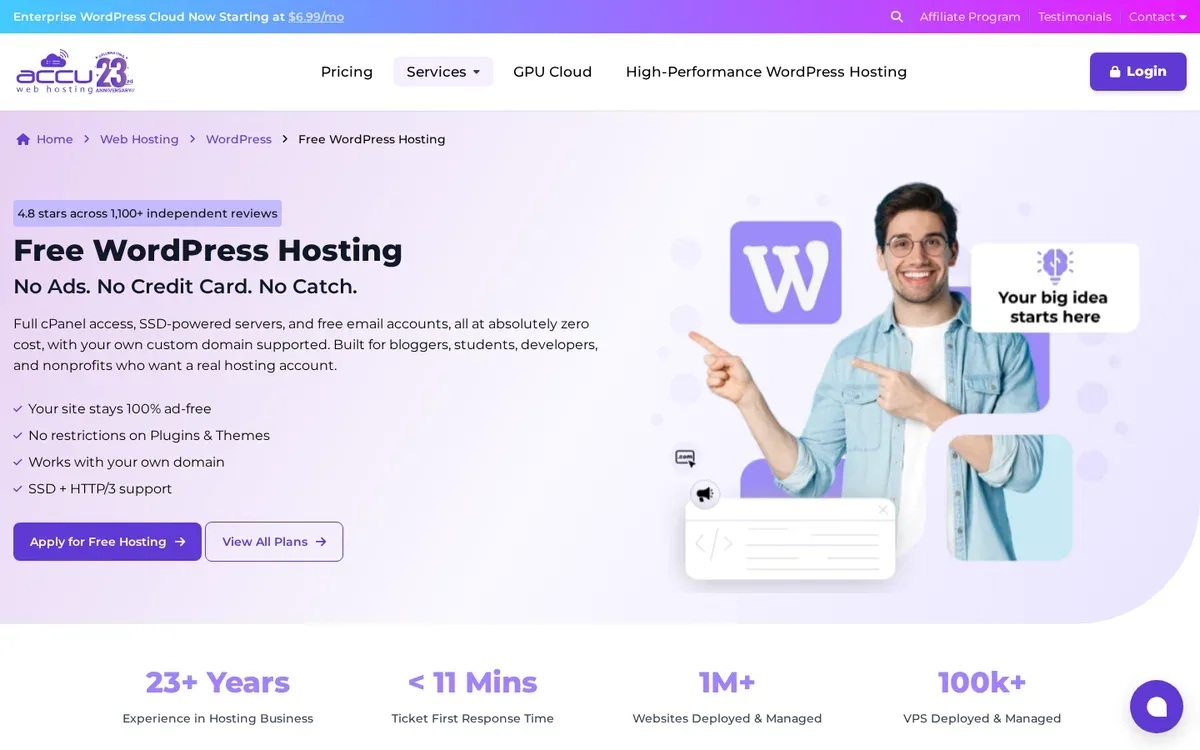
AccuWeb is one of the few free WordPress plans that ships with cPanel, real email accounts, and DDoS protection out of the box. The numbers are modest (2 GB SSD, 30 GB monthly bandwidth, 768 MB RAM on a shared vCPU), but those resources are dedicated to your single site, and the cPanel experience is identical to AccuWeb's paid plans, which makes it a good learning environment.
Two practical caveats. First, AccuWeb has historically required identity verification (government-issued ID) to activate a free account, intended to stop spam signups. Second, you can host exactly one website per account; if you want more, you need to upgrade. Support on the free tier is limited.
Free plan in 2026:
- 1 website
- 2 GB SSD storage
- 30 GB monthly bandwidth
- 768 MB RAM, shared vCPU
- 25 free email accounts
- cPanel control panel
- DDoS protection
- ID verification required on signup
Best for: a single low-traffic site that benefits from cPanel and proper email.
Avoid if: you don't want to submit ID, or you need to host more than one site.
4. AwardSpace
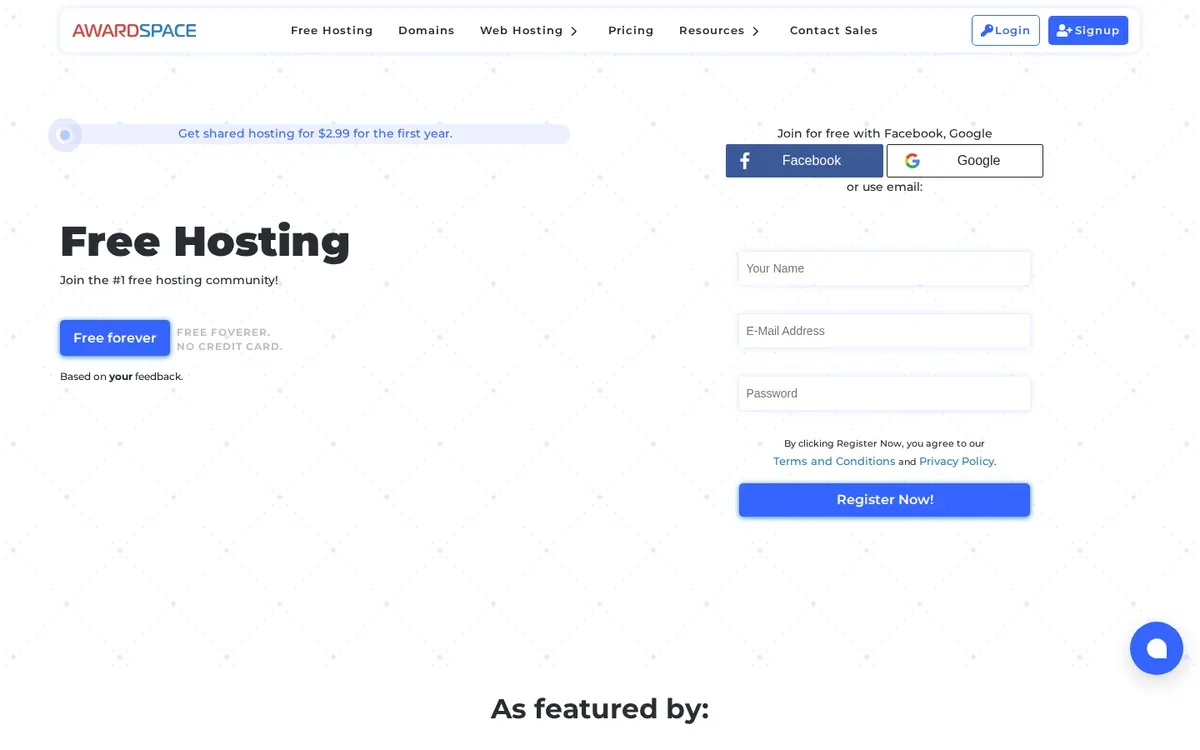
AwardSpace has been quietly offering free hosting since 2003 and is one of the rare free plans that lets you run more than one site at the same time. The free plan covers one main domain plus up to three free subdomains, four sites total. AwardSpace's panel is proprietary, not cPanel, but it has a one-click WordPress installer, email, an anti-spam firewall, and a 99.9% uptime guarantee.
The hard ceiling here is bandwidth: 5 GB per month maxes out fast if any of your four sites picks up traffic. Storage is tighter than the other shared hosts on this list, and there is no automatic backup on the free tier, so plan to take WordPress-side backups yourself.
Free plan in 2026:
- Up to 4 websites (1 domain + 3 subdomains)
- 1 GB storage
- 5 GB monthly bandwidth
- 1 email account on a custom domain
- 99.9% uptime guarantee
- One-click WordPress, Joomla, Grav installer
- Proprietary control panel (no cPanel)
- Ad-free hosting, 24/7 support
- No automatic backups on the free tier
Best for: running several small or seasonal WordPress sites side by side.
Avoid if: you expect any single site to exceed a few thousand monthly visitors, or you need cPanel.
5. Byethost (Byet Host)
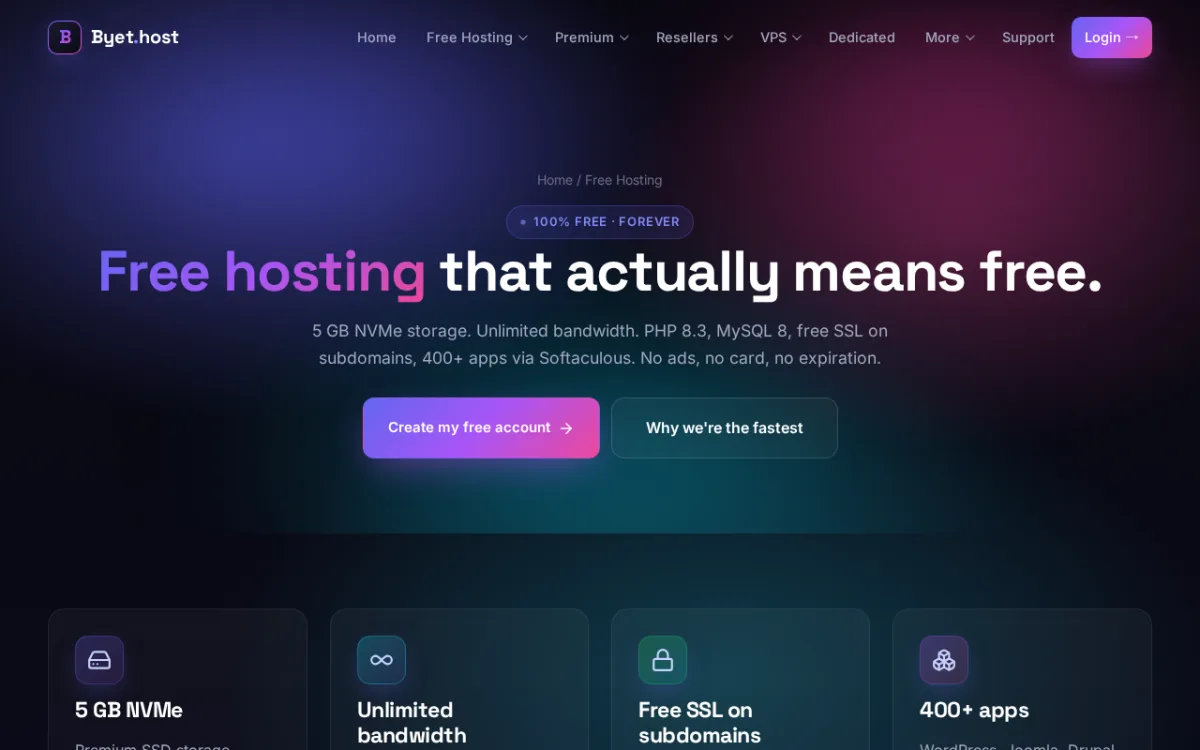
Byethost runs on the same iFastNet shared infrastructure as InfinityFree, which means the underlying stack is the same, but Byethost ships its own VistaPanel and a different signup flow. You get 5 GB of NVMe storage, unlimited monthly bandwidth, unlimited MySQL 8 / MariaDB 11.4 databases, PHP 8.3 with Zend and ionCube, free SSL on subdomains, and a Softaculous one-click installer.
The single biggest day-to-day frustration is the 10 MB upload size limit. WordPress core works fine, but if you try to upload a high-resolution image, an embedded video, or a bulky plugin zip, you'll hit the cap immediately. Workaround: upload via FTP, which Byethost does include for free. Performance is fine for a hobby site and degrades under traffic spikes, exactly as you'd expect on shared free hosting.
Free plan in 2026:
- 5 GB NVMe disk space
- Unlimited monthly bandwidth (fair-use)
- Unlimited MySQL 8 / MariaDB 11.4 databases
- PHP 8.3 with Zend and ionCube
- 10 MB max upload size (FTP gets around this)
- 24 free subdomain extensions, plus custom domains
- Free SSL on subdomains
- VistaPanel, Softaculous, free site builder
- FTP, online file manager, password-protected folders
- No ads, no credit card, no expiration
Best for: developers and tinkerers who want a working WordPress sandbox on PHP 8.3 with free SSL.
Avoid if: you regularly need to upload files larger than 10 MB through the WordPress media library, or you depend on email hosting.
What happened to 000webhost?
000webhost was free hosting brought to you by Hostinger. After 17 years of operation, Hostinger shut down 000webhost in 2024. The 000webhost.com domain now permanently redirects to a Hostinger landing page; the free product is gone, and Hostinger itself no longer offers a free tier.
If you used to run a site on 000webhost, the closest equivalents on this list are InfinityFree (same iFastNet shared platform family, ad-free, custom domain) or Byethost (slightly stricter upload limit, same underlying stack). Hostinger's lowest paid plan is the official upgrade path, but it is no longer free.
How to choose between these five free WordPress hosts
If you map free WordPress hosting to the job you're actually trying to do, the choice becomes mechanical:
- "I want to write and never think about hosting": WordPress.com Free. Accept the ads and the subdomain.
- "I want real self-hosted WordPress on my own domain, $0 down": InfinityFree, then Byethost as a backup option.
- "I want cPanel and real email": AccuWeb (if you don't mind ID verification).
- "I want to run several small sites at once": AwardSpace.
- "I want a sandbox to learn WordPress, PHP, and SSL": Byethost or InfinityFree.
Either way, treat any free plan as a temporary stage. The minute one of your sites starts to matter to you, plan the move to a paid host before performance, support, or storage forces you to migrate in a hurry.
When you should stop using free hosting
Free hosting works until one of these things happens:
- A search engine sends your site real traffic and you start hitting bandwidth or CPU limits.
- You depend on the site for revenue, leads, bookings, or anything time-sensitive.
- You need staging, daily backups, a CDN, or human support.
- You need to comply with privacy, payment, or data-residency rules that free providers don't cover.
- You discover your provider has been showing ads on top of your content (WordPress.com Free does this by design).
When any of those start to bite, the upgrade is straightforward. Our paid WordPress hosting comparison is the next read.
FAQ
Is there free WordPress hosting in 2026?
Yes. WordPress.com still offers a free tier, and InfinityFree, AccuWeb, AwardSpace, and Byethost all run real self-hosted WordPress on free shared plans. The free product from 000webhost was shut down by Hostinger in 2024 and no longer exists.
Can you host a WordPress site for free?
You can, with two routes. The hosted route is WordPress.com Free, which runs the platform for you in exchange for ads and a wordpress.com subdomain. The self-hosted route is a free shared host like InfinityFree or Byethost, where you install regular WordPress through a one-click installer and bring your own domain.
Where can I host my WordPress site for free?
For self-hosted WordPress on your own domain, InfinityFree and Byethost are the most flexible options. For a fully managed experience without any setup, WordPress.com Free is the simplest. AccuWeb and AwardSpace fall between the two for users who want cPanel or multiple sites.
How do I launch a free WordPress site?
If you're going self-hosted, sign up at any of the four free shared hosts above, run the one-click WordPress installer, and finish setup inside the WordPress admin. For a full walkthrough from domain to first post, see our step-by-step WordPress setup guide.
Will Google rank a site hosted on free WordPress hosting?
It can. Google does not penalise free hosting directly, but slow loading, frequent downtime, shared IPs with spammy neighbours, and forced ads on the free tier can all hurt rankings indirectly. Free plans are fine for new sites with no traffic, less fine once a page starts converting.
How do I keep a free WordPress site healthy?
Take WordPress-side backups yourself (most free plans don't include one), keep WordPress core, themes, and plugins updated, remove anything you don't use, and run a monthly check. Our monthly WordPress maintenance checklist covers the routine.
Is free WordPress hosting safe?
Safe enough for a hobby site if you keep WordPress updated, install a security plugin, and use strong passwords. Shared free hosting is not the right place for sensitive data, payment processing, or anything you can't afford to lose.
Bottom line
Free WordPress hosting in 2026 is a real category, but it's also smaller and more honest than it was in 2022. The five plans above will get you to a working WordPress site without spending a cent: WordPress.com if you want simplicity and accept ads, InfinityFree or Byethost if you want self-hosted WordPress on a custom domain, AccuWeb if you want cPanel and email, AwardSpace if you want several small sites at once.
Use any of them to learn, prototype, or ship a hobby project. The moment the project becomes real, move to a paid plan before the free plan moves the decision for you.


