

7 Best WordPress eCommerce Plugins for Your Store in 2026

The default WordPress install does not ship with a shopping cart. To sell anything (physical products, digital downloads, subscriptions, services, or one-off payments), you have to choose a WordPress eCommerce plugin. The "right" plugin in 2026 is not the same as the "right" plugin even two years ago: pricing changed, free tiers changed, and a serious modern challenger to WooCommerce (SureCart) has gone from niche to mainstream with 90,000+ active installs.
I rechecked the WordPress eCommerce plugin space end to end for this 2026 refresh. I dropped the platforms that are not actually WordPress eCommerce plugins (Shopify and BigCommerce are full hosted platforms, not WordPress plugins, and they belonged in a different article). I kept the picks that genuinely run a store from inside your WordPress admin, and I added the modern Stripe-native and checkout-focused options that real WordPress buyers compare in 2026.
The result is the seven plugins below. Two are full general-purpose eCommerce platforms (WooCommerce, WP EasyCart), two are modern Stripe-native alternatives (SureCart, WP Simple Pay), one is the specialist for digital products (Easy Digital Downloads), one is the multi-channel pick for sellers who also want to sell on social and marketplaces (Ecwid by Lightspeed), and one is the checkout / funnel optimizer that pairs with WooCommerce instead of replacing it (CartFlows).
This is a buyer-facing roundup, not a feature dump. For each plugin you will see what it does best, where it falls short, what the realistic 2026 price looks like, and who should pick it.
How I researched these 7 WordPress eCommerce plugins
I started from the original 2022 list of six (WooCommerce, BigCommerce, Shopify, Ecwid, Easy Digital Downloads, Ultimate WooCommerce Gift Cards) and reset it. BigCommerce and Shopify are not WordPress eCommerce plugins (they are hosted platforms with WordPress integrations, which is a different buyer question), and the gift-card add-on was an extension rather than a standalone store plugin. I kept WooCommerce, Easy Digital Downloads, and Ecwid (all still genuinely belong on a 2026 list) and added the four 2026 picks that today's WordPress buyers actually compare: SureCart, WP EasyCart, CartFlows, and WP Simple Pay.
For every shortlisted plugin I checked, on 2026-05-23:
- The WordPress.org listing for the current plugin version, active installs, average rating, last update date, and tested-up-to WordPress version (where the plugin has a free listing).
- The vendor's live pricing page, including the difference between the introductory first-year price and the regular renewal price.
- The vendor's published free vs Pro / Premium feature comparison, so the article does not over-promise on the free tier.
- The vendor's published transaction-fee policy (the free tiers of EDD, WP Simple Pay, and SureCart all charge an extra fee on top of the payment processor's fee unless you upgrade, and the WP EasyCart Lite charges 2% "application fees"; this matters more than the headline plugin price for new stores).
- Current 2025 and 2026 WordPress.org review patterns for each free plugin.
A note on scope: this round of the article is a documentation, pricing, and review-pattern check. It is not a fresh-sandbox hands-on install of each plugin. Where this blog publishes a hands-on review for one of these seven, that review is the place to look for an "I installed it and clicked through" perspective. For the comparison-and-shortlist job that brought you to this page, the data here is the data you need to choose: free-tier limits, real renewal pricing, transaction-fee policy, install base, rating history, and the buyer profile each plugin actually fits.
All pricing in this article was confirmed against the vendor's live pricing page on 2026-05-23. Vendors run frequent promotions, so the final number at checkout is the only number that matters when you buy.
Quick comparison: best WordPress eCommerce plugins in 2026
| Plugin | Best for | Free version | Starting paid price | Transaction fee on free |
|---|---|---|---|---|
WooCommerce | The default open-source WordPress store, physical and digital | Yes (core plugin is free, 7+ million installs, 4.5/ | Free core; paid extensions priced individually | None (payment processor fees only) |
SureCart | Modern Stripe-native managed eCommerce, all features unlocked | Yes (Launch free, 90,000+ installs, 4.8/ | $179/ | 1.9% on the free Launch plan |
Easy Digital Downloads | Selling digital products, ebooks, software, courses | Yes (free plugin, 40,000+ installs, 4.7/ | EUR 99.50/ | None (payment processor fees only) |
Ecwid by Lightspeed | Multi-channel selling (WordPress, Facebook / Instagram, marketplaces) | Yes (free WordPress.org plugin connecting to free Starter plan, 20,000+ installs, 4.5/ | $5/ | None (Ecwid fee per plan) |
WP EasyCart | Full lightweight WordPress store alternative to WooCommerce | Yes (free Lite plugin, 4,000+ installs, 4.5/ | $69/ | 2% application fee on free Lite |
CartFlows | Replacing the default WooCommerce checkout with a funnel that converts | Yes (free plugin, 200,000+ installs, 4.8/ | $199/ | N/ |
WP Simple Pay | Selling without building a full store (Stripe-only, single product or donation) | Yes (Lite plugin, 9,000+ installs, 4.4/ | $49.50/ | 3% on Lite plus Stripe fees |
Read on for the detail on each one.
1. WooCommerce (the default open-source WordPress eCommerce plugin)

WooCommerce is still the answer to "what plugin should I install to turn my WordPress site into a store" for the majority of buyers in 2026. The core plugin is free and open source, runs on 7+ million active WordPress installs, holds a 4.5/5 rating across thousands of WordPress.org reviews, and is currently at version 10.7.0 with WordPress 6.9.4 compatibility tested as of April 2026.
What I checked:
- The WordPress.org WooCommerce listing (version 10.7.0, last updated April 2026, 7+ million active installs, 4.5/5 average).
- The WooCommerce.com product page positioning ("open-source ecommerce platform for WordPress... full ownership of your store's content and data forever").
- The current default payment processing options: WooPayments (US, CA, AU, UK, IE, NZ and expanding), Stripe, PayPal, with 100+ third-party gateways available as extensions.
- The current extension model: core is free; specific features (subscriptions, memberships, advanced shipping, multi-vendor, etc.) ship as separate extensions priced individually on WooCommerce.com.
What it does well (per the WordPress.org listing and vendor product page):
- True open source. You own the data, you choose the host, and you can migrate the store later without permission.
- Sells physical products, digital downloads, variations, subscriptions (with the official Subscriptions extension), bookings (with paid extensions), and just about anything in between.
- The largest third-party extension ecosystem of any WordPress eCommerce plugin. If a payment processor, shipping carrier, accounting tool, or marketing platform exists, there is almost certainly a WooCommerce extension for it.
- Mature shipping integrations with USPS, DHL, ShipStation, EasyShip, and the major regional carriers.
- Block-based product pages, modern checkout blocks, and full Gutenberg / FSE support.
Where it falls short:
- The free core is functional, but a real store usually ends up adding several paid extensions (Stripe, Subscriptions, advanced shipping, bookings, point of sale, etc.). The "free WooCommerce" total cost can creep past $500/year once you add three or four of those.
- The default checkout is not the most conversion-optimized out of the box, which is exactly why a plugin like CartFlows (later in this list) exists.
- The plugin is heavier than the leaner cloud-native options (SureCart, Ecwid). On a budget WordPress host with no caching, a WooCommerce store can feel slow until you also fix hosting and caching.
Pricing (verified on 2026-05-23):
- Free core plugin on WordPress.org.
- Extensions priced individually on WooCommerce.com. Example: Multi Inventory Management EUR 112/year; ShipStation Integration free; WooCommerce Subscriptions, Bookings, and Memberships sit in the $200 to $300/year per-site range.
- No transaction fee from WooCommerce. You pay only the underlying payment processor fee.
Best for: WordPress site owners who want the open-source default, sell more than just digital downloads, and are comfortable assembling a stack of extensions over time. Also the safest pick if you might eventually need to migrate hosts or hire a developer (the talent pool is huge). If you have not built a store yet, our ultimate guide to setting up a WooCommerce store walks through the install end to end.
Official: woocommerce.com / WordPress.org plugin page
2. SureCart (the modern Stripe-native challenger that unlocks every feature on the free plan)
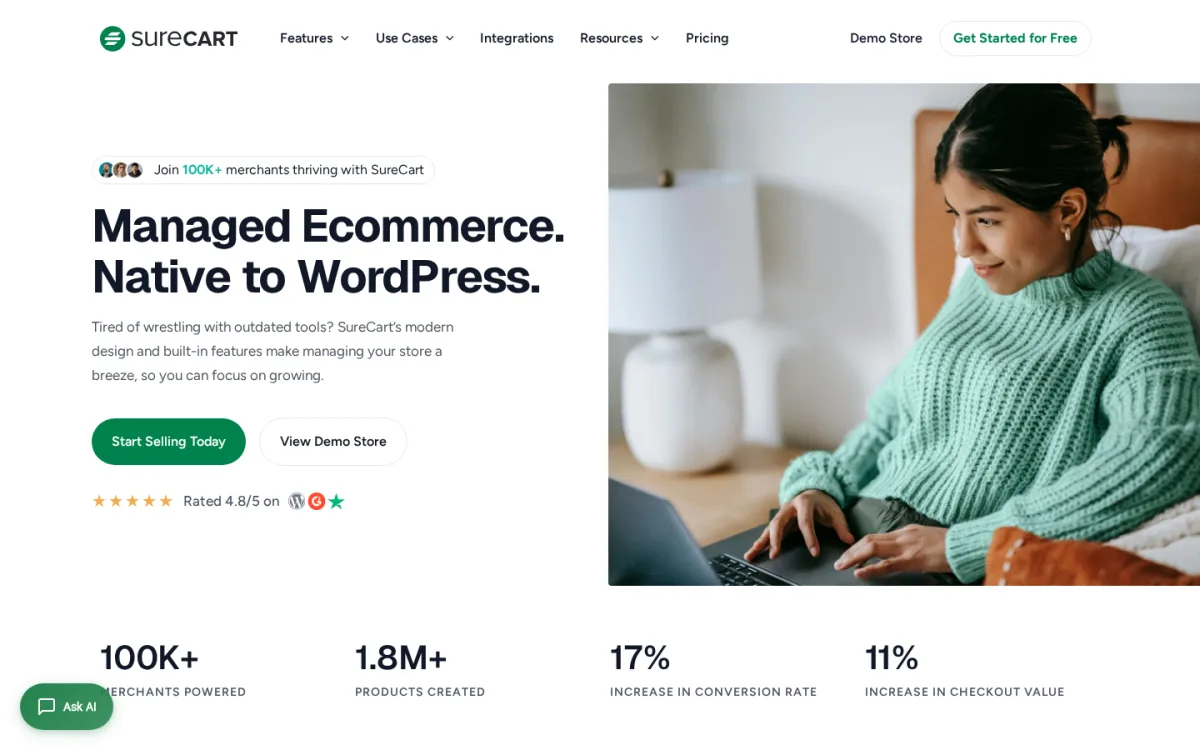
SureCart is the 2026 contender that real WordPress buyers compare against WooCommerce. It is sold as "managed eCommerce native to WordPress": the plugin runs on your site, but product, order, and customer storage runs on SureCart's hosted backend. The current WordPress.org plugin (SureCart, Ecommerce Made Easy, version 4.3.2, last updated 21 May 2026) has 90,000+ active installs, a 4.8/5 average rating, and is tested up to WordPress 6.9.4.
What I checked:
- The WordPress.org SureCart listing (version 4.3.2, 90,000+ installs, 4.8/5 average, tested up to WordPress 6.9.4, last updated 21 May 2026).
- The vendor pricing page (Launch free, Pro yearly, Lifetime Pro) for 1 Store, 5 Stores, and Unlimited Stores tiers.
- The vendor's "Same Powerful Features in All Plans" promise: every feature is unlocked on every plan; the difference between Launch (free) and Pro is the 1.9% transaction fee and the number of stores.
- The 14-day 100% money-back guarantee.
What it does well (per the vendor pricing page and WordPress.org listing):
- Genuinely useful free plan. Launch (free) includes unlimited products, full subscription support, free and paid trials, setup fees, installment plans, the subscription saver, cart abandonment, order bumps, one-click upsells, full order / return / inventory management, automatic tax calculation, agency suite, 100+ payment methods, 135+ currencies, and full REST API and webhooks. The only cost on the free plan is a 1.9% transaction fee in addition to the underlying payment processor fee.
- The "no feature gating" model is rare in this segment. SureCart Pro Yearly is the same plugin as Launch with the transaction fee removed and (on the higher tiers) more stores.
- Modern checkout UX out of the box, native to the WordPress block editor, and noticeably lighter than a WooCommerce, Subscriptions, and Bookings stack.
- Lifetime pricing tier is available (rare in modern WordPress eCommerce).
- Strong 4.8/5 WordPress.org rating; positive 2026 review patterns on G2 (4.7/5) and Trustpilot (4.3/5) per the vendor pricing page.
Where it falls short:
- The 1.9% transaction fee on the free Launch plan is on top of Stripe / PayPal fees, so real revenue at scale pushes you to Pro fast. For a low-volume store, free is genuinely free for what the plugin does.
- Hosted backend means product and customer data lives on SureCart's servers, which is a deliberate design trade-off, not a bug. If you are an "I own all my data on my own server" purist, WooCommerce is the safer pick.
- Renewals are at the full Pro price after year one. Read the renewal column before you commit.
- Smaller third-party extension ecosystem than WooCommerce, although the integrations list (Stripe, PayPal, Mollie, Razorpay, Zapier-style automation through OttoKit) covers the mainstream.
Pricing (verified on 2026-05-23, USD):
- Launch (free): 1.9% transaction fee. Available on 1 Store, 5 Stores, and Unlimited Stores SKUs (the SKU only affects what you pay for Pro).
- Pro Yearly, 1 Store: $179/year introductory, $199/year regular. No transaction fee.
- Pro Yearly, 5 Stores: $249/year introductory, $299/year regular.
- Pro Yearly, Unlimited Stores: $399/year introductory, $499/year regular.
- Lifetime, 1 Store: $599 one-time.
- Lifetime, 5 Stores: $999 one-time.
- Lifetime, Unlimited Stores: $1,699 one-time.
- 14-day 100% money-back guarantee.
Best for: WordPress site owners who want a modern, all-features-included eCommerce plugin that does not push them onto a stack of paid add-ons, are happy with a managed backend, and want a credible Pro upgrade path with a real lifetime option. Especially strong for course creators, coaches, digital service sellers, and one-product-line physical stores.
Official: surecart.com / WordPress.org plugin page
3. Easy Digital Downloads (the specialist for selling digital products on WordPress)
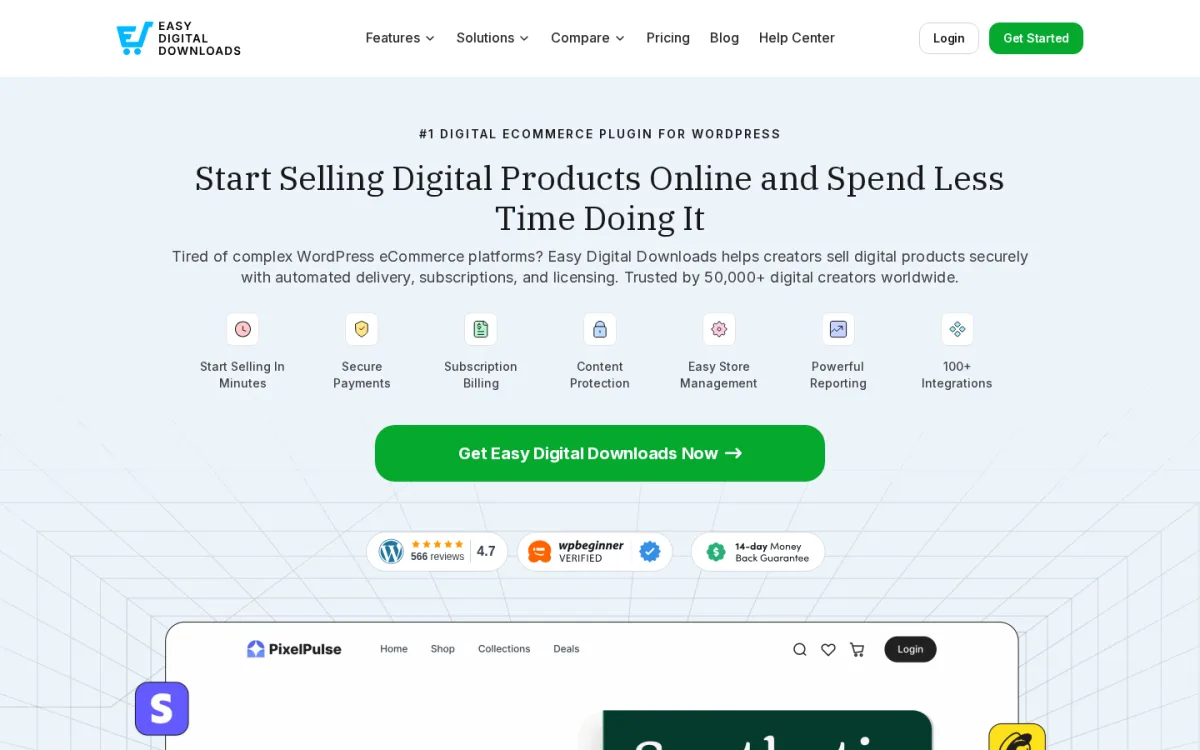
If everything you sell is digital (ebooks, software, templates, music, photography, courses, downloadable assets), Easy Digital Downloads is built for exactly that and almost nothing else. The free WordPress.org plugin (Easy Digital Downloads, eCommerce Payments and Subscriptions made easy, version 3.6.8, last updated 18 May 2026) has 40,000+ active installs, a 4.7/5 average rating, and is tested up to WordPress 6.9.4. The vendor states that 50,000+ digital creators trust EDD with 30+ million orders processed.
What I checked:
- The WordPress.org EDD listing (version 3.6.8, 40,000+ installs, 4.7/5 average).
- The vendor pricing page on easydigitaldownloads.com/pricing (Personal, Extended, Professional, All Access, all annual with a roughly 50% first-year intro discount and a clear renewal price).
- The 14-day money-back guarantee.
- The published feature ladder across Personal (essentials, subscriptions, EU VAT, AI recommendations, abandoned cart, reporting) up to All Access (loyalty, fraud prevention, advanced reports, multi-currency, etc.).
What it does well (per the WordPress.org listing and vendor product page):
- Purpose-built for digital products: secure file delivery, automated download links, software licensing and the REST API (Extended+), content restriction (Professional+).
- Free WordPress.org plugin actually runs a working store: unlimited products, unlimited transactions, no listing fees, and Stripe, PayPal, and Apple Pay support out of the box.
- Subscriptions (with free trials) are bundled into the Personal tier, not pushed onto a top-tier add-on.
- EU VAT and AI product recommendations are included from the Personal tier upward, which keeps the first-year cost honest for serious sellers.
- The 4.7/5 rating profile in 2025 and 2026 is unusually high for a paid-pass plugin in this category.
Where it falls short:
- Genuinely not the right plugin for physical products. The shipping module shows up only from the Extended tier and is not the EDD team's primary focus.
- Pricing is in euros on the live vendor pricing page (EUR 99.50 intro / EUR 199 renewal at Personal, EUR 499.50 / EUR 999 at All Access), so US buyers should price-check at checkout for their local currency.
- Renewals at full price are steep relative to the first-year intro number.
- The plugin's design choices are clearly digital-first, so multi-vendor marketplaces and full retail stores fit better on WooCommerce.
Pricing (verified on 2026-05-23, in EUR on easydigitaldownloads.com/pricing):
- Personal: EUR 99.50/year intro, EUR 199/year regular (1 site).
- Extended: EUR 199.50/year intro, EUR 399/year regular (1 site, adds software licensing, multi-vendor marketplace, physical shipping, post-purchase funnels).
- Professional: EUR 299.50/year intro, EUR 599/year regular (2 sites, adds content restriction, product bundles, customer reviews, Zapier, multi-currency).
- All Access: EUR 499.50/year intro, EUR 999/year regular (3 sites, adds loyalty, fraud prevention, advanced reports, bulk discount generation, direct customer messaging).
- 14-day money-back guarantee.
Best for: WordPress site owners who sell only digital products (especially ebooks, software, plugins, templates, music, courses) and want a plugin where the entire admin and checkout flow has been designed around digital delivery rather than physical shipping.
Official: easydigitaldownloads.com / WordPress.org plugin page
4. Ecwid by Lightspeed (the multi-channel pick for WordPress, social, and marketplaces)
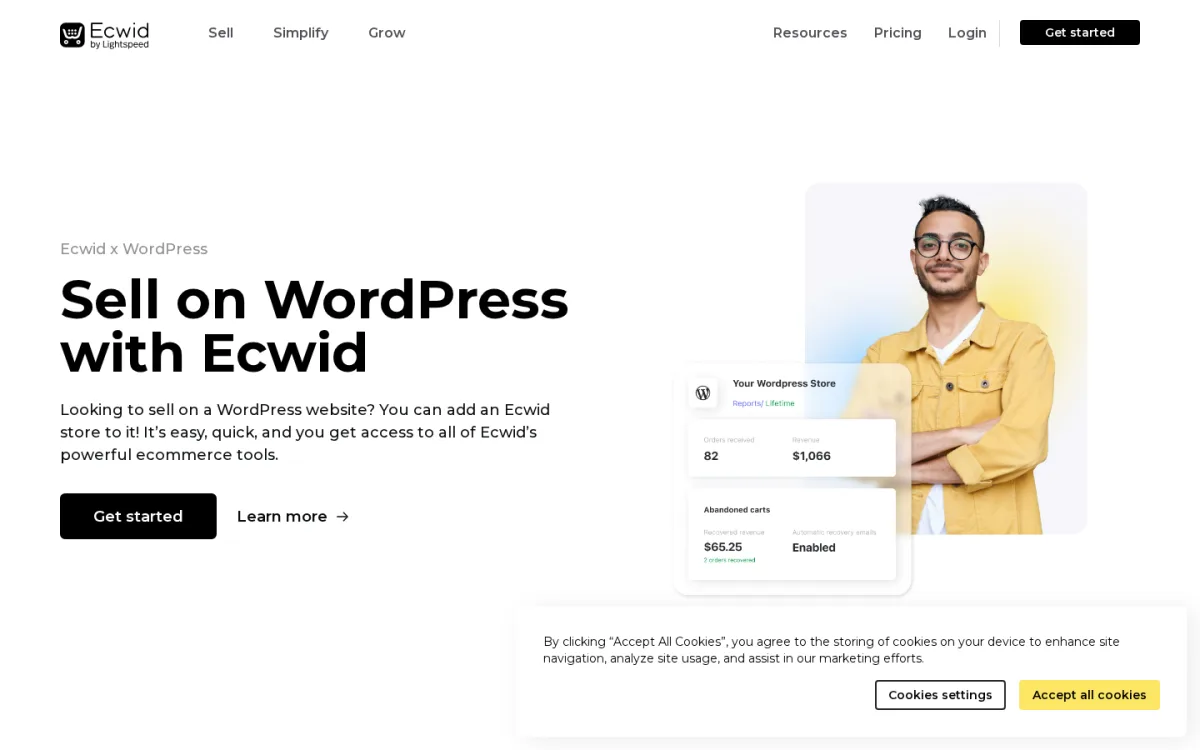
Ecwid by Lightspeed is the option to evaluate if you want to sell on WordPress *and* on Instagram, Facebook, Amazon, eBay, Google Shopping, and a physical POS from one synced product catalogue. The WordPress.org plugin (Ecwid by Lightspeed Ecommerce Shopping Cart, version 7.0.8, last updated 13 February 2026) has 20,000+ active installs, a 4.5/5 average rating from 228 reviews, and is tested up to WordPress 6.9.4.
What I checked:
- The WordPress.org Ecwid listing (version 7.0.8, 20,000+ installs, 4.5/5 average).
- The vendor pricing page on ecwid.com/pricing (Starter, Venture, Business, Unlimited).
- The published per-plan product limits and feature differences.
- The vendor positioning ("sell on WordPress, blogs, ecommerce sites, Facebook, Instagram, Amazon, eBay") and the fact that the WordPress plugin is the connector to Ecwid's cloud-hosted store.
What it does well (per the WordPress.org listing and vendor pricing page):
- Multi-channel by design. The same product catalogue runs on WordPress, on a Facebook / Instagram shop, on a Lightspeed POS, and across marketplaces, with automatic synchronization of products, customers, orders, and inventory.
- PCI DSS Level 1 certified payment processing.
- Hosted backend means no MySQL bloat on your WordPress host; the WordPress plugin is the storefront, but the store data lives on Ecwid's servers (unlimited storage, automatic backups, seamless upgrades included).
- 24/5 support across email, chat, and phone (depending on plan).
- Genuinely useful Starter tier ($5/month) for sellers with a small catalogue.
Where it falls short:
- The 10-product limit on the Starter plan and the 100-product Venture plan move serious sellers up the price ladder quickly. A real catalogue (2,500+ products) needs the Business plan at $49 to $65/month.
- The hosted-backend design is the opposite of WooCommerce's "you own all the data on your own server" approach. If you switch off Ecwid, you switch off the store.
- Some advanced storefront customizations require more developer work than the equivalent in WooCommerce or SureCart.
- WordPress plugin updates have been small and security-focused in recent months (7.0.8 changelog: "plugin code improvements for better security"), which is fine but worth noting.
Pricing (verified on 2026-05-23, USD, on ecwid.com/pricing):
- Starter: $5/month (10 products).
- Venture: $35/month, or $29/month billed annually (100 products, digital goods, social selling, mobile app, live chat, coupons).
- Business: $65/month, or $49/month billed annually (2,500 products, marketplace selling, subscriptions, 2 staff accounts, phone support, advanced analytics).
- Unlimited: $149/month, or $119/month billed annually (unlimited products, in-person POS, unlimited staff, priority support).
- The free Ecwid Starter plan exists on the Lightspeed sign-up flow; confirm current free-tier scope at sign-up because Lightspeed has revised the free SKU in the past year.
Best for: WordPress site owners who want a single product catalogue that powers a WordPress storefront and one or more of: a Facebook / Instagram shop, an Amazon or eBay listing, Google Shopping, and a physical point of sale. Also a good pick for retailers who already use Lightspeed for in-person sales.
Official: ecwid.com/wordpress-ecommerce / WordPress.org plugin page
5. WP EasyCart (the all-in-one lightweight WooCommerce alternative)
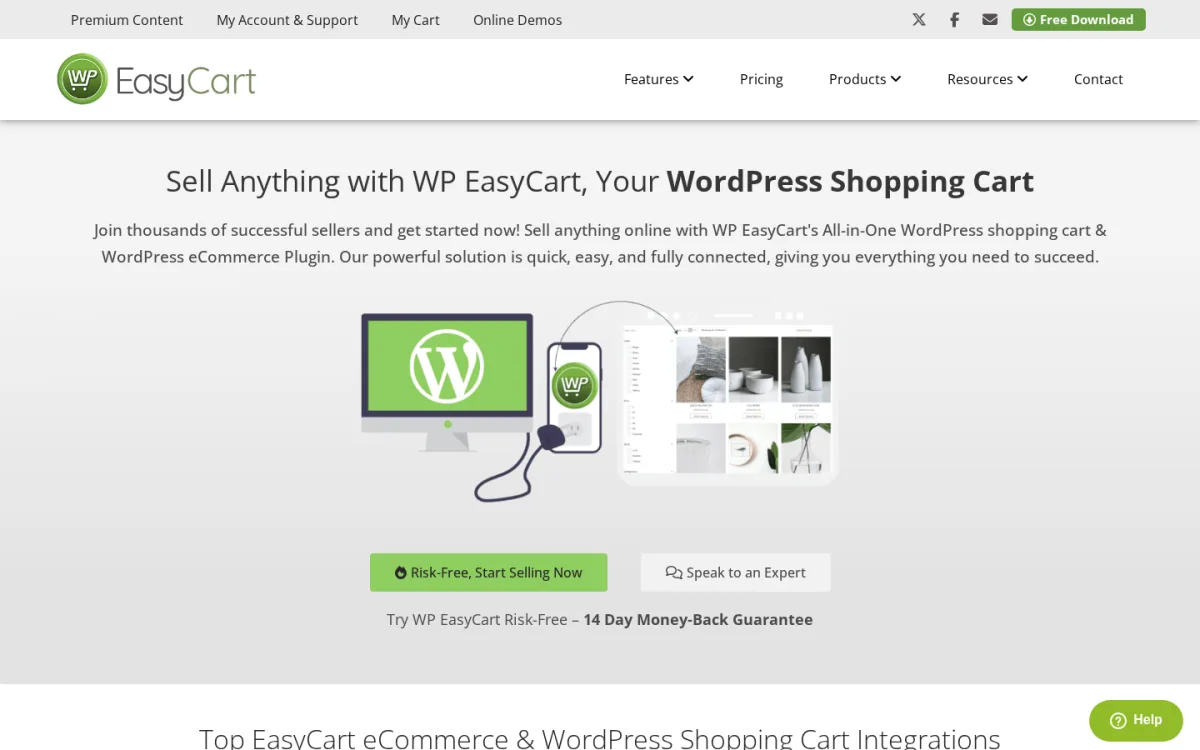
WP EasyCart is the lightweight, paid-licence WordPress eCommerce plugin for site owners who want WooCommerce-grade features (real shopping cart, 30+ payment gateways, shipping, subscriptions, B2B, gift cards) without the WooCommerce extension shopping list. The WordPress.org plugin (Shopping Cart and eCommerce Store, version 5.8.15, last updated 22 May 2026) has 4,000+ active installs, a 4.5/5 average rating, and is tested up to WordPress 7.0.
What I checked:
- The WordPress.org WP EasyCart listing (version 5.8.15, 4,000+ installs, 4.5/5 average, tested up to WordPress 7.0, last updated 22 May 2026).
- The vendor pricing page on wpeasycart.com/wordpress-shopping-cart-pricing/ (Free Lite, Pro, Premium), all sold as one-time-purchase licences (not subscriptions) with multi-year discount pricing.
- The vendor positioning ("Stripe cart, Square cart, and PayPal cart in one", "30+ payment gateways", "international ecommerce cart").
- The 14-day money-back guarantee on paid editions.
- The free Lite vs Pro vs Premium feature split (Free Lite charges 2% application fees, Pro and Premium remove those fees).
What it does well (per the WordPress.org listing and vendor product page):
- One-time-purchase pricing instead of annual subscription. The "minimum annual cost" numbers ($69 Pro, $89 Premium) on the pricing page reflect locking in a multi-year licence; you actually pay once per renewal cycle, not every year.
- Includes a real shopping cart, retail products, digital downloads, subscriptions, gift cards, donations, services, B2B, and membership features in a single plugin.
- 30+ payment gateways out of the box (Stripe, Square, PayPal Express, Apple Pay, Google Pay, Microsoft Pay), without buying gateway extensions individually.
- Free Lite is genuinely a working cart (unlimited products, unlimited orders, PayPal Express, Square, Stripe), although the 2% application fee on every sale is a meaningful cost at scale.
- Premium adds mobile admin apps (Windows, Mac, iOS, Android) and premium integrations (Shippo, ShipStation, QuickBooks, AffiliateWP, Avalara AvaTax, Facebook / Instagram Shop).
Where it falls short:
- 4,000+ active installs is the smallest community in this list, so finding hands-on tutorials and theme-compatibility threads is harder than for WooCommerce.
- The Free Lite tier's 2% application fee is on top of the payment processor fee, so the real cost of "free" is higher than it looks once you start selling.
- The licence model rewards a 5-year commitment (the headline "$69/year" is the prorated 5-year cost; the actual purchase is a multi-year licence at the corresponding multiple). Read the licence page before checkout.
- The vendor and community presence is smaller than WooCommerce and SureCart; account for that in your stack if you rely on third-party tutorial content.
Pricing (verified on 2026-05-23, USD):
- Free Lite on WordPress.org (unlimited products, PayPal Express, Square, Stripe, 2% application fees on every transaction, no advanced features).
- Pro: $69/year (5-year licence pricing). Core eCommerce features, 30+ payment gateways, coupons, promotions, abandoned cart automation, live shipping rates, 0% application fees.
- Premium (most popular per the vendor page): $89/year (5-year licence pricing). Everything in Pro plus mobile apps for Windows, Mac, iOS, Android and the premium extension set.
- 14-day money-back guarantee on paid editions.
Best for: WordPress site owners who want a working shopping cart, several payment gateways, and gift cards, subscriptions, and B2B all in one plugin without paying separately for each, and who prefer a one-time purchase to an annual subscription. Especially worth a look if WooCommerce's extension shopping list is the main reason you have been avoiding it.
Official: wpeasycart.com / WordPress.org plugin page
6. CartFlows (the WordPress funnel and checkout plugin that pairs with WooCommerce)
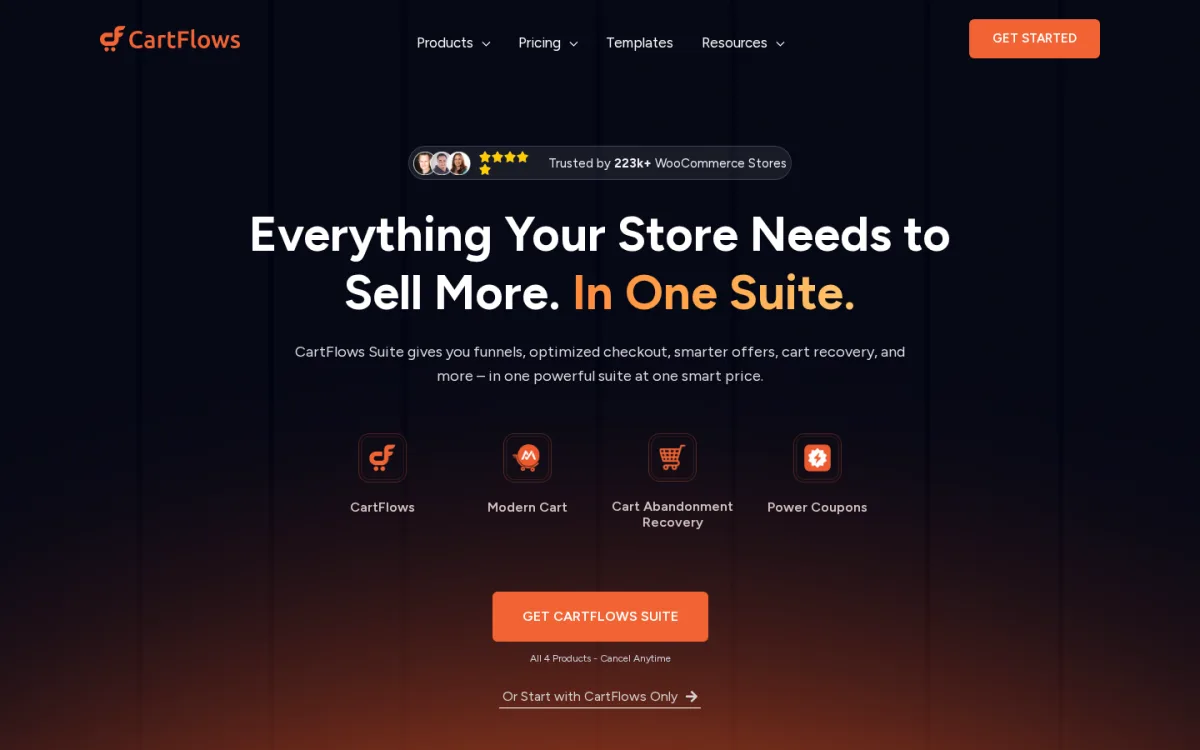
CartFlows does not replace WooCommerce. It replaces the default WooCommerce checkout (and adds funnels, upsells, downsells, and order bumps on top). The WordPress.org plugin (CartFlows, Funnel Builder and Checkout Plugin for WooCommerce, version 3.0.1, last updated 1 May 2026) has 200,000+ active installs, a 4.8/5 average rating from 495 reviews, and is tested up to WordPress 6.9.4. CartFlows is the most-installed WooCommerce funnel and checkout plugin on WordPress.org.
What I checked:
- The WordPress.org CartFlows listing (version 3.0.1, 200,000+ installs, 4.8/5 average from 495 reviews, tested up to WordPress 6.9.4, last updated 1 May 2026).
- The CartFlows Suite pricing on cartflows.com (1 site, 3 sites, 30 sites; suite bundles CartFlows Pro, Cart Abandonment Recovery Pro, Power Coupons Pro, Modern Cart Pro, OttoKit Pro, and priority support).
- The standalone CartFlows Pro entry price ("plans start at just $16/month" per the WordPress.org listing FAQ).
- The free plugin scope: modern checkout styles, instant layouts, multi-page-builder support, default-checkout override, ready-made sales funnel imports, checkout form field editor, social pixel tracking (Google, Facebook, Pinterest, Snapchat, TikTok), and OttoKit automation.
- The 14-day money-back guarantee.
What it does well (per the WordPress.org listing and vendor page):
- 200,000+ active installs and 4.8/5 average rating make CartFlows the WooCommerce checkout and funnel plugin most likely to be still around in 2030.
- Replaces the WooCommerce default checkout with one-page, two-step, multi-step, or "Instant" distraction-free layouts that convert better in practice.
- Pro adds one-click upsells, dynamic order bumps, A/B split testing, advanced funnel analytics, smart funnel routing, Google address autocomplete, auto-apply coupons, lead-gen tools, product options, enhanced subscription handling, the premium funnel template library, and unlimited funnel steps.
- Compatible with every major page builder (Spectra, Elementor, Bricks, Divi, Beaver Builder, Brizy, Thrive Architect, Gutenberg, Oxygen) and most popular themes (Astra, Avada, Blocksy, Divi, Flatsome, GeneratePress, Hello Elementor, Kadence, Neve, OceanWP, Storefront).
- Works with every WooCommerce-compatible payment gateway (Stripe, PayPal, Square, Mollie, Auth.Net, WooPayments, BACS).
Where it falls short:
- Not standalone. CartFlows requires WooCommerce. If you are not on WooCommerce, this plugin does not apply.
- A few 2026 reviews on WordPress.org call out that the free tier omits features that earlier versions exposed (most notably some checkout-customization options). If you need everything in the funnel-builder toolkit, expect to upgrade to Pro.
- The Suite price ($199/year for 1 site) is higher than buying CartFlows Pro alone, but the Suite bundles four plugins; price it against the individual plugin total before deciding.
Pricing (verified on 2026-05-23, USD):
- CartFlows Suite (1 site): $199/year starting price. Includes CartFlows Pro, Cart Abandonment Recovery Pro, Power Coupons Pro, Modern Cart Pro, OttoKit Pro, and priority support.
- CartFlows Suite is also available for 3 sites and 30 sites at higher tiers (priced on the vendor pricing page).
- CartFlows Pro alone: starts at $16/month per the WordPress.org listing FAQ.
- 14-day money-back guarantee.
Best for: WooCommerce store owners who want to replace the default WooCommerce checkout with a modern, conversion-optimized checkout and add one-click upsells, order bumps, and A/B testing on top. The cleanest WordPress alternative to SaaS funnel tools like ClickFunnels.
Official: cartflows.com / WordPress.org plugin page
7. WP Simple Pay (the best pick if you only need Stripe payments, not a full store)
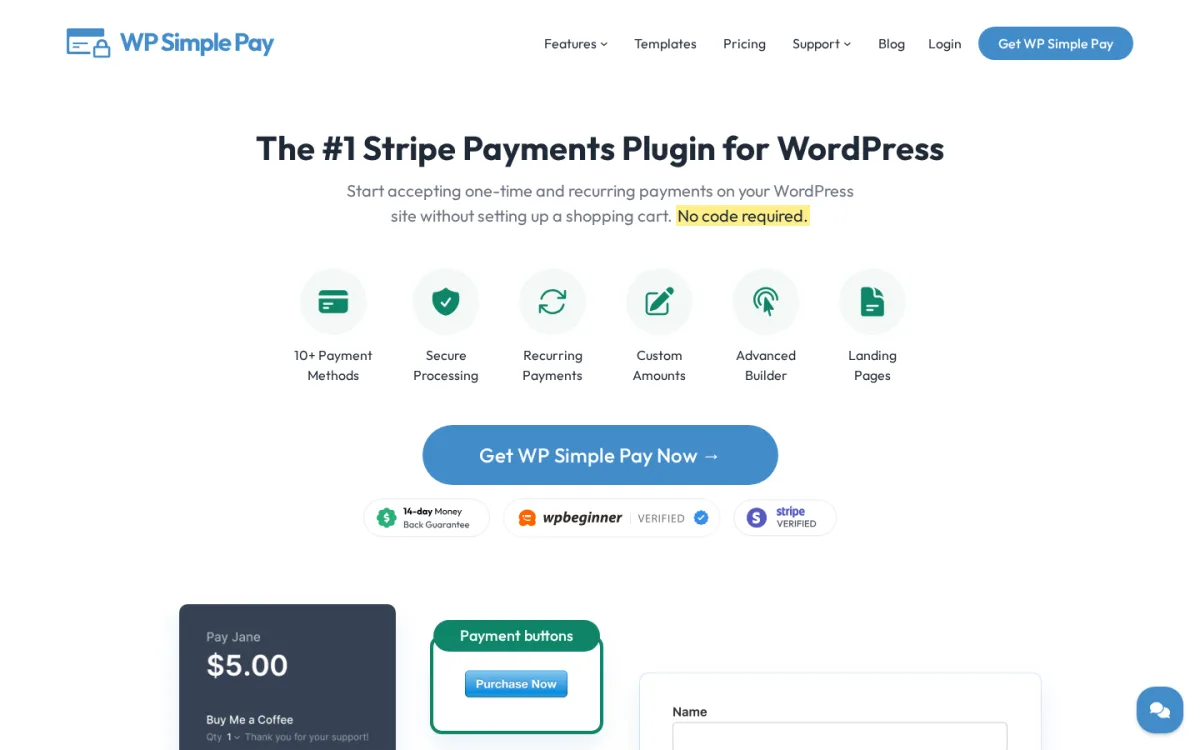
WP Simple Pay is for the buyer who does not want a full eCommerce store at all. It accepts Stripe payments and recurring subscriptions on WordPress (cards, Apple Pay, Google Pay, ACH, SEPA, BECS, MobilePay, PromptPay, WeChat Pay, Klarna, Afterpay) without a cart, a product catalogue, or a checkout flow. The WordPress.org Lite plugin (Stripe Payment Forms by WP Simple Pay, version 4.17.1, last updated 9 April 2026) has 9,000+ active installs, a 4.4/5 average rating, and is tested up to WordPress 6.9.4. Subscription payments are now available even on the free Lite plan.
What I checked:
- The WordPress.org Stripe Payment Forms by WP Simple Pay listing (version 4.17.1, 9,000+ installs, 4.4/5 average).
- The vendor pricing page on wpsimplepay.com/pricing/ (Personal, Plus, Professional, Elite).
- The 14-day 100% money-back guarantee.
- The transaction-fee disclosure: WP Simple Pay Lite (free) charges an additional 3% per transaction on top of Stripe's fees. The Pro upgrade removes the 3% fee.
- The vendor's explicit FAQ that WP Simple Pay does not integrate with WooCommerce or Easy Digital Downloads. It is a standalone Stripe payments plugin.
What it does well (per the WordPress.org listing and vendor pricing page):
- Genuinely the simplest way to take Stripe payments on WordPress when you do not want a store. Drop a payment form on a page and you are live.
- Subscription support is now in the free Lite plan (rolled out in v4.14.1 in July 2025), which is unusual for a Lite plugin.
- Verified Stripe partner program member, with Stripe Checkout (PCI-compliant, SCA-ready) built in.
- Pro adds on-site (no-redirect) payment forms, the drag and drop builder, custom fields, custom amounts, ACH, SEPA, and Bacs direct debit, Bancontact, GrabPay, Klarna and Afterpay / Clearpay, coupon and tax-rate management, installment plans, setup fees, and free trials.
- Backed by the Awesome Motive group (WPBeginner, WPForms, MonsterInsights), so the long-term support outlook is solid.
Where it falls short:
- The 3% transaction fee on the Lite plan is significant. A real revenue stream will pay this off the Pro licence price quickly.
- Stripe-only. PayPal, Mollie, and Square users need a different plugin (SureCart and WooCommerce both cover those).
- Not a store. No cart, no order management beyond Stripe's dashboard, no shipping. If you sell more than one or two SKUs, you want SureCart, WooCommerce, or WP EasyCart instead.
- Some 2026 reviews on WordPress.org flag aggressive cancellation UX inside the vendor account flow. The plugin itself works as advertised; the criticism is about renewal pages.
Pricing (verified on 2026-05-23, USD):
- WP Simple Pay Lite (free): on WordPress.org. Includes Stripe Checkout, cards, Apple Pay, Google Pay, recurring subscriptions, plus a 3% per-transaction fee on top of Stripe's fees.
- Personal: $49.50/year intro, $99/year regular (1 site).
- Plus: $99.50/year intro, $199/year regular (3 sites; subscription / recurring upgrades).
- Professional ("Best Deal"): $199.50/year intro, $399/year regular (10 sites; advanced subscriptions, tax automation, payment pages, priority support).
- Elite: $299.50/year intro, $599/year regular (unlimited sites; Klarna, Afterpay, Cash App Pay, premium support).
- 14-day 100% money-back guarantee.
Best for: WordPress site owners who do not want a full store. Perfect for selling one product, accepting donations, running a paid membership signup form, taking deposits, or charging for a one-off service. The fastest install-to-first-payment path on WordPress.
Official: wpsimplepay.com / WordPress.org plugin page
How to choose a WordPress eCommerce plugin in 2026
Use these questions to narrow this list of seven down to one:
- Do you actually need a full store, or just a payment form? If you sell one product, accept donations, take deposits, or run paid registrations, WP Simple Pay is the smallest plugin that does that job cleanly. If you sell a catalogue, you need a real store plugin.
- Physical, digital, or both? WooCommerce, SureCart, WP EasyCart, and Ecwid handle physical and digital comfortably. Easy Digital Downloads is the specialist for digital-only stores. WP Simple Pay handles neither well as a catalogue.
- Open source on your own server, or managed in the cloud? WooCommerce and WP EasyCart are fully self-hosted (your data, your MySQL). SureCart and Ecwid run the storefront on your WordPress site but keep the product and order data on the vendor's hosted backend. Pick the model you are comfortable with for the next three to five years.
- How important are zero transaction fees? WooCommerce and Easy Digital Downloads do not add a fee on top of the payment processor. SureCart's free Launch plan adds 1.9%; SureCart Pro removes it. WP EasyCart's free Lite adds 2%; Pro and Premium remove it. WP Simple Pay's free Lite adds 3%; Pro removes it. Ecwid does not add a per-transaction fee, but the monthly plan replaces it.
- Do you want lifetime pricing or annual renewals? Only SureCart (Pro, every store tier) and WP EasyCart (multi-year licence model) offer real long-term-no-renewal options on this list. Everywhere else, you renew annually.
- Are you running an existing WooCommerce store and want a better checkout? Then you do not change the eCommerce plugin. You add CartFlows on top of WooCommerce and replace the default checkout.
- How many channels? If you only sell on your own WordPress site, WooCommerce or SureCart fits best. If you also need a Facebook / Instagram shop and a marketplace presence (Amazon, eBay, Google Shopping) from one synced catalogue, Ecwid is the obvious pick.
If your store will end up on shared hosting or an under-spec'd plan, the eCommerce plugin you pick matters less than the host you put it on. Our WordPress hosting comparison covers the seven providers we recommend in 2026, and our WordPress speed optimization guide walks through the caching and image work that keeps a WooCommerce or SureCart store fast.
Frequently asked questions
What is a WordPress eCommerce plugin?
A WordPress eCommerce plugin turns a standard WordPress site into an online store. It adds a product catalogue, a shopping cart, a checkout flow, payment processing, and order management to your WordPress admin. WooCommerce is the open-source default, but SureCart, Easy Digital Downloads, Ecwid, WP EasyCart, CartFlows (as a WooCommerce checkout add-on), and WP Simple Pay (as a Stripe payment form, not a full cart) all play in the same buyer space.
What is the best free WordPress eCommerce plugin in 2026?
For a full store, WooCommerce is the safest free pick: 7+ million active installs, 4.5/5 average rating, and no per-transaction plugin fee. If you want a single modern plugin where every feature is unlocked on the free plan and the only cost is a 1.9% transaction fee, SureCart is the strongest 2026 alternative (90,000+ installs, 4.8/5 average). For digital-only stores, Easy Digital Downloads is the best free pick (40,000+ installs, 4.7/5).
Do I need WooCommerce to use other eCommerce plugins?
It depends on the plugin. CartFlows requires WooCommerce by design (it replaces the WooCommerce checkout). Ecwid, SureCart, Easy Digital Downloads, WP EasyCart, and WP Simple Pay all run on their own and do not require WooCommerce to be installed. WP Simple Pay specifically does not integrate with WooCommerce.
How much does a WordPress eCommerce plugin cost in 2026?
Free is possible: WooCommerce core, SureCart Launch, EDD's free plugin, WP EasyCart Lite, the Ecwid WordPress plugin (connected to a paid Ecwid plan), CartFlows free, and WP Simple Pay Lite are all free on WordPress.org. Paid pricing on this list starts at $49.50/year intro for WP Simple Pay Personal, $69/year for WP EasyCart Pro (multi-year licence pricing), EUR 99.50/year intro for EDD Personal, $5/month for Ecwid Starter, $16/month for CartFlows Pro, and $179/year intro for SureCart Pro (1 store). Always check the renewal price and the per-transaction fee policy alongside the headline number.
Is WordPress eCommerce secure?
WordPress itself, when kept up to date, is as secure as any other major CMS. The eCommerce side of the equation comes down to two things: the plugin's compliance posture (Ecwid is PCI DSS Level 1, SureCart and WP Simple Pay use Stripe Checkout which is PCI DSS compliant and SCA-ready, WooCommerce relies on the chosen gateway's compliance) and your own site hygiene (HTTPS, plugin and theme updates, a real backup workflow, and a strong admin password). Most security incidents on WordPress stores come from outdated plugins and weak admin credentials, not from the eCommerce plugin itself.
Will an eCommerce plugin slow down my WordPress site?
A real eCommerce plugin is heavier than a content plugin. WooCommerce in particular does run more queries per page than a typical blog plugin. The fix is rarely "pick a different plugin"; it is "use a host with enough resources, enable caching, optimize images, and keep your theme lean." Cloud-backed plugins (SureCart, Ecwid) tend to be lighter on your own server because product and order data lives elsewhere. If your store currently feels slow, the WordPress speed optimization guide is a good first read.
Can I switch from one WordPress eCommerce plugin to another later?
You can, but the migration is not always clean. Each plugin stores products, orders, customers, and subscriptions in its own database tables (or in its own hosted backend, in the case of SureCart and Ecwid). Some vendors ship import tools (Ecwid has built-in import from Shopify, WooCommerce, BigCommerce, Selz, and Easy Digital Downloads; WooCommerce itself can import from many sources); most assume a fresh start. Picking the right plugin upfront is cheaper than migrating later.
Final recommendation
For most WordPress site owners in 2026, the practical answer is:
- You want the open-source default with the largest ecosystem: WooCommerce.
- You want a modern, all-features-included plugin without an extension shopping list: SureCart.
- You sell only digital products (ebooks, software, courses, templates): Easy Digital Downloads.
- You also sell on Facebook, Instagram, marketplaces, and POS from one catalogue: Ecwid by Lightspeed.
- You want a paid, one-time-licence alternative to WooCommerce: WP EasyCart.
- You already run WooCommerce and the default checkout is your bottleneck: add CartFlows.
- You do not actually need a full store, just Stripe payments on WordPress: WP Simple Pay.
Whichever you pick, the same three rules apply: budget for the renewal price (not the first-year intro), watch the per-transaction fee on every "free" plan, and pair the plugin with a fast WordPress host and proper image optimization. The plugin is only as good as the WordPress site around it.
If your store sells across more than one language, layer the ecommerce plugin you pick above with our roundup of the best WordPress translation plugins to keep product, checkout and email content properly localized with indexable per-language URLs.
Similar Blogs


