

Best Shopify Social Media Apps in 2026: Ranked by Category

Social media is not a single job. Posting your products automatically to Instagram is a different task from displaying a shoppable Instagram feed on your homepage, which is different from adding share buttons to your product pages, which is different from letting customers sign in with Google. A single app rarely covers all four well, and using the wrong tool for the job means paying for features you do not use while missing ones you actually need.
This guide organizes the best Shopify social media apps in 2026 into four practical categories: auto-posting and scheduling, Instagram and social feeds, social sharing buttons and icons, and social login. For the auto-posting category, I installed and tested 10 apps on a real Shopify demo store, connected live channels, and attempted real posts. For the other three categories, I reviewed each app's Shopify App Store listing and public reviews.
Seventeen apps are covered. Each entry shows pricing, App Store rating, and a one-line verdict so you can make a faster decision.
Quick overview by category
| Category | Best pick | Why |
|---|---|---|
| Auto-posting and scheduling | Yoomru | 11 networks, real free plan, no credit gates, native in Shopify admin |
| Instagram/ |
Instafeed | 4.9/ |
| Social sharing buttons and icons | Helpy Social Share Buttons | 4.9/ |
| Social login | Wishlist and Social Login by Oxi | 4.9/ |
Category 1: Social Media Auto-Posting and Scheduling
Auto-posting apps connect your Shopify product catalog to social media and publish posts on a schedule you set once. This is Yoomru's home category. The five apps below give you a quick snapshot of the top options by network coverage, free plan quality, and automation depth.
| App | Rating | Networks | Real free plan | Starting paid | Key limitation |
|---|---|---|---|---|---|
Yoomru |
New |
11 |
Yes, 30 posts/ |
$9.99/ |
Brand new, no analytics yet |
Outfy |
4.8 (459 reviews) |
6 |
Yes, 1 post/ |
$25/ |
No LinkedIn or Google Business |
VibeFlow |
4.9 (75 reviews) |
6 |
Yes, 10 posts/ |
$8.99/ |
Hard daily cap per account, no LinkedIn |
Xyla AI |
4.7 (190 reviews) |
6 |
No, preview only |
$29/ |
Credit-metered, trial required to publish |
SS Social Media AI |
4.9 (76 reviews) |
6 |
No, 7-day trial |
$11.99/ |
No YouTube; X/ |
1. Yoomru
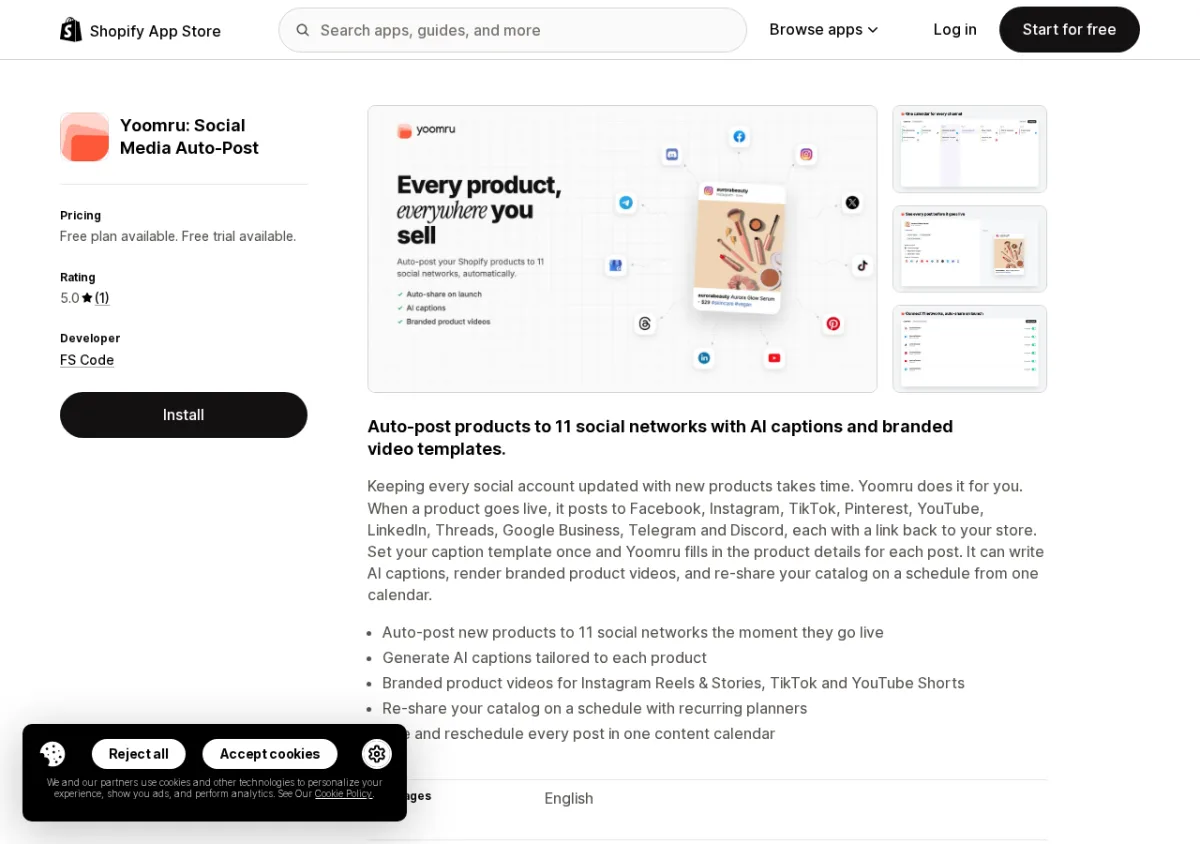
Best for: Shopify merchants who post to many networks, want a genuine free plan, and need catalog-accurate product video without credit metering.
Key features:
- Connects to 11 social networks: Facebook, Instagram, TikTok, Pinterest, X/Twitter, YouTube, LinkedIn, Threads, Google Business Profile, Telegram, Discord. The only auto-posting app in the category covering both Telegram and Discord.
- Deterministic branded product video generated from the real catalog (no credits consumed per video, no AI hallucinations about products).
- Planners with skip-out-of-stock, auto-share on product create, per-channel validation, and Judge.me review cards. Fully embedded in Shopify admin with Shopify Managed Pricing.
Pricing: Free, 30 posts/mo, 1 channel, 20 AI generations. Starter $9.99/mo, Growth $24.99/mo, Pro $49.99/mo.
App Store rating: New (launched August 2026, building review history)
Verdict: The widest network coverage in the category, the only real free plan that actually publishes, and the only app in the test with Telegram and Discord support.
Website: www.yoomru.com | App Store: View Yoomru on the Shopify App Store
2. Outfy
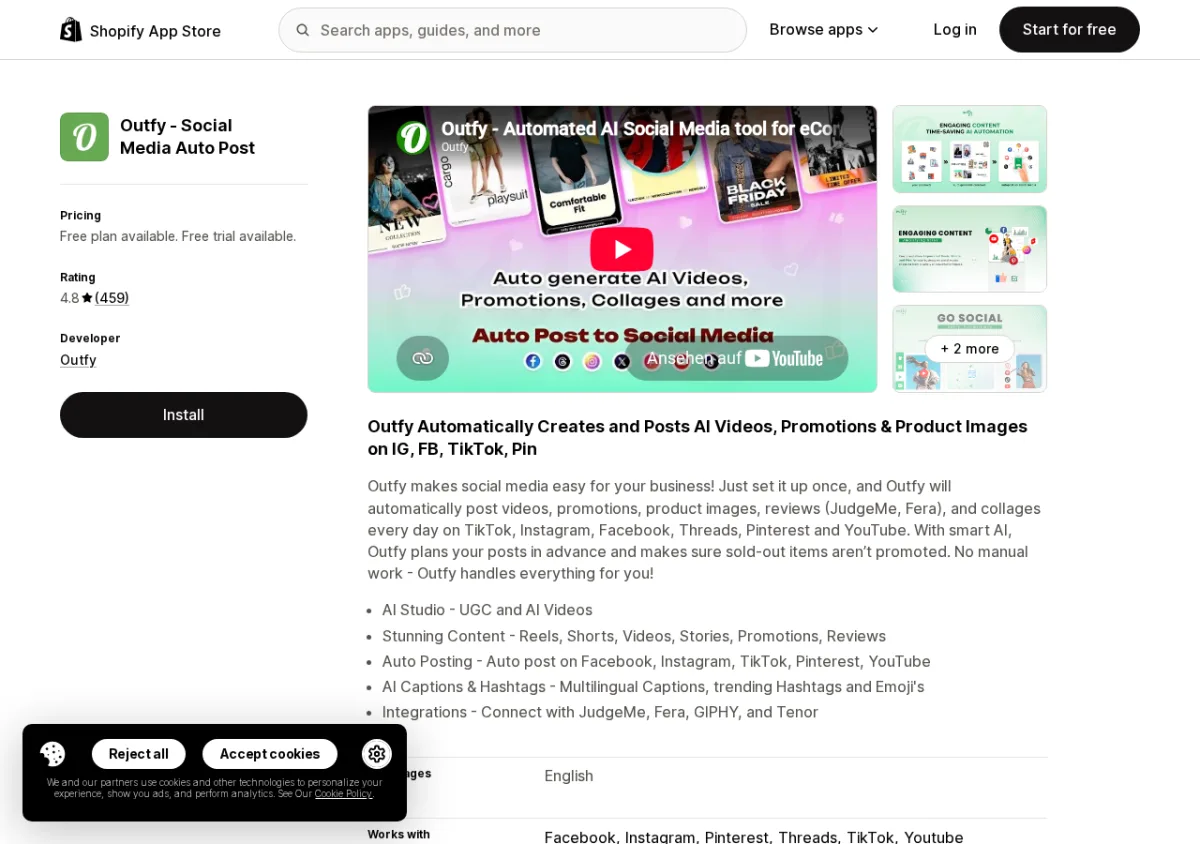
Best for: Merchants who want the most established auto-posting app with a proven 10-year track record and the broadest AI video library.
Key features:
- SmartQ automation publishes one product post per day on the free plan (image only).
- AI Studio includes UGC videos, short-form content, and long-form video at higher tiers.
- 459 reviews at 4.8 stars; Built for Shopify badge; oldest app in the category (launched 2015).
Pricing: Free (1 auto-post/day, limited networks); from $25/mo.
App Store rating: 4.8/5 (459 reviews) | Built for Shopify
Verdict: The most trusted name in Shopify auto-posting based on review volume and tenure; limited to 6 networks and no LinkedIn, X/Twitter, or Google Business on any plan.
App Store: View Outfy on the Shopify App Store
3. VibeFlow
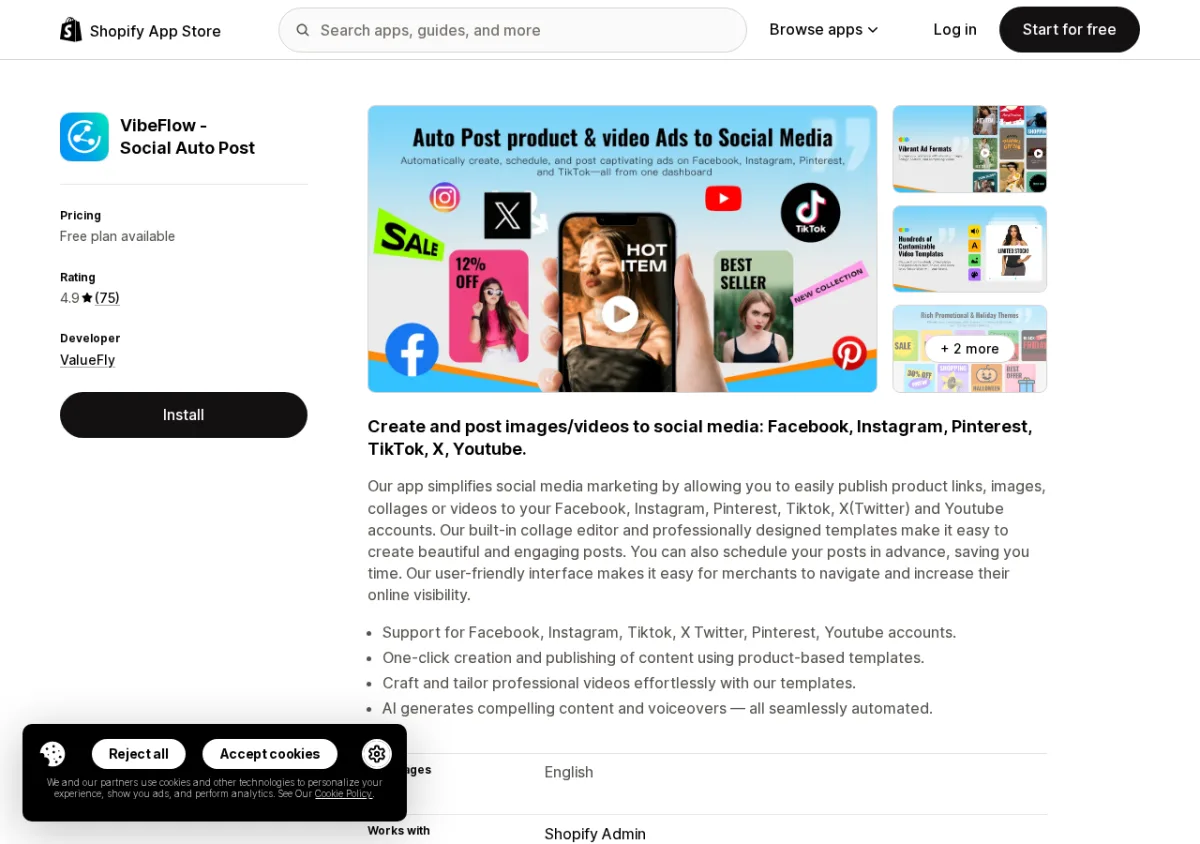
Best for: Merchants who want a rule-based automation builder and the highest-rated free auto-posting plan in the category.
Key features:
- Rule-based automation builder lets you create custom triggers (new product, sale, restock) with conditional logic.
- 4.9 stars with 75 reviews; free plan publishes up to 10 posts per month with no credit gate.
- Fully embedded in Shopify admin.
Pricing: Free (10 posts/mo, 1 channel); from $8.99/mo.
App Store rating: 4.9/5 (75 reviews)
Verdict: Best automation builder in the category; note the hard daily post cap (2-10 per account depending on plan) and no LinkedIn support confirmed in-app.
App Store: View VibeFlow on the Shopify App Store
4. Xyla AI
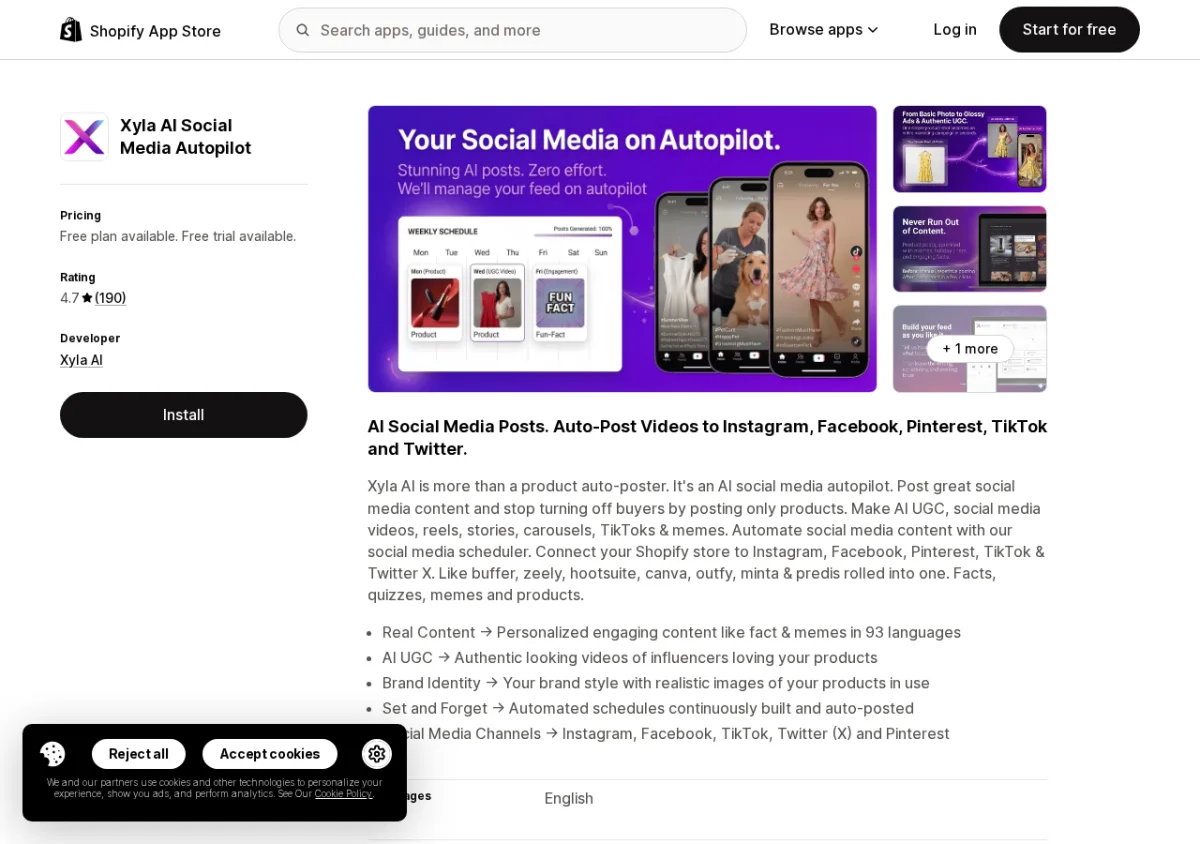
Best for: Merchants who prioritize onboarding experience and want AI-generated content variety (7 voice presets, 5 visual types).
Key features:
- 6-step onboarding wizard auto-generates a week of content on install.
- 7 brand voice presets, 5 AI visual styles, and background content generation.
- 190 reviews at 4.7 stars; credit-metered publishing (all publishing requires a paid plan).
Pricing: No free plan (preview only); from $29/mo ($17/mo annual).
App Store rating: 4.7/5 (190 reviews)
Verdict: Best onboarding UX in the category; note that all publishing is credit-metered and locked behind a trial or paid plan from day one.
App Store: View Xyla AI on the Shopify App Store
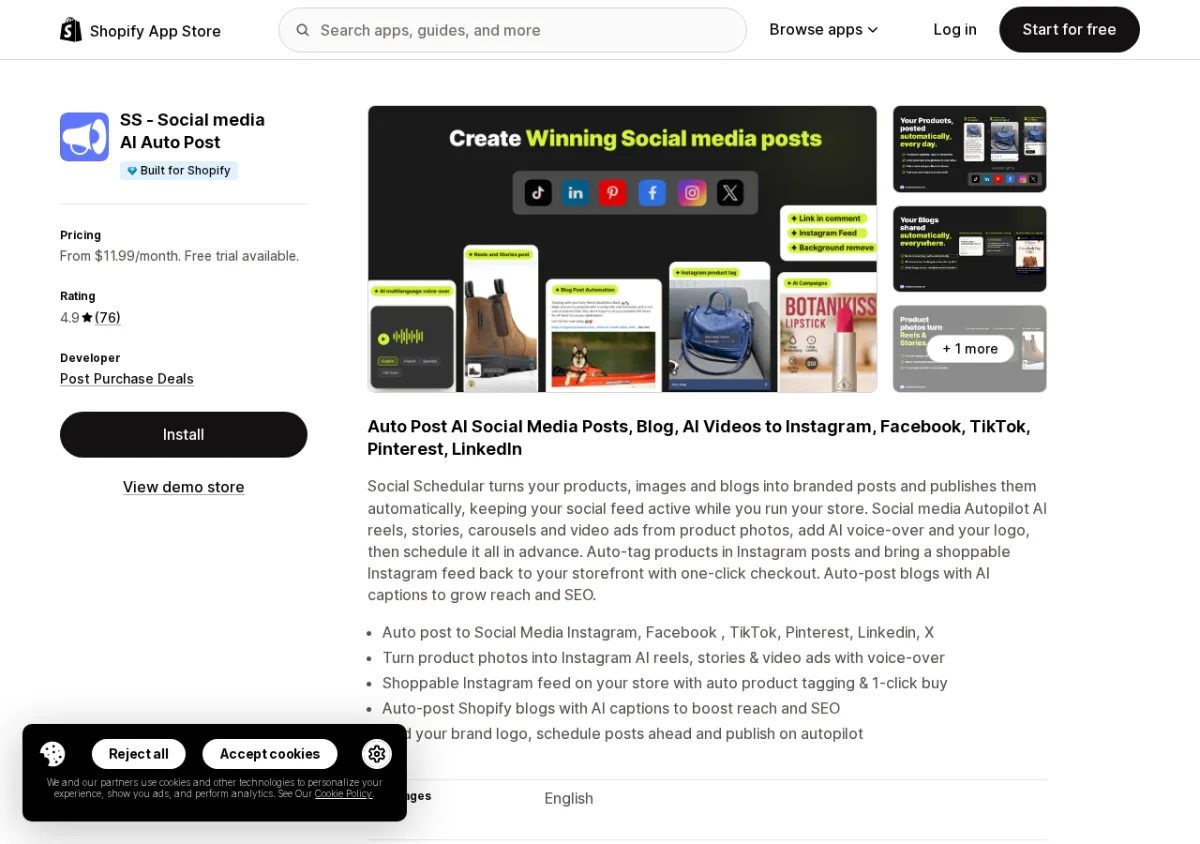
5. SS Social Media AI
Best for: Merchants who want AI-generated video posts with a high review score and Shopify admin integration.
Key features:
- AI generates product posts and short-form video; video quality praised in reviews.
- Built for Shopify badge; embedded in Shopify admin; Shopify Managed Pricing.
- 4.9 stars with 76 reviews, though no free plan and TikTok posting is listed as BETA.
Pricing: No free plan (7-day trial); from $11.99/mo.
App Store rating: 4.9/5 (76 reviews) | Built for Shopify
Verdict: High-rated video-first option; no free plan, X/Twitter requires the top $45.99/mo tier, and TikTok was in BETA during the test.
App Store: View SS Social Media AI on the Shopify App Store
Category 2: Instagram and Social Feeds with Shoppable UGC
Instagram feed apps display your store's Instagram posts (or hashtag feeds) directly on your storefront, and the better ones let you tag products to turn browsing into buying. This category also covers user-generated content (UGC) tools that collect customer photos and make them shoppable.
All apps in this section were evaluated based on the Shopify App Store listing and public reviews. I did not personally install these apps.
1. Instafeed
Best for: Merchants who want the highest-rated Instagram feed app with a free plan and minimal setup time.
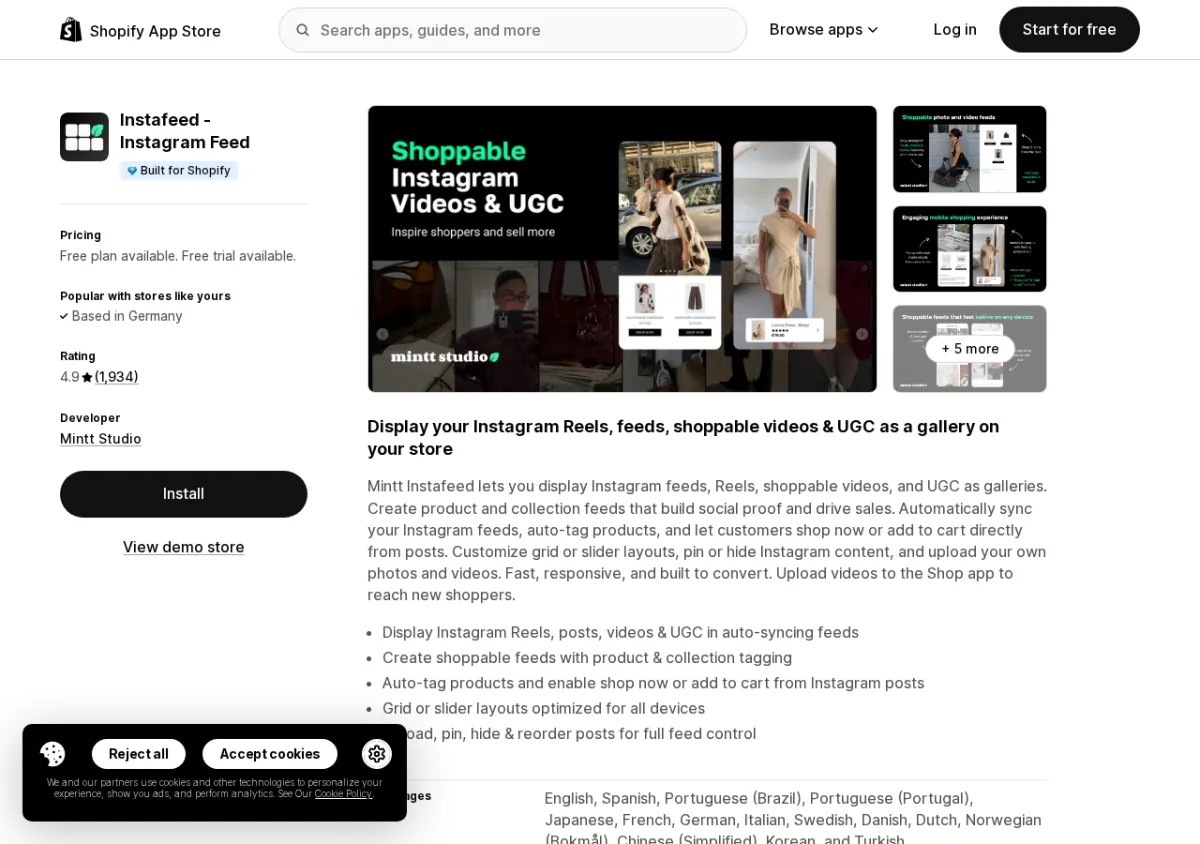
Based on the App Store listing and public reviews, Instafeed by Mintt Studio is the most reviewed Instagram feed app on the Shopify App Store, with 1,934 reviews at 4.9 stars. The free Starter plan displays auto-syncing Instagram feeds in grid or slider layouts. Shoppable product tagging (with add-to-cart or shop-now buttons) requires the paid Pro plan. The app carries the Built for Shopify badge, which means it meets Shopify's highest standards for performance and theme integration.
Key features:
- Display Instagram Reels, posts, and videos in auto-syncing grids or sliders.
- Product and collection tagging for shoppable feeds (Pro and Plus).
- Pin, hide, and reorder posts; video autoplay and performance analytics on paid plans.
Pricing: Free plan (Starter); Pro $8/mo; Plus $20/mo (or $180/year).
App Store rating: 4.9/5 (1,934 reviews) | Built for Shopify
Verdict: The obvious starting point for any Shopify merchant wanting an Instagram feed; free plan is functional and shoppable tagging is reasonably priced at $8/mo.
App Store: View Instafeed on the Shopify App Store
2. Socialwidget
Best for: Merchants who want a feature-rich Instagram feed with video autoplay and checkout buttons built into the gallery.
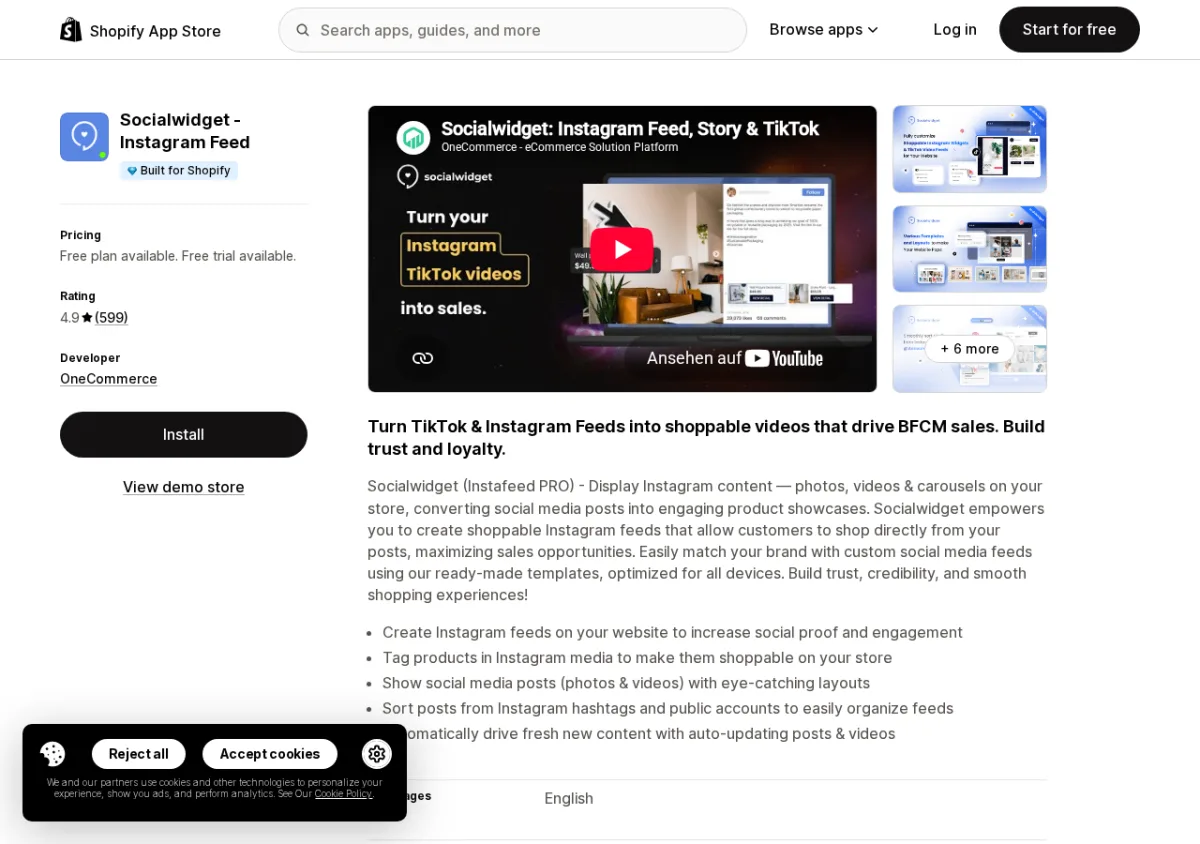
Based on the App Store listing and public reviews, Socialwidget by OneCommerce has 599 reviews at 4.9 stars and carries the Built for Shopify badge. It offers a free starter plan with one widget and adds features such as video autoplay, hashtag discovery, checkout buttons directly within the gallery, and customizable templates on paid plans. The listing highlights mobile and desktop optimization.
Key features:
- Display Instagram feeds with video autoplay and checkout buttons embedded in the gallery.
- Hashtag discovery feed and product tagging to drive conversions.
- Customizable templates; 20% discount on annual subscriptions.
Pricing: Free plan (1 widget); Standard $9.90/mo; Professional $19.90/mo; Advanced $49.90/mo.
App Store rating: 4.9/5 (599 reviews) | Built for Shopify
Verdict: Strong alternative to Instafeed with in-gallery checkout buttons; good choice if you want slightly more display customization on the free plan.
App Store: View Socialwidget on the Shopify App Store
3. Instafeed for Instagram Feed (by Adevole)
Best for: Merchants who want Instagram Stories and Highlights display alongside the standard feed, plus AI caption generation.
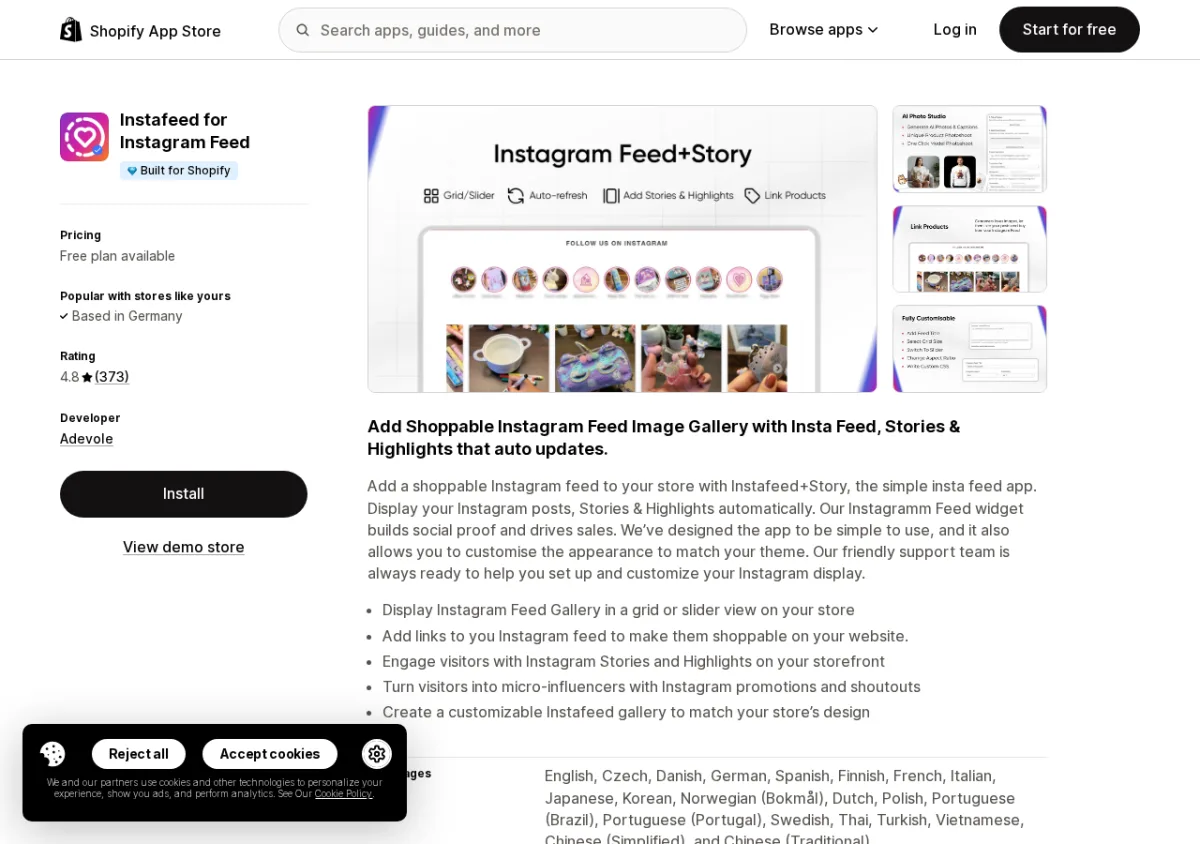
Based on the App Store listing and public reviews, this app by Adevole (separate from the Instafeed app by Mintt Studio) has 373 reviews at 4.8 stars and carries the Built for Shopify badge. Its standout features are the display of Instagram Stories and Highlights alongside the standard feed, plus AI-powered caption generation on the Creatives plan. The free tier works up to 1,000 monthly website visits, which suits smaller or newer stores well.
Key features:
- Display Instagram feeds, Stories, and Highlights in grid or slider layouts.
- AI-powered caption generation on the Creatives plan.
- Shoppable product linking; multi-language support (23 languages).
Pricing: Free up to 1,000 visits/mo; Shoppable Feed $15.95/mo; Creatives $24.95/mo.
App Store rating: 4.8/5 (373 reviews) | Built for Shopify
Verdict: Best choice for stores that actively use Instagram Stories and Highlights as part of their content strategy; note the traffic cap on the free tier.
App Store: View Instafeed for Instagram Feed on the Shopify App Store
4. Covet Instagram Feed and Reviews
Best for: Merchants who want to combine an Instagram feed display with customer photo/video review collection in a single app.
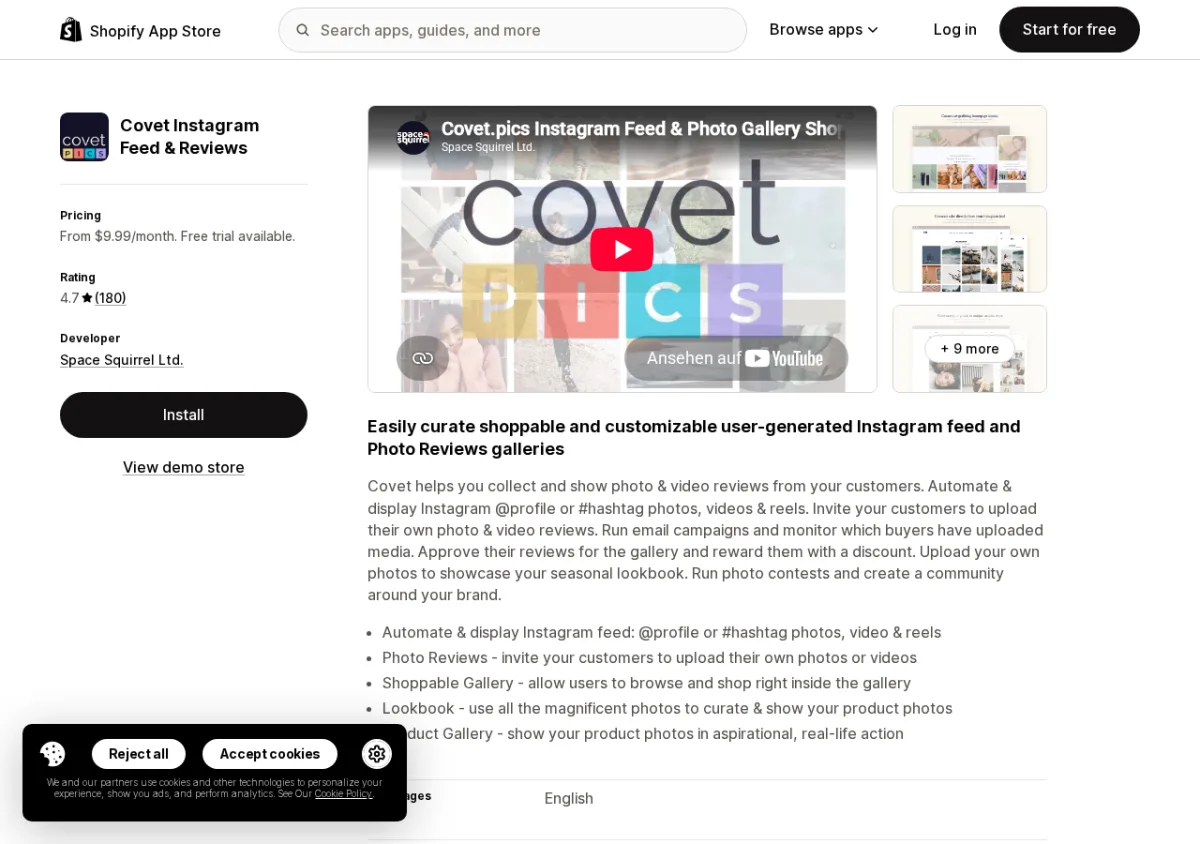
Based on the App Store listing and public reviews, Covet by Space Squirrel has 180 reviews at 4.7 stars and carries the Built for Shopify badge. It stands out by combining Instagram feed display with customer photo and video review collection: merchants can sync their Instagram @profile or a #hashtag feed, invite customers to submit UGC, create shoppable galleries and lookbooks, and run photo contests. It does not have a free plan (14-day trial on all tiers), which is worth noting given the stronger free options above.
Key features:
- Sync Instagram feed via @profile or #hashtag; create shoppable galleries and lookbooks.
- Invite customers to submit photo and video reviews; run photo contests.
- 20+ layout presets; drag-and-drop editor; Shopify Flow integration.
Pricing: No free plan (14-day trial); Lite $9.99/mo; Growth $29.99/mo; Premium $79.99/mo.
App Store rating: 4.7/5 (180 reviews) | Built for Shopify
Verdict: The right pick if you want Instagram feeds and customer UGC review collection from one app; otherwise the free-plan options above cover most feed display needs for less.
App Store: View Covet on the Shopify App Store
Category 3: Social Sharing Buttons and Icons
There are two distinct tools in this category. Social sharing buttons let visitors share your products or pages to their own social media with one click. Social icon bars link visitors to your store's official social profiles. Some apps do both. All apps below are evaluated based on their Shopify App Store listing and public reviews.
1. Helpy Social Share Buttons
Best for: Merchants who want a high-review-count sharing button app with free plan access and support for 100+ networks.
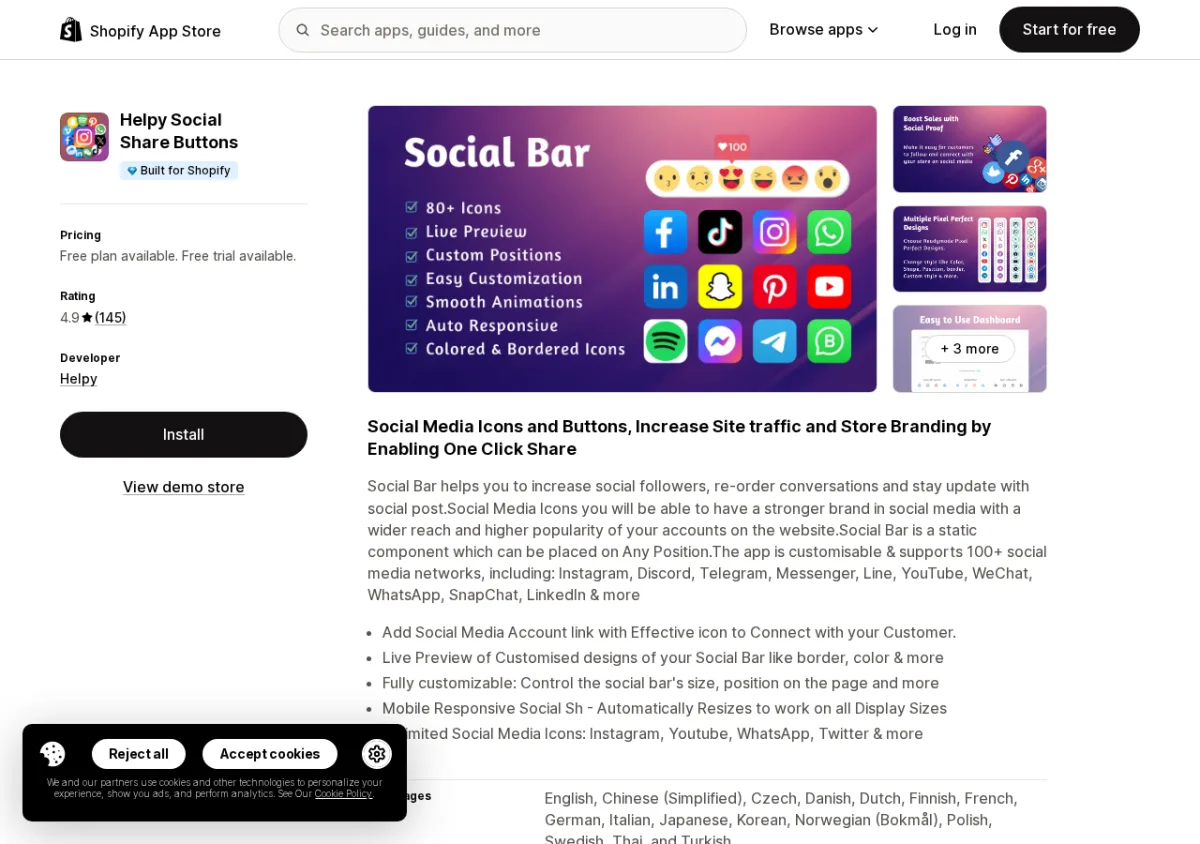
Based on the App Store listing and public reviews, Helpy by Helpy has 145 reviews at 4.9 stars and carries the Built for Shopify badge. The free plan includes two sharing icons; the Pro plan ($2.99/mo) unlocks unlimited icons across all page positions and removes app branding. The listing highlights 100+ supported social networks including Instagram, Discord, Telegram, YouTube, WhatsApp, and LinkedIn, plus engagement analytics.
Key features:
- 100+ social networks supported for both sharing and profile icon buttons.
- Customizable colors, sizes, borders, and positioning; multiple placement options across all page types.
- Engagement and conversion tracking analytics; live preview while designing.
Pricing: Free plan (2 icons); Pro $2.99/mo (or $28.70/year).
App Store rating: 4.9/5 (145 reviews) | Built for Shopify
Verdict: The strongest combination of review count, rating, and free plan in the sharing buttons category; Pro is affordable enough that most stores will upgrade quickly.
App Store: View Helpy Social Share Buttons on the Shopify App Store
2. Zotabox Social Sharing Buttons
Best for: Merchants who want share, follow, and messaging buttons from a single app with analytics included on the free plan.
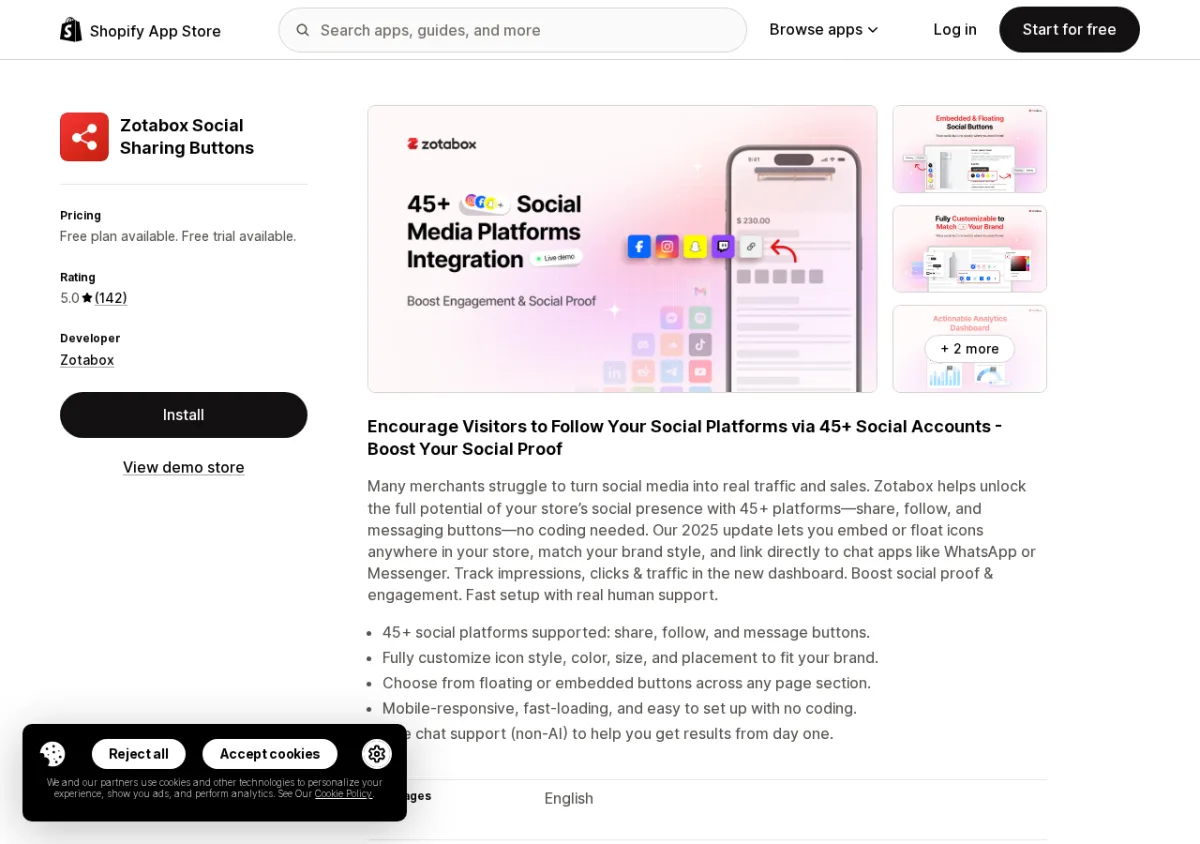
Based on the App Store listing and public reviews, Zotabox by Zotabox has 142 reviews at 5.0 stars and carries the Built for Shopify badge. The free tier covers 3,000 monthly visits with up to 3 buttons. What distinguishes Zotabox is that it covers three types of social interaction: share buttons (visitors share content), follow buttons (link to your profiles), and messaging buttons (WhatsApp, Messenger, etc.), all from a single installation. The app also includes an analytics dashboard on all tiers.
Key features:
- 45+ social platforms: share, follow, and message button types in one app.
- Floating or embedded buttons with customizable styling; mobile responsive.
- Analytics dashboard (impressions, clicks, traffic) included on all plans.
Pricing: Free (3,000 visits/mo, 3 buttons); Premium $4.99/mo (unlimited visits and buttons).
App Store rating: 5.0/5 (142 reviews) | Built for Shopify
Verdict: Best choice if you want sharing and messaging buttons alongside profile follow icons; the 5.0-star rating across 142 reviews signals consistent merchant satisfaction.
App Store: View Zotabox on the Shopify App Store
3. Avantify: Social Media Icons
Best for: Merchants who want a permanently free social profile icon bar with clean design and minimal setup.
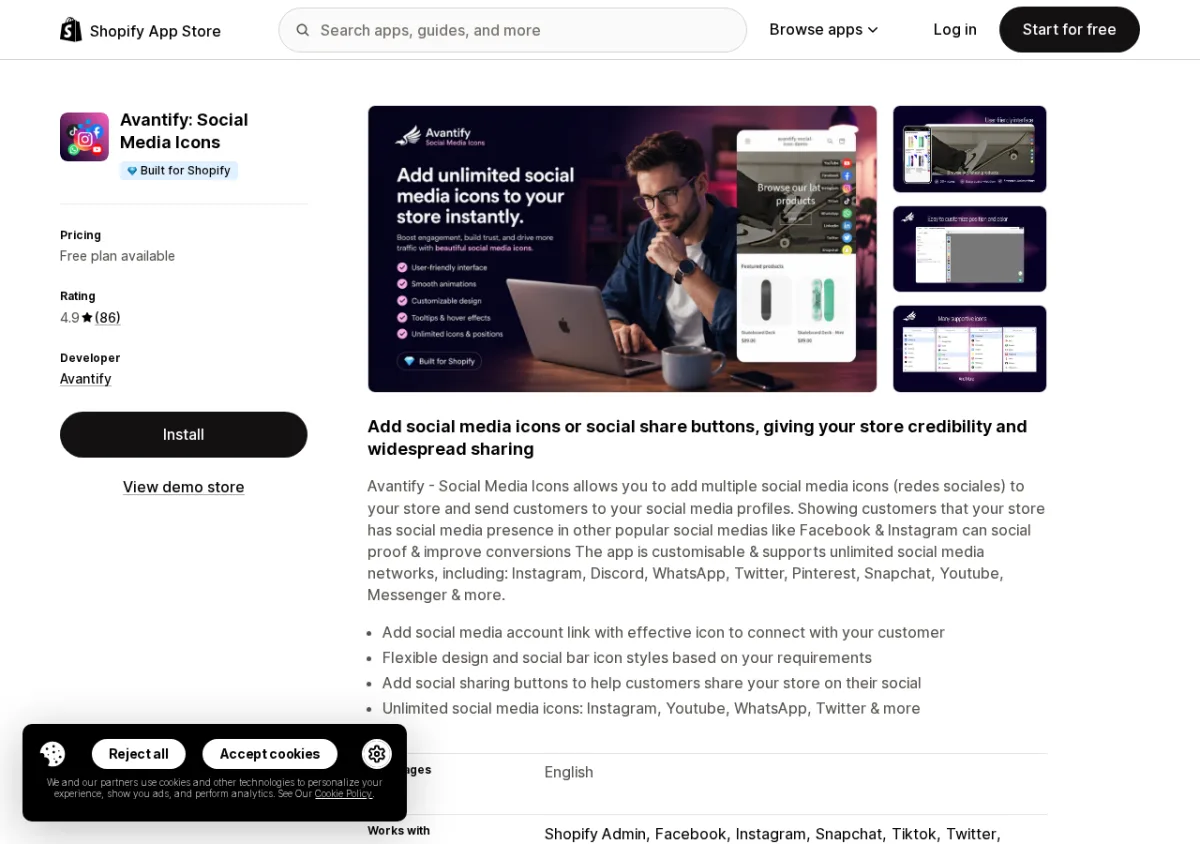
Based on the App Store listing and public reviews, Avantify by Avantify has 86 reviews at 4.9 stars and carries the Built for Shopify badge. The free plan covers unlimited use with a limited icon count. The Pro plan at $1.99/mo (or $19.80/year) unlocks unlimited icons, hover tooltips, and branding removal. The focus is on profile follow icons rather than content sharing, making it the right pick for stores that primarily want visitors to follow their social accounts.
Key features:
- Profile follow icons for Instagram, Discord, WhatsApp, TikTok, Pinterest, YouTube, and 30+ more.
- Animations, color adjustments, and border/background customization.
- Positioned in headers, footers, product pages, collection pages, and checkout.
Pricing: Free forever (limited icons); Pro $1.99/mo (or $19.80/year).
App Store rating: 4.9/5 (86 reviews) | Built for Shopify
Verdict: Best pick for a permanent, low-cost social profile icon bar; note that it is optimized for profile links, not content sharing.
App Store: View Avantify on the Shopify App Store
4. Social Bar: Social Media Icons
Best for: Merchants who want a completely free and minimal social icon bar with no plan upgrades required.
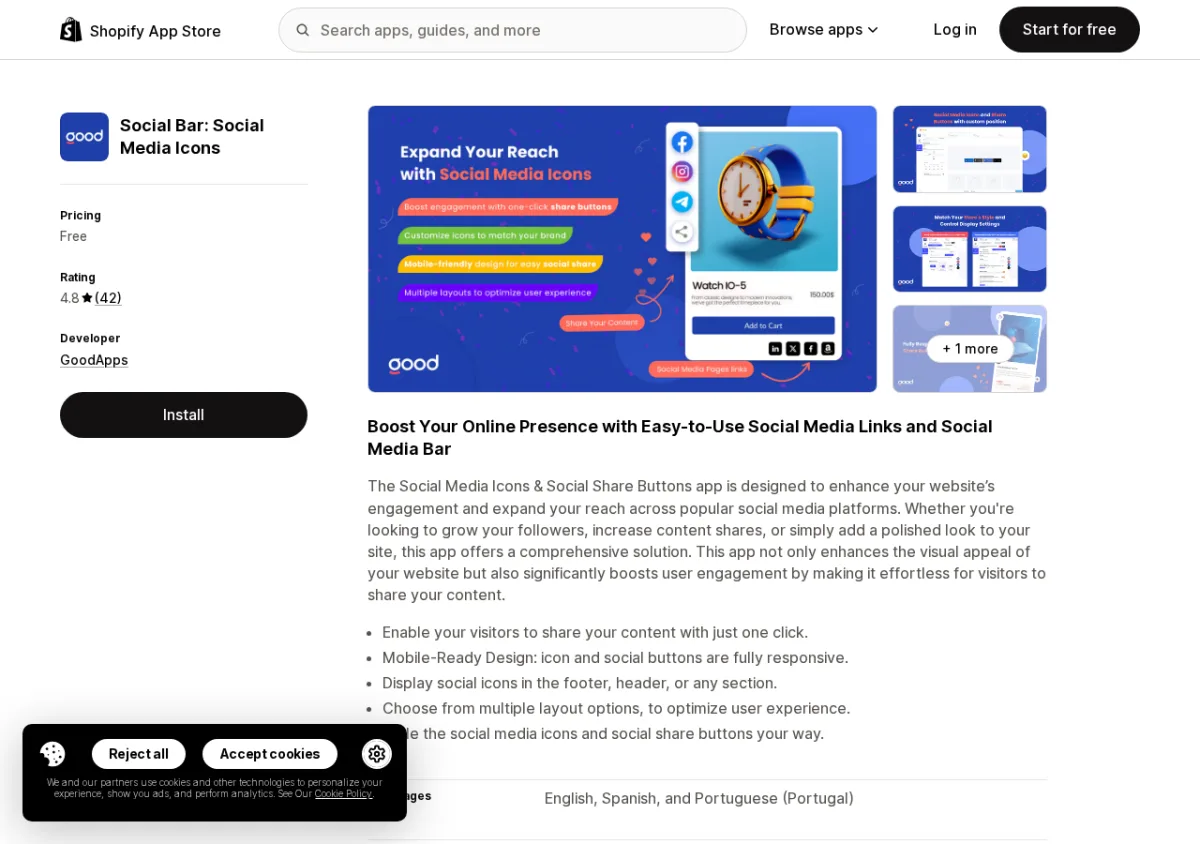
Based on the App Store listing and public reviews, Social Bar by GoodApps has 42 reviews at 4.8 stars and carries the Built for Shopify badge. The app is free with no paid tier: it adds one-click sharing or follow icons to the header, footer, or custom sections. One reviewer noted that Instagram is not listed in the supported platforms (Amazon, Facebook, LinkedIn, OpenAI, WhatsApp, X are listed), so verify the network list matches your needs before installing.
Key features:
- Fully free, no paid tier required.
- One-click content sharing and follow icons; flexible header/footer or custom placement.
- Multiple layout options; customizable styling.
Pricing: Free.
App Store rating: 4.8/5 (42 reviews) | Built for Shopify
Verdict: Genuinely free with no hidden paid tier; verify that the platforms it supports match your channels before installing, as Instagram was flagged as missing in one review.
App Store: View Social Bar on the Shopify App Store
Category 4: Social Login
Social login apps let customers sign in to your store using their existing Google, Facebook, Apple, or other social accounts instead of creating a new store password. Fewer form fields at account creation typically reduce drop-off for stores that require login. All apps in this section were evaluated based on the Shopify App Store listing and public reviews.
1. Wishlist and Social Login by Oxi
Best for: Merchants who want the highest-rated, widest-provider social login with a wishlist feature bundled in.
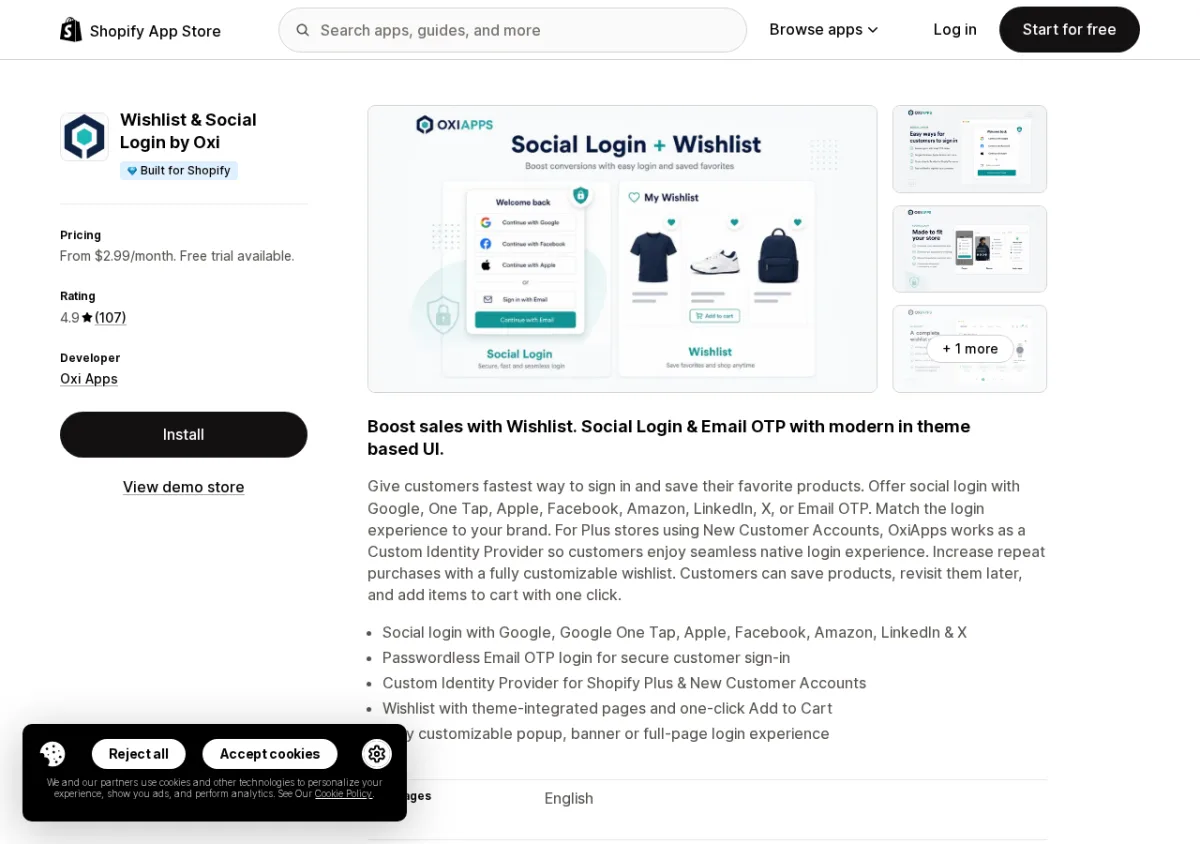
Based on the App Store listing and public reviews, Wishlist and Social Login by Oxi Apps has 107 reviews at 4.9 stars and carries the Built for Shopify badge. It supports login via Google, Google One Tap, Apple, Facebook, Amazon, LinkedIn, X, and Email OTP. Beyond social login, it includes a fully customizable wishlist with theme integration and one-click Add to Cart. Shopify Plus stores can use a Custom Identity Provider. The app requires a paid plan from the start (7-day trial available).
Key features:
- Social login via Google (including One Tap), Apple, Facebook, Amazon, LinkedIn, X, and Email OTP.
- Customizable wishlist with theme-integrated pages and one-click Add to Cart.
- Multi-language support; custom permissions and white-labeling on Plus plan.
Pricing: No free plan (7-day trial); Essential $2.99/mo; Pro $5.99/mo; Plus $14.99/mo.
App Store rating: 4.9/5 (107 reviews) | Built for Shopify
Verdict: Best-rated social login app on the Shopify App Store; the wishlist bundling adds meaningful value for stores that also want a native wish-list feature.
App Store: View Wishlist and Social Login by Oxi on the Shopify App Store
2. HIKO Social Login
Best for: Merchants who want a free social login plan with 30 daily logins and support for 18 social platforms.
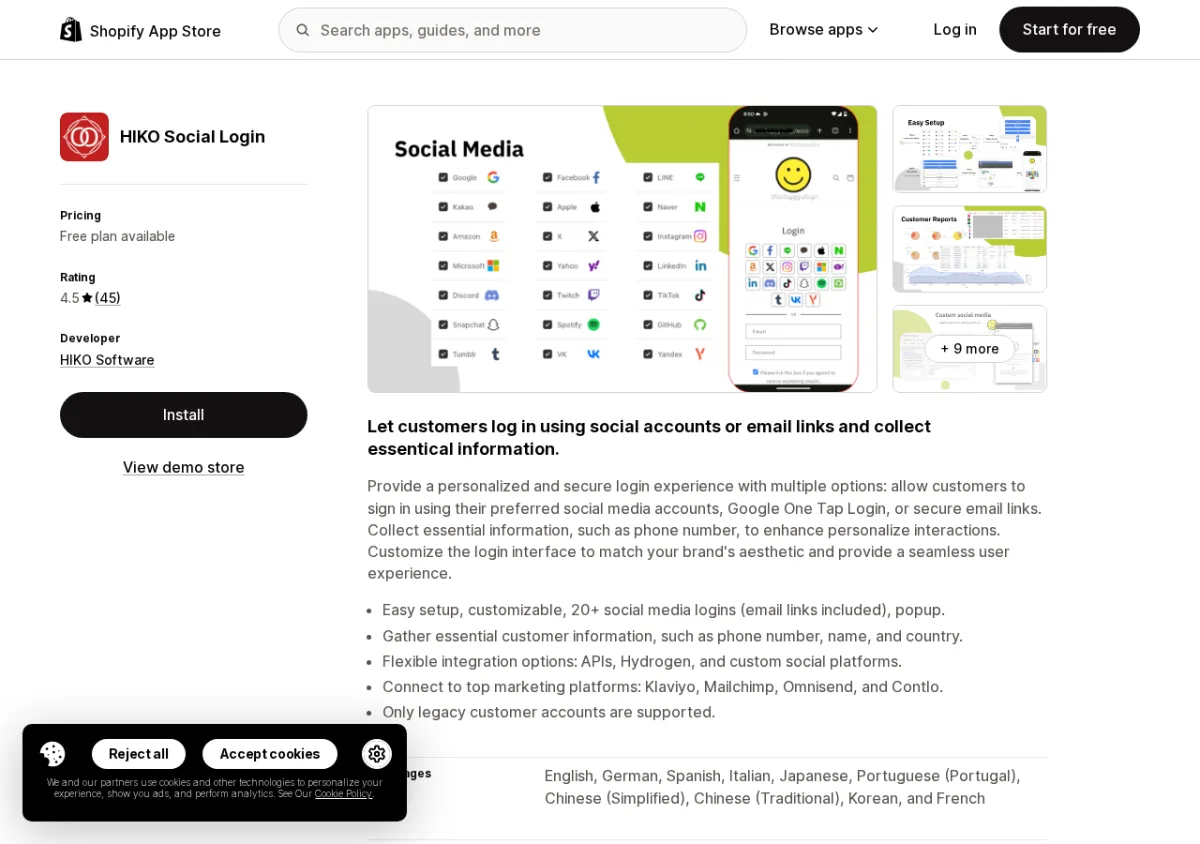
Based on the App Store listing and public reviews, HIKO Social Login by HIKO Software has 45 reviews at 4.5 stars. The free plan includes up to 30 daily logins with access to 18 social platforms. The Premium tier ($4.99/mo) adds Google One Tap, Apple login, email link authentication, marketing platform integrations (Klaviyo, Mailchimp, Omnisend), and API/Hydrogen support for custom implementations. Note that the app supports legacy customer accounts only (not the new Shopify customer account system).
Key features:
- 18+ social login providers on free plan; Google One Tap, Apple, and X on Premium.
- Email link authentication (passwordless) and popup login interface.
- Marketing integrations: Klaviyo, Mailchimp, Omnisend, Contlo (Premium).
Pricing: Free (30 daily logins, 18 platforms); Professional $2.49/mo; Premium $4.99/mo.
App Store rating: 4.5/5 (45 reviews)
Verdict: Only social login app in this list with a genuinely usable free tier; note the 30-daily-login cap and legacy customer accounts restriction before committing.
App Store: View HIKO Social Login on the Shopify App Store
3. OTP+ B2B SMS and Social Login
Best for: Merchants who want to combine one-tap Google/Apple social login with SMS OTP verification at checkout to reduce fraudulent orders.
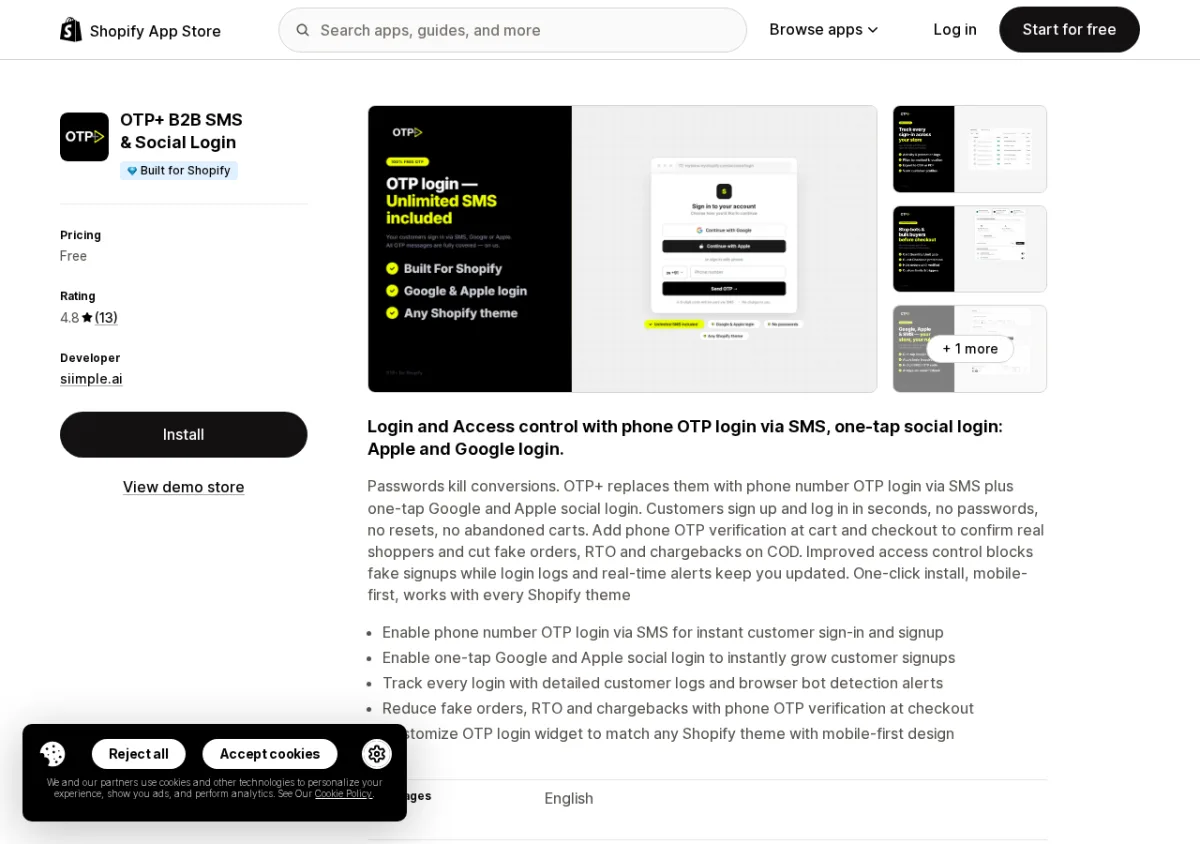
Based on the App Store listing and public reviews, OTP+ B2B SMS and Social Login by siimple.ai has 12 reviews at 4.8 stars and carries the Built for Shopify badge. The app is free and focuses on two complementary workflows: one-tap social login (Google, Apple) to reduce sign-up friction, and SMS OTP verification at checkout to detect and block bot accounts. One reviewer noted that bot detection caught suspicious sign-ups within the first week.
Key features:
- One-tap Google and Apple social login at account creation.
- SMS OTP verification at checkout to reduce fraudulent and bot orders.
- Detailed customer login tracking with browser bot detection.
Pricing: Free.
App Store rating: 4.8/5 (12 reviews) | Built for Shopify
Verdict: Useful for stores facing bot sign-ups or checkout fraud, not just login convenience; note the review count is still low (12 reviews), so treat as a newer option to monitor.
App Store: View OTP+ on the Shopify App Store
4. Users Insights and Social Login
Best for: Merchants who want social login (10+ providers) combined with customer behavior analytics, heatmaps, and session replay in one app.
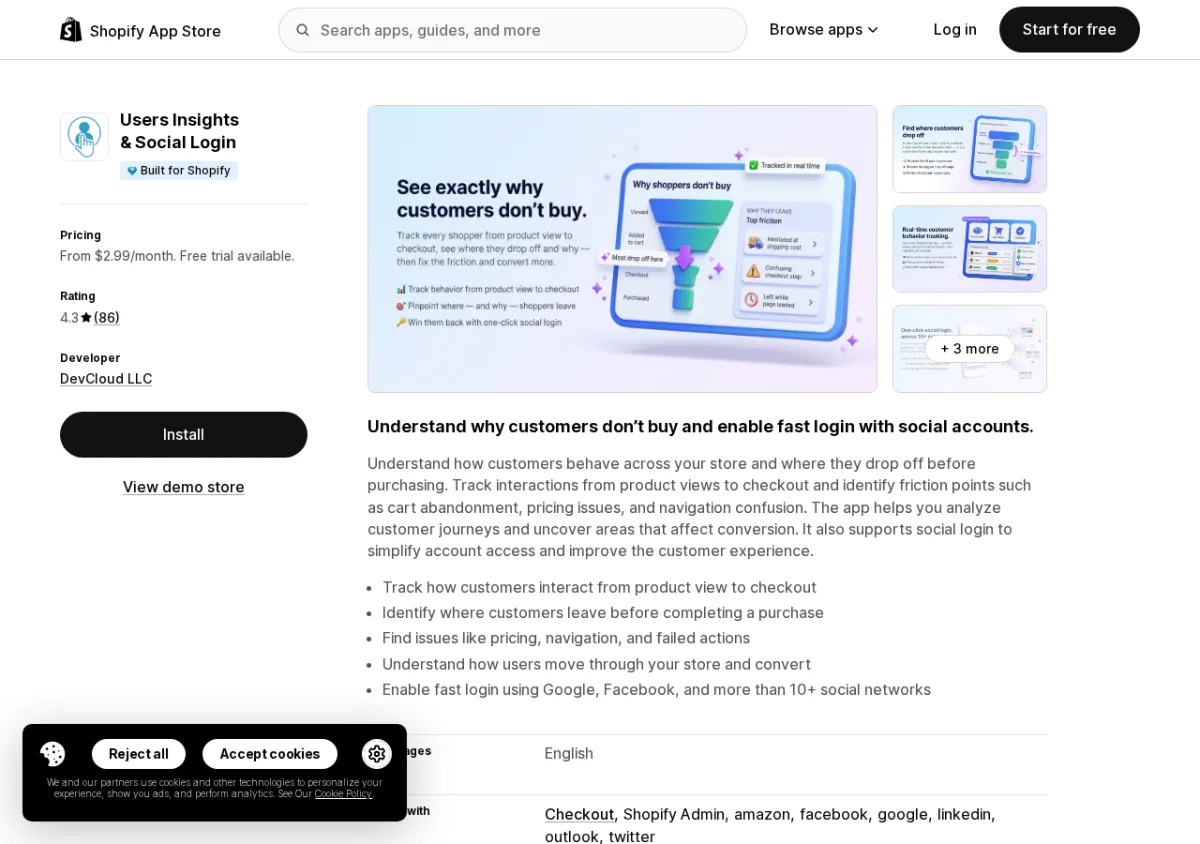
Based on the App Store listing and public reviews, Users Insights and Social Login by DevCloud LLC has 86 reviews at 4.3 stars and carries the Built for Shopify badge. This is primarily a customer analytics platform: it tracks behavior from product view through checkout, shows session replays and heatmaps, and identifies drop-off points. Social login (Google, Facebook, and 10+ networks) is included as part of the platform. If you only need social login, the other apps in this section are more focused. If you want both behavioral analytics and social login from a single install, this covers both.
Key features:
- Social login with Google, Facebook, and 10+ social networks.
- Session replay, heatmaps, real-time event tracking, and customer segmentation.
- Cohort analysis and funnel drop-off identification.
Pricing: No free plan (15-day trial); Basic $2.99/mo; Standard $4.99/mo; Pro $9.99/mo.
App Store rating: 4.3/5 (86 reviews) | Built for Shopify
Verdict: Practical for merchants who also want behavioral analytics; if social login alone is the goal, Oxi or HIKO are more purpose-built.
App Store: View Users Insights and Social Login on the Shopify App Store
FAQ
What are the main types of Shopify social media apps?
There are four main categories. Auto-posting apps (like Yoomru, Outfy, VibeFlow) publish your products to social networks automatically. Instagram/social feed apps (like Instafeed, Socialwidget) display your Instagram content on your storefront and make it shoppable. Social sharing button apps (like Helpy, Zotabox) add one-click share or follow buttons to your pages. Social login apps (like Oxi, HIKO) let customers sign in using Google, Facebook, or Apple instead of creating a new store password. Each category solves a different problem, and most stores end up with one app from two or more categories.
Is there a single Shopify app that handles all social media tasks?
No single app in 2026 handles auto-posting, feed display, sharing buttons, and social login equally well. Multi-function apps tend to do one or two things well and add the rest as lower-quality features. The more practical approach is to pick the best tool for each job: a dedicated auto-poster, a dedicated feed app, and a dedicated login app.
Which Shopify social media apps have a free plan?
For auto-posting: Yoomru (30 posts/mo), Outfy (1 post/day), VibeFlow (10 posts/mo), and AutoPost AI (5 posts/mo) offer genuine free publishing. For Instagram feeds: Instafeed, Socialwidget, and Instafeed by Adevole have free plans. For sharing buttons: Helpy, Zotabox, Avantify, and Social Bar all offer free plans. For social login: HIKO (30 daily logins) and OTP+ are free.
What is the best Shopify app to auto-post products to social media in 2026?
For most merchants, Yoomru offers the widest network coverage (11 networks, the only app with both Telegram and Discord), a genuine free plan that actually publishes posts (30 posts/month), and no credit metering on branded video. Outfy is the safer choice if review count matters to you: 459 reviews at 4.8 stars, Built for Shopify, and a 10-year track record. The auto-posting category section above covers five leading options with pricing, networks, and limitations.
Do social login apps improve Shopify conversion rates?
Based on published App Store reviews and commonly cited e-commerce data, social login reduces sign-up form friction, which typically lifts account creation rates at checkout. The actual uplift depends on your store's existing checkout flow and whether you require account creation to complete a purchase. Social login is more impactful on stores with required login or loyalty programs than on guest-checkout-first stores. Multiple reviewers of Oxi and HIKO specifically cite improved login completion rates after installing.
How we picked
Auto-posting category: I installed and tested all 10 apps on a real Shopify demo store (demo-wrzi3g7k), connected live social channels, attempted real posts, and reviewed all publicly available App Store reviews and pricing. Yoomru is our own product; I have disclosed this in the listing and positioned it where the evidence supports it. Rating and review data as of 2026-08-07.
Instagram/social feeds, social sharing buttons, and social login categories: I evaluated each app based on its Shopify App Store listing (features, pricing, Built for Shopify status) and public reviews. I did not personally install or test these apps. Every feature and pricing claim is sourced from the live App Store listing or the developer's published documentation. Anything unverified is marked as such in the text. Rating and review data as of 2026-08-08.
Selection criteria across all categories:
- App Store rating and review count (preference for 4.5+ stars with meaningful review volume)
- Presence or absence of a usable free plan
- Built for Shopify badge (indicates meeting Shopify's standards for performance and integration)
- Pricing transparency (flat tiers preferred over credit-metered models)
- Feature relevance to the specific category job
- Honest representation of drawbacks, not just strengths


