10 Best WordPress Themes for Any Type of Idea in 2026

Looking for a WordPress theme you can trust in 2026? There are still thousands of themes in the directory, but most of them are abandoned, slow, or stuck on an old design language. This roundup is the opposite: 10 hand-picked WordPress themes for any type of idea, all actively maintained, all updated within the last 12 months, and all with healthy install bases on WordPress.org.
Each entry below covers what the theme is best for, key features, current free and pro pricing (USD), pros, cons, and a recommendation score. If you are brand new to WordPress, our install your first WordPress theme guide walks through the setup in a few minutes.
A quick note on free vs pro: every theme here has a free version that is genuinely usable for launch. You only need a pro license when you want premium starter sites, advanced WooCommerce or LMS integrations, or unlocked design controls. We list the pro pricing so you can plan ahead.
How we picked the 10
We narrowed the WordPress.org directory using four practical filters:
- Active install count: minimum 20,000 installs in 2026.
- Last update: within the past 12 months (most are within the past 6).
- Rating: at least 4.6/5 average on WordPress.org.
- Compatibility: works with the block editor and at least one major page builder (Elementor, Bricks, Beaver Builder, or Spectra).
Themes that failed any one of those filters were dropped, even if they used to be popular.
1. Astra (best multipurpose theme overall)
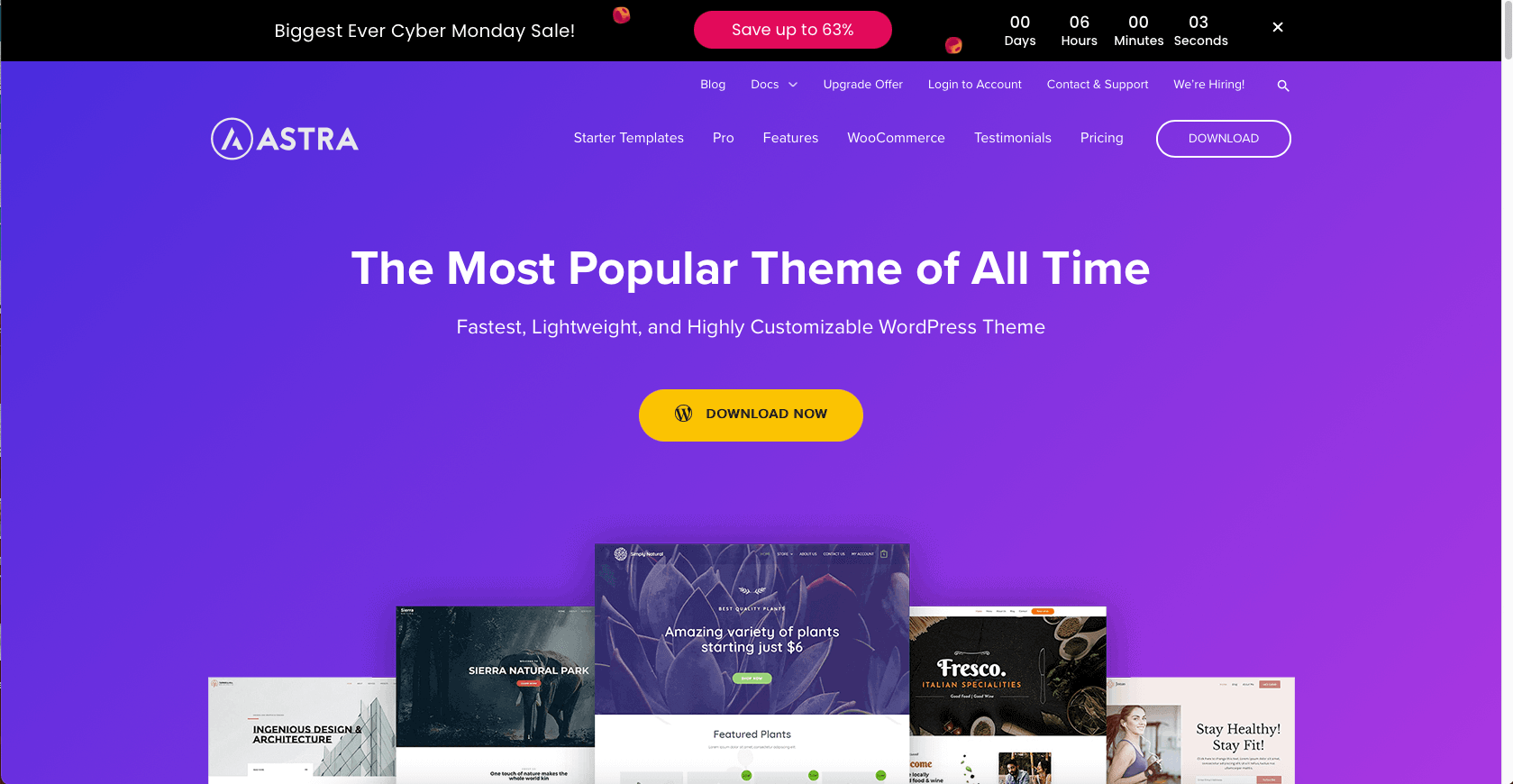
Astra remains the highest-installed third-party theme in the WordPress directory, with over 1 million active installs and a 4.9/5 average rating on WordPress.org (data current as of May 2026). The free version still ships hundreds of starter templates and is famous for fast load times, clean code, and tight integration with every major page builder.
Astra is the safe default if you do not have a specific niche in mind. It works for blogs, business sites, courses, WooCommerce stores, and membership sites without needing a different theme per project.
Key features
- Sub-50ms theme overhead on a default install
- 280+ Starter Templates including Spectra, Elementor, and Beaver Builder versions
- Header and footer builder with hooks and conditional logic
- WooCommerce, LearnDash, LifterLMS, and SureCart integrations
- Schema markup and clean HTML for SEO
- Layout overrides at site, page, and post level
Pricing (USD, May 2026)
- Free on WordPress.org
- Astra Pro (3 sites): $69/year, $319 lifetime
- Essential Toolkit (3 sites): $119/year, $599 lifetime
- Business Toolkit (3 sites): $159/year, $699 lifetime
Pros
- Excellent base performance
- Works with every popular page builder
- Constant updates and a very large knowledge base
Cons
- Header/footer builder has a learning curve for beginners
- Many starter templates require Spectra to render fully
Editor recommendation: 9.5/10
Get it: Astra on its official site
2. Kadence (best for builders who want blocks + flexibility)
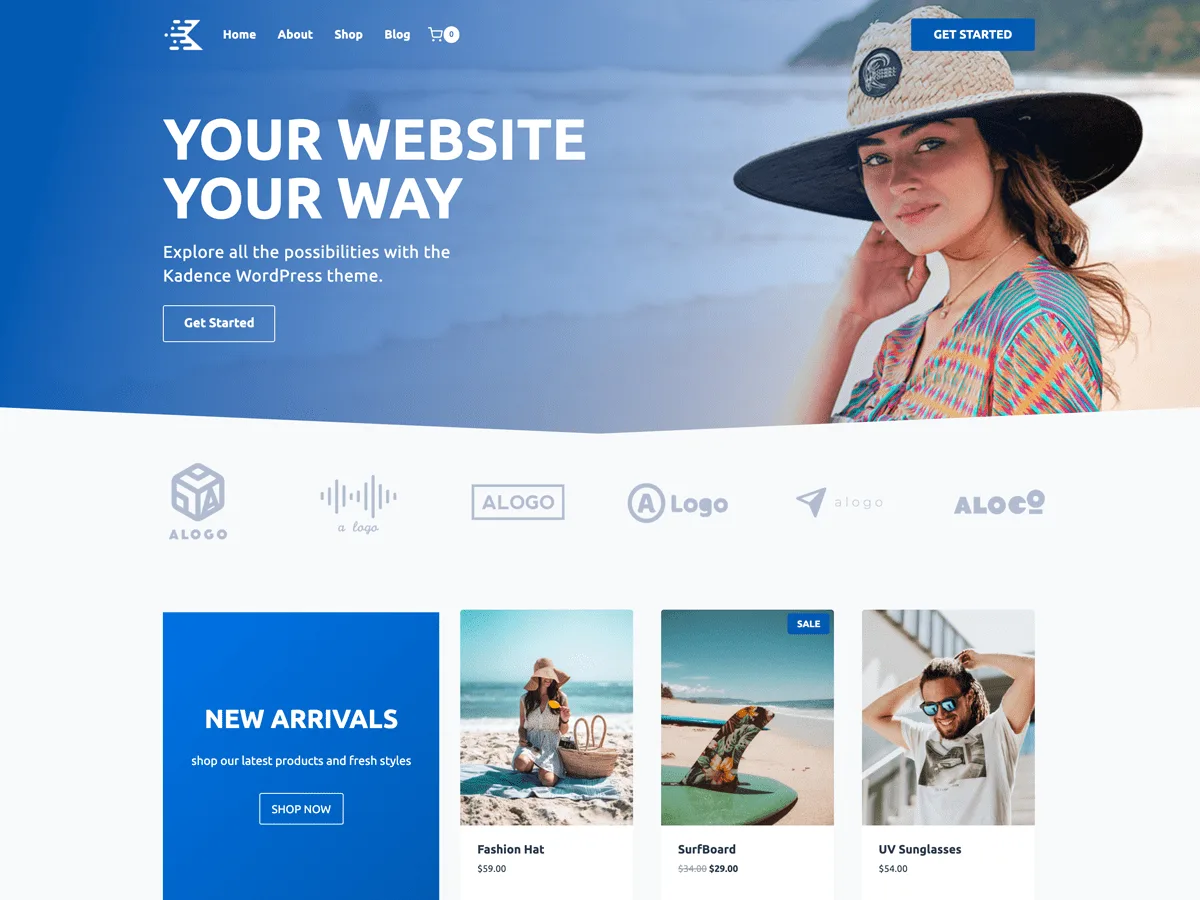
Kadence (by StellarWP/Nexcess) has grown to 500,000+ active installs with a 4.9/5 rating, last updated May 2026. It is the modern answer to the question "what do I use if I want blocks first but still want a real page builder when I need one?". Kadence ships with a drag-and-drop header and footer builder, 200+ starter templates, and granular global typography/color controls.
The Kadence stack also includes Kadence Blocks, which is one of the most popular block libraries in the directory and pairs naturally with the theme.
Key features
- Drag-and-drop header and footer builder
- 200+ starter templates across blocks and Elementor
- Global typography, color, and spacing controls
- Advanced WooCommerce templates
- Hooks system for developers
- Excellent Core Web Vitals out of the box
Pricing (USD, May 2026)
- Free on WordPress.org
- Express (theme essentials): $69/year
- Plus (theme + most pro modules): $169/year
- Ultimate (full Kadence stack, all pro modules): $299/year
- Lifetime Ultimate: $899 one-time
- A la carte pro modules (Kadence Blocks Pro, Conversions, ShopKit, etc.): $69 to $119/year each
Pros
- Modern, block-friendly approach without giving up a real builder
- Strong Core Web Vitals scores out of the box
- Frequent feature updates from StellarWP, with a lifetime option
Cons
- A la carte add-ons can add up if you only need a couple of modules
- Lifetime is only offered on the Ultimate tier
Editor recommendation: 9.5/10
Get it: Kadence on the official site
3. GeneratePress (best for speed and SEO)
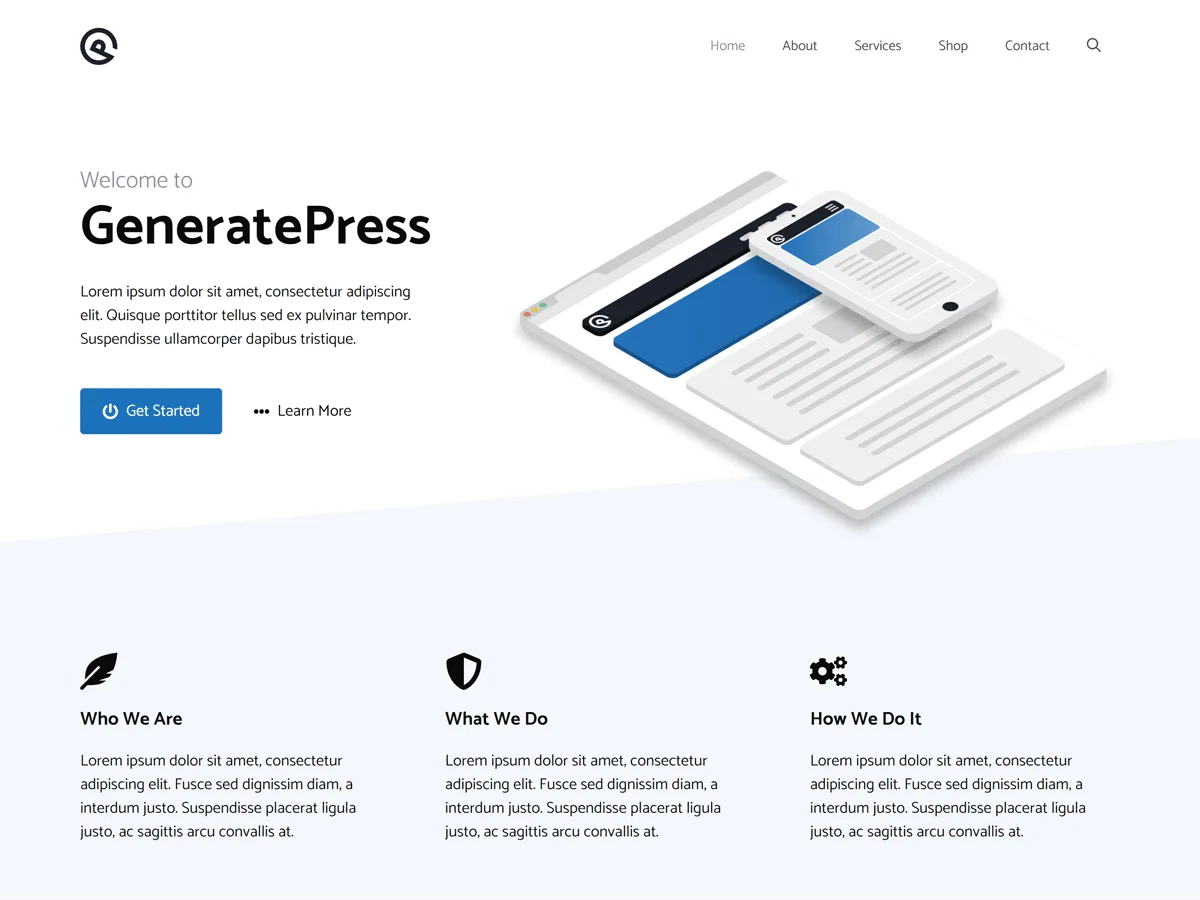
GeneratePress is the SEO and performance favourite of agencies and affiliate marketers. The free version adds less than 10KB to your page weight, and 500,000+ active installs with a 5.0/5 rating tell you the community trusts it. The latest stable release is 3.6.1 (December 2025).
If your main goal is to rank in search and pass Core Web Vitals on the first try, GeneratePress is the lowest-risk pick on this list.
Key features
- Less than 10KB of CSS/JS overhead by default
- Built-in element conditions for headers, hooks, layouts
- Strong block editor integration
- Compatible with Elementor, Beaver Builder, Bricks, and Spectra
- Color, typography, layout, and spacing controls in the Customizer
- 9 widget areas, 5 sidebar layouts, dropdown menus
Pricing (USD, May 2026)
- Free on WordPress.org
- GP Premium: $59/year
- GenerateBlocks Pro: $99/year
- GeneratePress One bundle (Premium + GenerateBlocks Pro + GenerateCloud): $149/year
Pros
- The lowest theme overhead in this roundup
- Trusted by SEO professionals
- 5.0/5 average rating across 1,400+ reviews
Cons
- Visually plain out of the box, designed to be customized
- No lifetime plan today
Editor recommendation: 9.5/10
Get it: GeneratePress on the official site
4. OceanWP (best for WooCommerce-heavy sites)
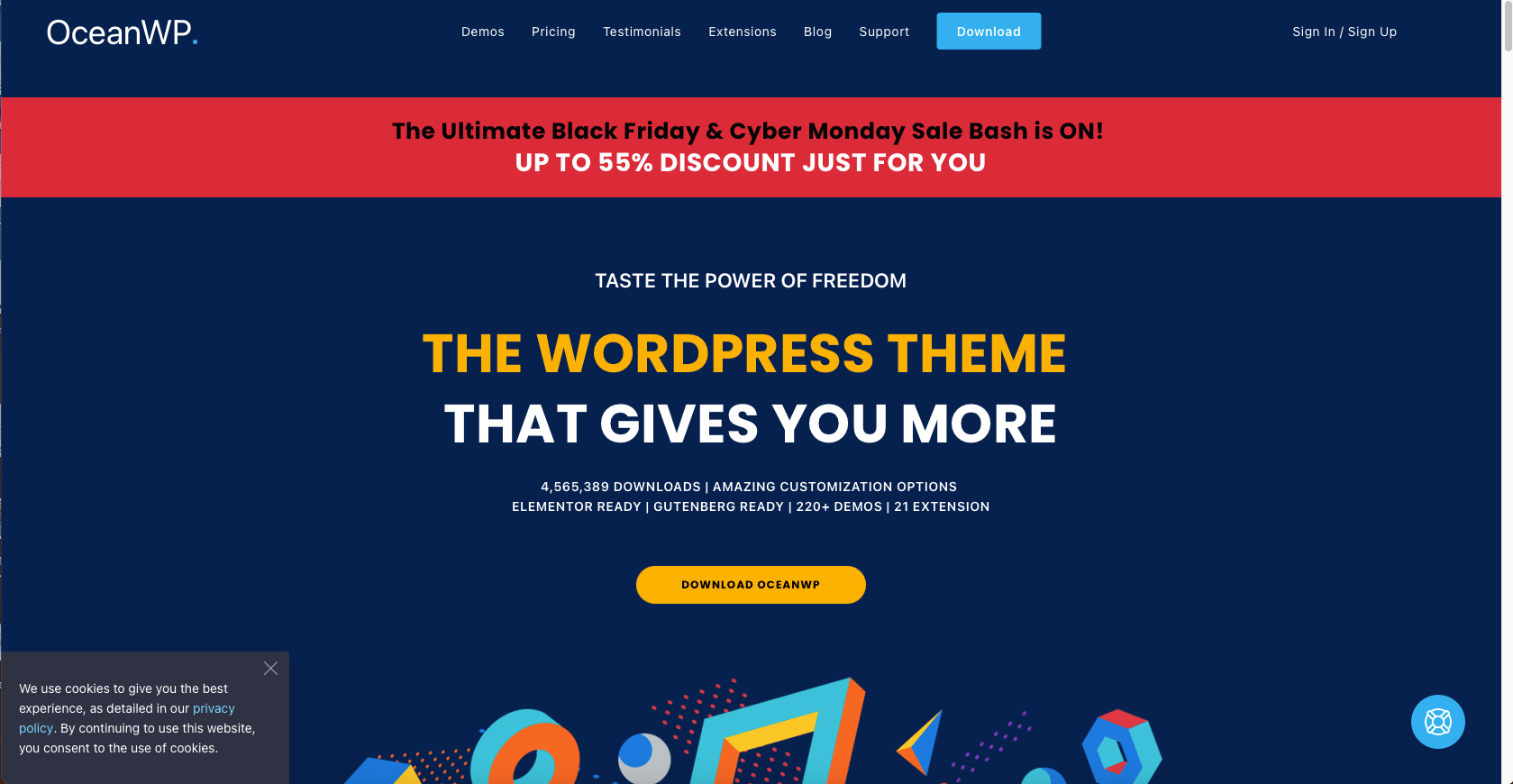
OceanWP still has 500,000+ active installs and a 4.9/5 rating, with the latest free release (4.1.6) shipped in May 2026. It is one of the most WooCommerce-friendly free themes you can install, including a quick-view modal, a floating cart, AJAX add-to-cart, and side-cart behaviour out of the box.
If your idea involves selling physical or digital products, OceanWP gives you more storefront control on day one than any other theme on this list.
Key features
- Native WooCommerce features: quick view, side cart, infinite scroll, off-canvas filters
- 200+ demo sites across Elementor, Gutenberg, and Beaver Builder
- Full-width and boxed layouts with custom widget areas
- RTL and translation ready
- Hooks system for developers
- Free child theme included
Pricing (USD, May 2026)
- Free on WordPress.org
- Personal (Core Extensions Bundle, 1 site): approximately $39/year
- Business (3 sites): approximately $79/year
- Agency (25 sites): approximately $129/year
- Lifetime options available on the vendor pricing page
(Always check the latest tiers on the OceanWP pricing page before purchase.)
Pros
- Best free WooCommerce features in this roundup
- Friendly to all major page builders
- Excellent documentation
Cons
- The free theme can feel "extension-heavy", many features sit behind paid add-ons
- Initial setup takes longer than Astra or Kadence
Editor recommendation: 9/10
Get it: OceanWP on the official site
5. Blocksy (best for pure block-editor sites)
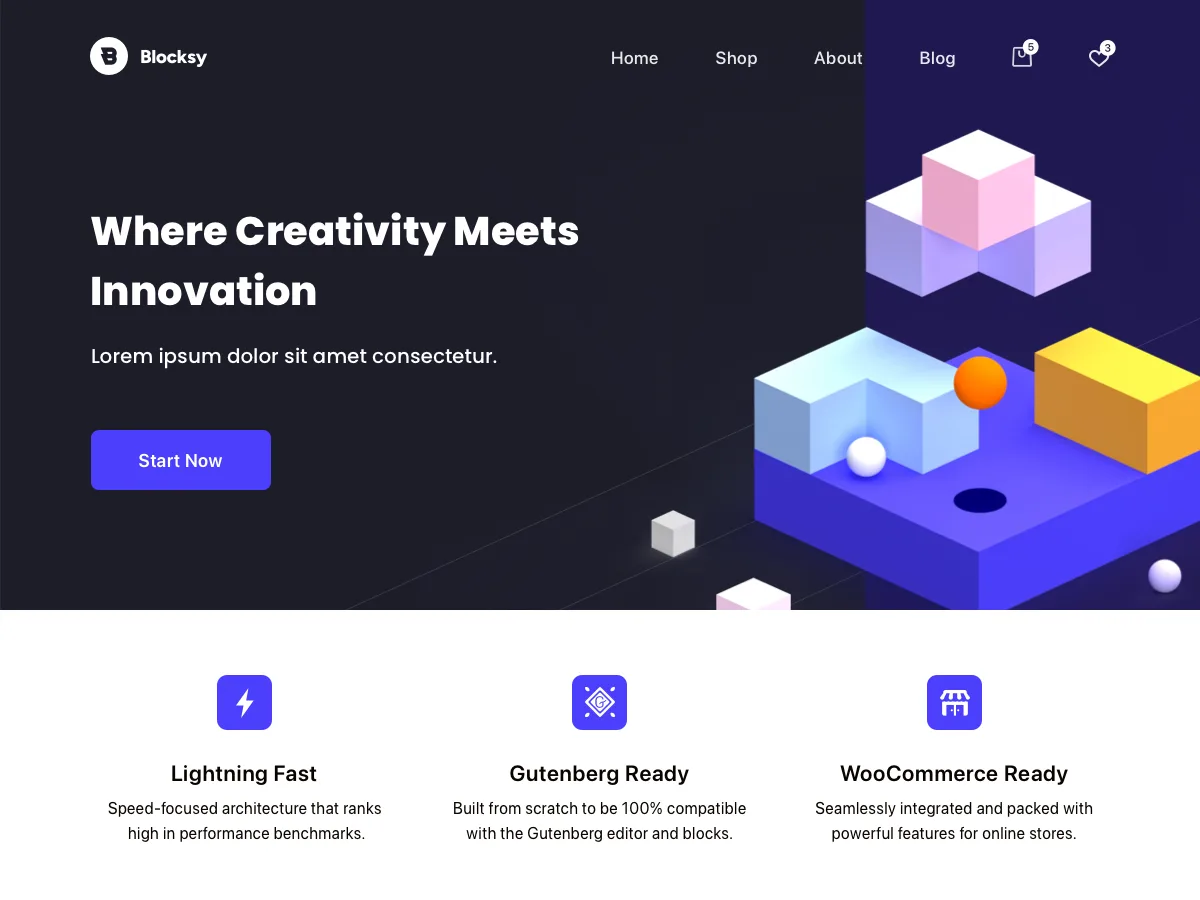
Blocksy is the highest-rated free theme on WordPress.org in this category, with a 5.0/5 average rating and 300,000+ active installs. The latest version (2.1.42) shipped May 2026. Blocksy is built block-first: the Customizer is fast, the WooCommerce module is competitive with paid themes, and the design system feels modern out of the box.
If your idea is a content-led site, a portfolio, or a small WooCommerce shop and you want zero extra plugins for design, Blocksy is the cleanest free option in 2026.
Key features
- Block-first design system
- Header and footer builder with conditional logic
- Free starter sites for blogs, agencies, and small stores
- WooCommerce integration with AJAX cart and quick view
- Custom hooks and content blocks
- Strong dark mode support
Pricing (USD, May 2026)
- Free on WordPress.org
- Blocksy Pro Personal (1 site): $69/year or $199 lifetime
- Blocksy Pro Business (up to 3 sites): $99/year or $299 lifetime
- Blocksy Pro Agency (unlimited sites): $149/year or $499 lifetime
Pros
- 5.0/5 rating across hundreds of reviews
- Modern UI out of the box
- Fast, clean Customizer
Cons
- Less material on YouTube/tutorials than Astra or GeneratePress
- Some advanced layout features require Companion Pro
Editor recommendation: 9/10
Get it: Blocksy on the official site
6. Neve (best mobile-first lightweight theme)
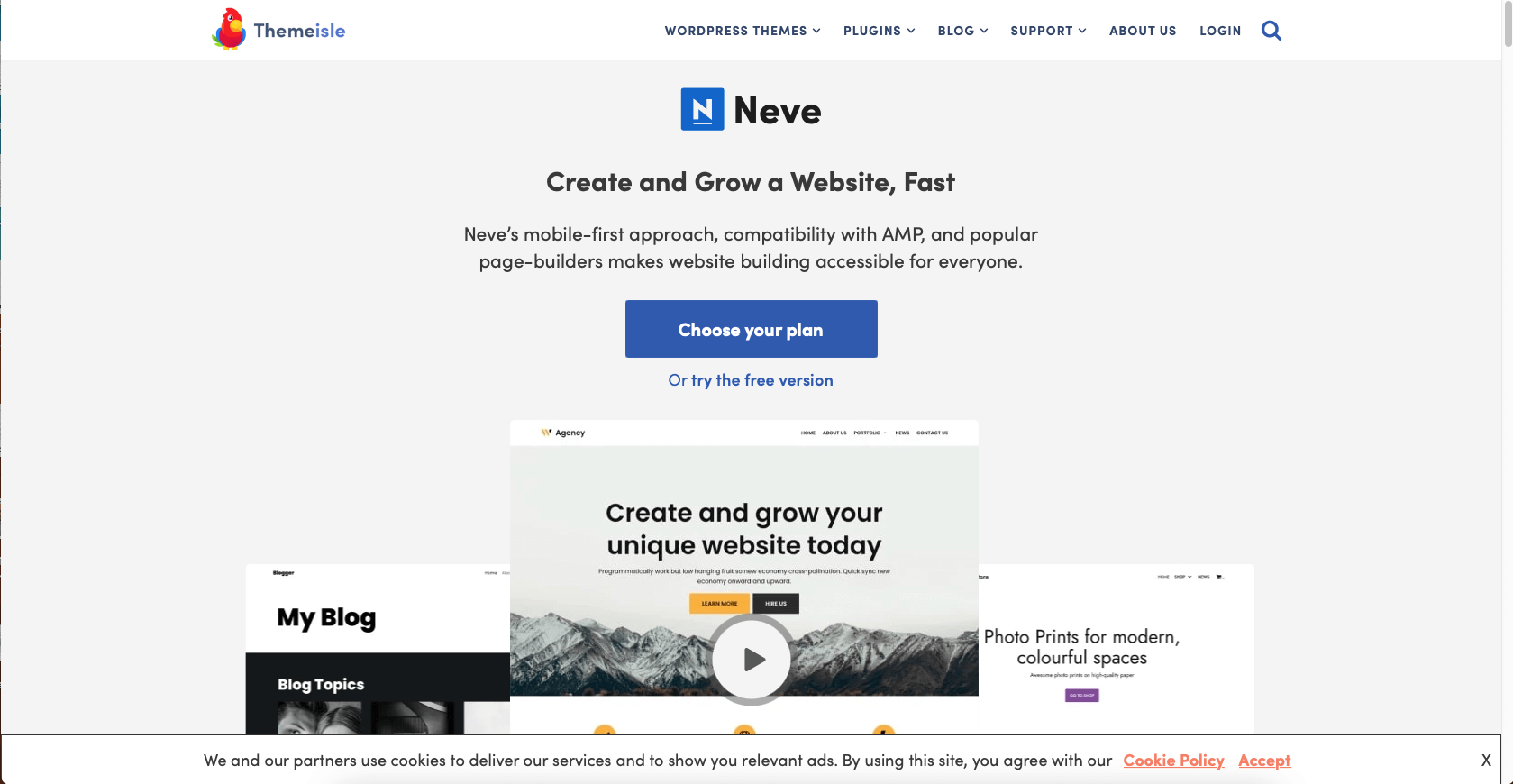
Neve, by Themeisle, is now at 200,000+ active installs with a 4.7/5 rating, last updated May 21, 2026. Neve takes a mobile-first approach and is built around Core Web Vitals. It works with Elementor, Bricks, Oxygen, the block editor, and WooCommerce.
If you expect most of your traffic to be on phones (and in 2026, you should), Neve gives you a strong starting score on mobile without much tuning.
Key features
- Mobile-first layout system
- Compatibility with Elementor, Bricks, Oxygen, and block editor
- 100+ starter sites in the official library
- WooCommerce, LifterLMS, and BuddyPress support
- Lightweight under 30KB by default
- AMP-friendly
Pricing (USD, May 2026)
- Free on WordPress.org
- Neve Pro Personal (unlimited sites): $69/year (promotional)
- Neve Pro Business (unlimited sites): $149/year (promotional)
- Neve Pro Agency (unlimited sites): $259/year (promotional)
Pros
- Mobile-first design pays off in Core Web Vitals
- Generous unlimited-site licensing
- Active updates from Themeisle
Cons
- The Customizer is less rich than Astra or Kadence
- Some starter sites require Otter Blocks
Editor recommendation: 9/10
Get it: Neve on the official site
7. Hestia (best free Material-style one-page theme)
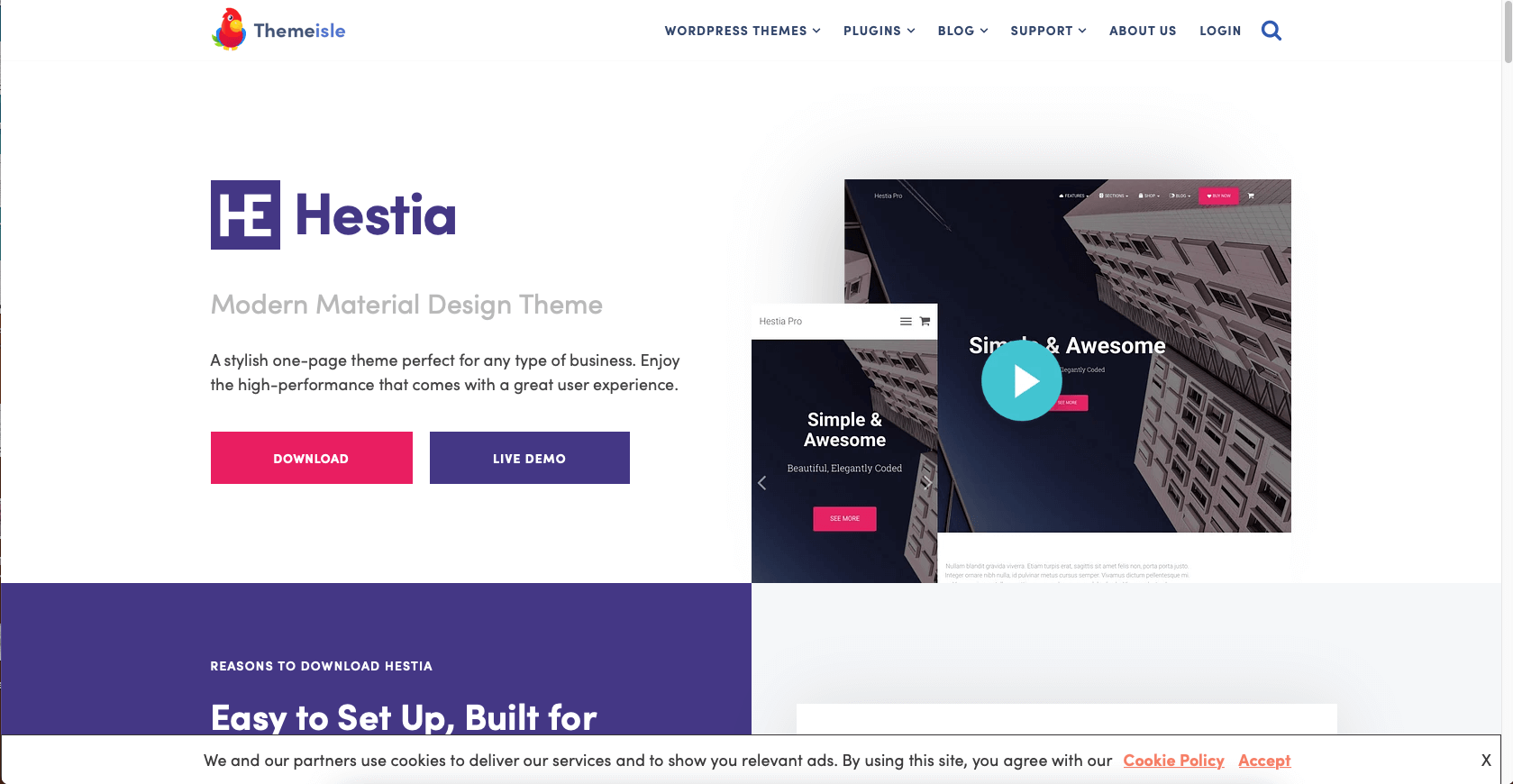
Hestia, also by Themeisle, focuses on Material Design one-page layouts. The free version has roughly 80,000 active installs and a 4.8/5 rating, with the most recent update on May 21, 2026 (version 3.3.4).
Hestia is a fast way to launch a one-page site for a small business, freelancer, restaurant, wedding planner, or a simple WooCommerce shop.
Key features
- Material Design one-page layout
- WooCommerce ready
- Compatible with Elementor and the block editor
- WPML/translation ready
- Retina ready
- Built-in newsletter and contact form integrations
Pricing (USD, May 2026)
- Free on WordPress.org
- Hestia Pro Personal (1 site): $69/year (promotional)
- Hestia Pro Business (3 sites): $129/year (promotional)
- Hestia Pro Agency (unlimited sites): $249/year (promotional)
Pros
- Beautiful Material Design out of the box
- One-page layout is ready in minutes
- Strong Themeisle support
Cons
- One-page format is opinionated, not ideal for content-heavy sites
- Free demo library is small compared to Astra/Kadence
Editor recommendation: 8.5/10
Get it: Hestia on the official site
8. OnePress (best for single-page business sites)
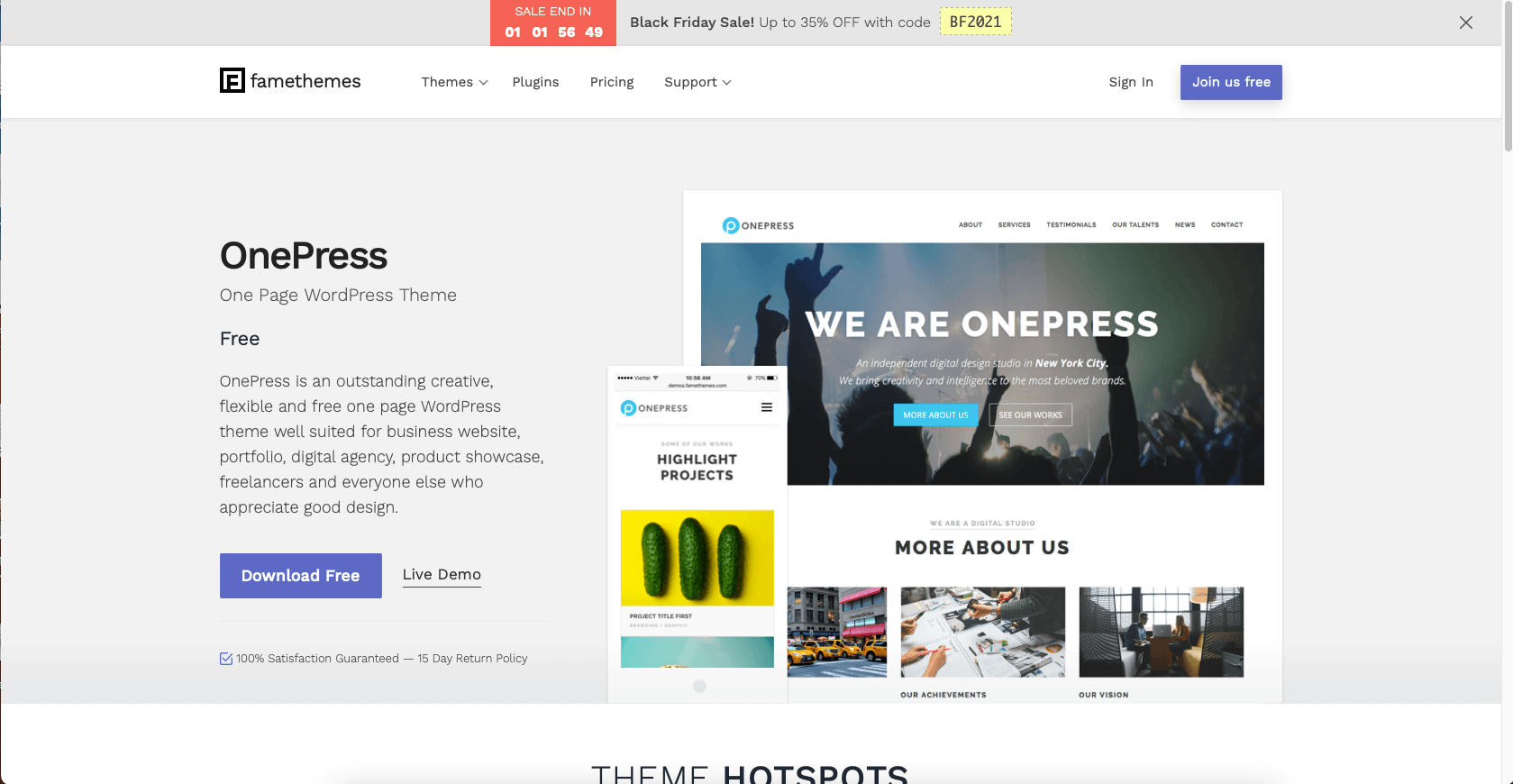
OnePress, by FameThemes, is a long-standing one-page business theme. It now has 60,000+ active installs, a 4.6/5 rating, and the latest release (2.3.17) shipped April 8, 2026. It is a Bootstrap-based theme built for digital agencies, startups, corporate sites, and small-product showcases.
OnePress is a strong choice when you want a clean, single-page corporate site without learning a heavy theme.
Key features
- One-page Bootstrap layout
- WooCommerce compatible
- Hero section with multiple background slides
- Parallax sections and content blocks
- Custom page templates
- Translation ready
Pricing (USD, May 2026)
- Free on WordPress.org
- FameClub Annual (all themes + plugins): $99/year (promo from $159)
- FameClub Lifetime: $299 one-time (promo from $399)
Pros
- Very fast to launch a business landing page
- Friendly customer support
- Unlimited-site licensing in the FameClub bundle
Cons
- One-page format limits content depth
- Multi-layout features feel dated next to Kadence or Blocksy
Editor recommendation: 8/10
Get it: OnePress on the official site
9. ColorMag (best free magazine/news theme)
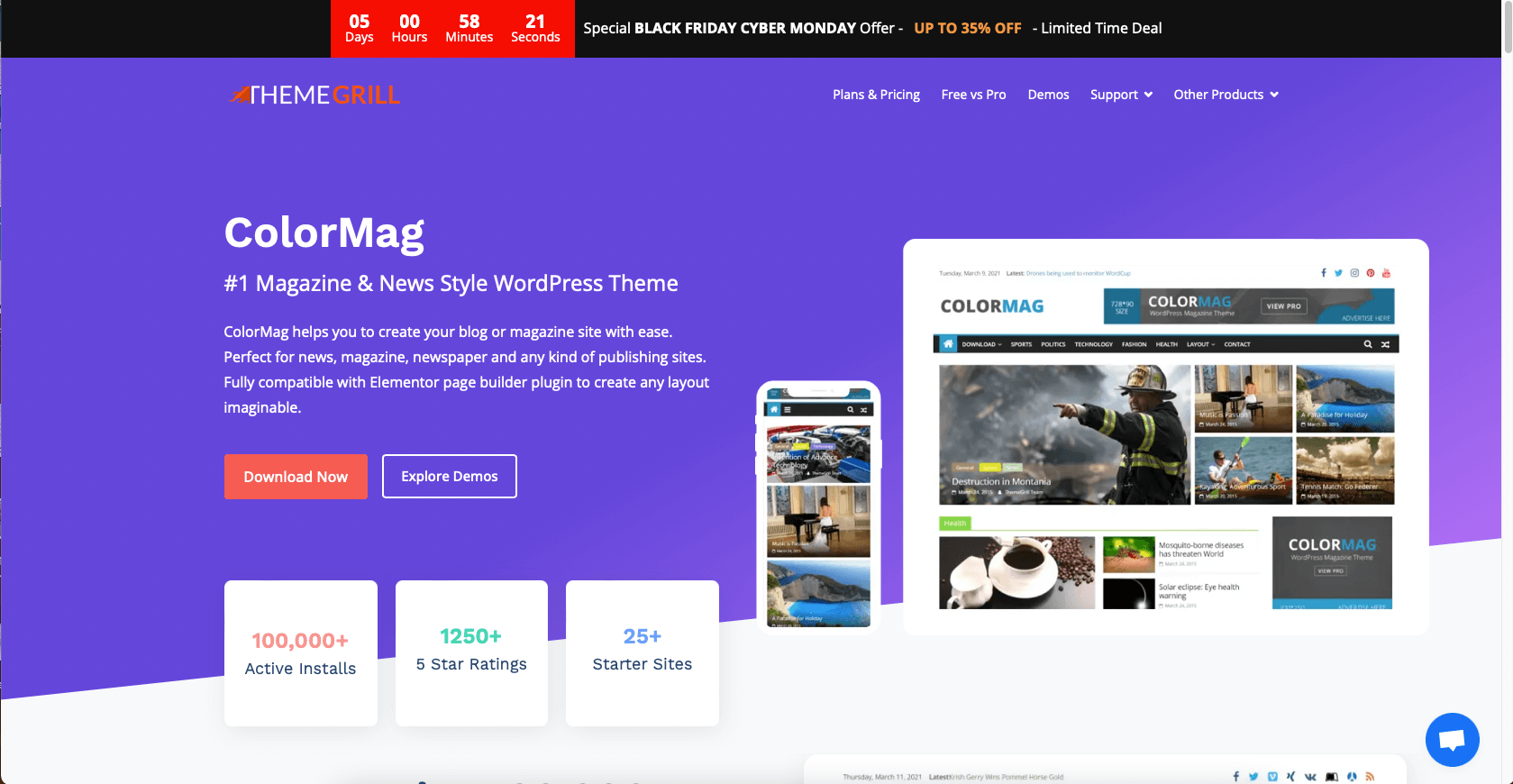
ColorMag, by ThemeGrill, is the long-time default free magazine theme on WordPress.org. The latest free version (4.1.2) was released December 22, 2025, with 40,000+ active installs and a 4.9/5 rating across nearly 1,500 reviews.
If your idea is a news site, an online magazine, or a publishing project that wants ad slots and a strong hierarchy out of the box, ColorMag is the safe pick.
Key features
- 8 free magazine-style starter demos for news, food, sports, fashion, and more
- Multiple built-in ad slots
- Custom widgets for trending and featured posts
- WooCommerce compatible
- Sticky menu, mega menu support
- Elementor and block editor friendly
Pricing (USD, May 2026)
- Free on WordPress.org
- ColorMag Pro: $69/year (promo from $129, with regular ~$56 savings on first year)
- Lifetime tier available on the ThemeGrill pricing page
Pros
- Purpose-built for magazine/news layouts
- Many built-in ad slots
- Excellent rating for the price
Cons
- Less flexible than a multipurpose theme for non-news sites
- Free version has limited post-page layouts
Editor recommendation: 8/10
Get it: ColorMag on the official site
10. Spacious (best minimal free business theme)
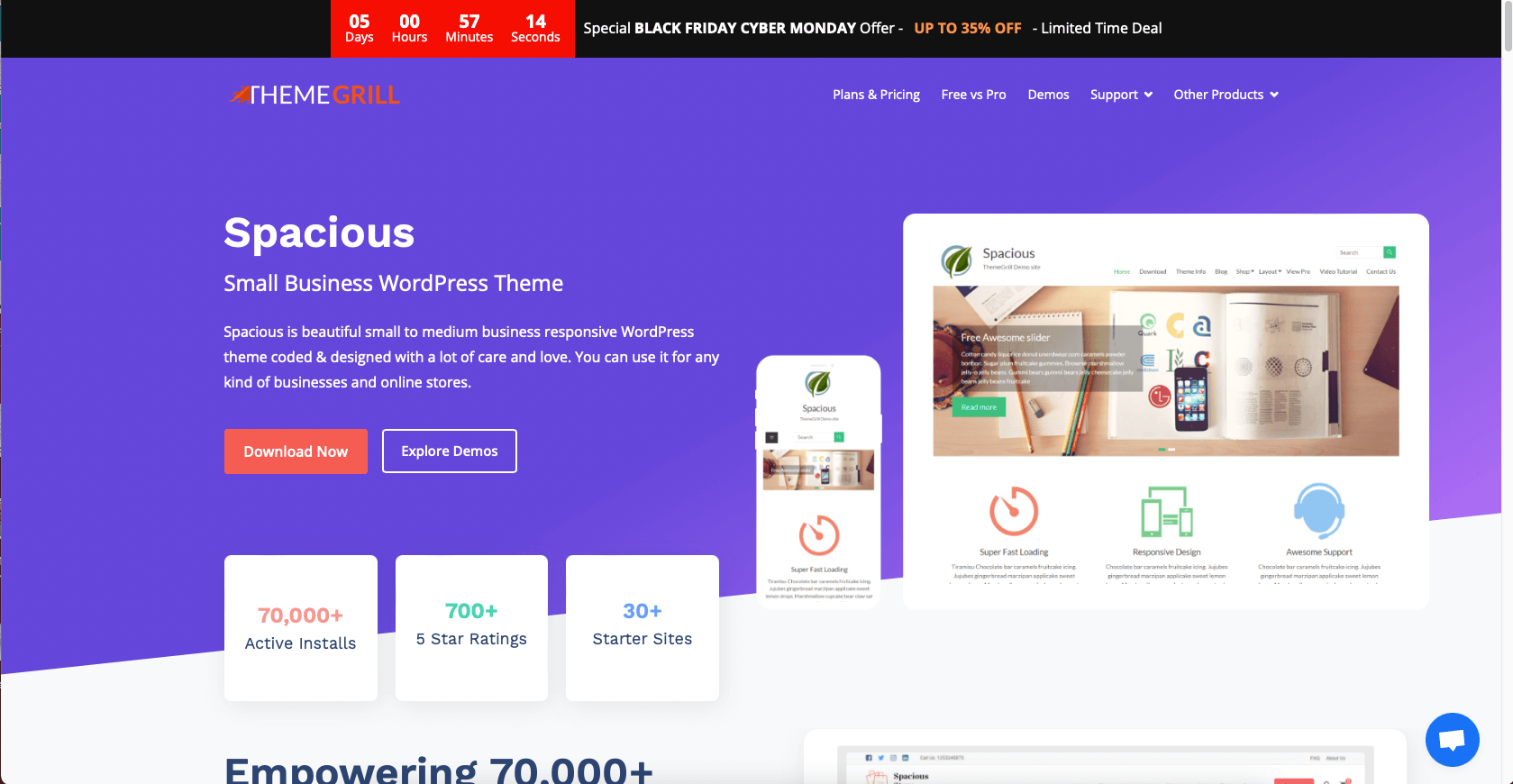
Spacious, also by ThemeGrill, is the minimalist multipurpose option in this list. The latest free version (1.9.12) released August 8, 2025, with 20,000+ active installs and a 4.9/5 rating across 800+ reviews.
Spacious is the cleanest free starting point for small businesses, portfolios, and one-product sites that do not want a busy theme.
Key features
- 16 free starter demos for small business niches
- Boxed and wide layout options
- Light/dark color skins
- WooCommerce compatible
- Compatible with Elementor, Brizy, Beaver Builder, SiteOrigin
- Multiple widget areas and custom widgets
Pricing (USD, May 2026)
- Free on WordPress.org
- Spacious Pro Personal: $69/year (promo ~$56 first year, save ~$13)
- Spacious Pro Business: $129/year (promo ~$104 first year, save ~$25)
- All-Themes Plan: $249/year or $399 lifetime (vendor pricing page)
Pros
- Clean, minimal aesthetic that ages well
- Strong rating for a free business theme
- Light/dark switch in the free version
Cons
- Free version has limited customizer depth
- Smaller theme/community ecosystem than Astra or Kadence
Editor recommendation: 8/10
Get it: Spacious on the official site
How to choose the right WordPress theme in 2026
There is no single best theme, only the best theme for your specific project. Run through these checks before you install:
- Maintenance: open the WordPress.org page and confirm the theme was updated in the last 12 months. Skip anything tagged "hasn’t been updated in over 2 years".
- Performance: a good base theme should add under 30KB of CSS/JS. If you also care about Core Web Vitals, pair the theme with our WordPress speed optimization guide.
- Builder fit: confirm the theme supports the editor you plan to use (block editor, Elementor, Bricks, Beaver Builder, Spectra). For builder-heavy stacks, see our roundup of the best WordPress page builders.
- Niche fit: a multipurpose theme is fine for most projects, but for a content-heavy business site, consider a dedicated pick from our WordPress themes for business sites roundup, and for Elementor-led builds, see our Elementor-compatible WordPress themes list.
- SEO: every theme on this list is SEO-friendly, but you still need the SEO basics in place. Start with our shortlist of free SEO plugins for WordPress.
- Free vs paid: every theme here works in production for free. Upgrade to pro only when a specific premium feature solves a real problem. If you want a pure premium shortlist, see our premium WordPress themes for 2026 roundup.
Quick comparison table
| Theme | Best for | Active installs (WP.org) | Rating | Last update | Free price | Pro starts at |
|---|---|---|---|---|---|---|
Astra | Multipurpose | 1,000,000+ | 4.9 | May 2026 | Free | $69/ |
Kadence | Blocks + builders | 500,000+ | 4.9 | May 2026 | Free | $69/ |
GeneratePress | Speed and SEO | 500,000+ | 5.0 | Dec 2025 | Free | $59/ |
OceanWP | WooCommerce | 500,000+ | 4.9 | May 2026 | Free | ~$39/ |
Blocksy | Block-first sites | 300,000+ | 5.0 | May 2026 | Free | $69/ |
Neve | Mobile-first | 200,000+ | 4.7 | May 2026 | Free | $69/ |
Hestia | Material one-page | 80,000+ | 4.8 | May 2026 | Free | $69/ |
OnePress | Single-page business | 60,000+ | 4.6 | Apr 2026 | Free | $99/ |
ColorMag | Magazine/ | 40,000+ | 4.9 | Dec 2025 | Free | $69/ |
Spacious | Minimal business | 20,000+ | 4.9 | Aug 2025 | Free | $69/ |
All pricing in USD, current as of May 2026. Vendors update promotional prices frequently, so confirm on the official site before purchase.
FAQ
Which is the best free WordPress theme in 2026 if I do not have a niche yet?
Astra. It is the safest multipurpose default: over 1 million active installs, a 4.9 rating, sub-50ms theme overhead, and compatibility with every major page builder. If your site is content-led and you only care about speed and SEO, GeneratePress is the close runner-up.
What is the best free WordPress theme for WooCommerce?
OceanWP. The free version ships native quick view, side cart, AJAX add-to-cart, and infinite scroll. Blocksy is the closest second if you prefer a more modern, block-first storefront.
Are these themes really free, or is everything paywalled?
All 10 are genuinely free to install and run a real site on. The pro versions unlock starter site libraries, advanced WooCommerce/LMS modules, header/footer conditional logic, and white-label features. You only need pro when one of those features solves a real business need.
What about food blog or video themes like Elara or Vlogr that used to be in this article?
We removed Vlogr because it has not received an update since 2018 and is no longer safe to recommend in 2026. Elara is still maintained but has a small install base and a narrow niche (food blogs); if that is your exact project, it is still worth a look, but it is not in the top 10 for general use.
Should I pick a multipurpose theme or a niche theme?
Default to a multipurpose theme (Astra, Kadence, GeneratePress, or Blocksy) unless you have a very specific publishing model: a news magazine (ColorMag), a one-page corporate site (OnePress, Hestia), or a high-end WooCommerce store with very custom storefront needs (OceanWP).
Will these themes work with Elementor and Bricks?
Yes. Every theme on this list officially supports Elementor. Astra, Kadence, GeneratePress, Blocksy, and Neve also explicitly support Bricks and other modern page builders.
Is a paid theme better for SEO?
No. SEO is driven by content, site architecture, and Core Web Vitals, not by the price of the theme. The free versions of Astra, GeneratePress, Kadence, and Blocksy already pass Core Web Vitals on a default install. Pair them with the right free SEO plugins for WordPress and good content, and you have what you need.
Final pick
If you want a single recommendation: install Astra for a generalist site, GeneratePress for an SEO/content site, OceanWP for a WooCommerce shop, or Blocksy if you want the cleanest pure-block experience. Any of those four covers 90% of "any type of idea" in 2026.