

Best WordPress Helpdesk Plugins to Improve Booking Experience for Service Businesses

Customers ask service businesses a lot of booking-related questions: Can I move my appointment? What is the cancellation policy? Did my payment go through? Is there an earlier slot available?
For many small teams, those questions still land in a shared Gmail inbox. That works for a while, but it becomes messy as soon as more than one person starts replying. Messages get missed, two people answer the same client, or everyone assumes somebody else has already handled the request.
A WordPress helpdesk plugin helps by turning support messages into trackable tickets. Your team can see who owns each request, what has already been discussed, and what still needs a reply. For appointment-based businesses, that structure can prevent booking changes, payment questions, and cancellation requests from disappearing in a crowded inbox.
This guide compares the best WordPress helpdesk plugins and helpdesk tools for service businesses, with ThriveDesk kept as the top recommendation for teams that want a clean support setup without enterprise complexity.
Quick Answer: Which WordPress Helpdesk Plugin Fits Which Objection?
| The Objection | Best Fit | Why |
|---|---|---|
| "We're too small to need a helpdesk" | ThriveDesk | Shared inbox, tickets, live chat, and help center features in one tool |
| "We need this to run inside WordPress, not another SaaS login" | Fluent Support | Self-hosted WordPress support desk with flat annual pricing |
| "We already live in our email inbox" | Heroic Inbox | Keeps Gmail, Outlook, or IMAP at the center while adding team structure |
| "We can't spend anything right now" | SupportCandy | Free core plugin, with paid plans and extensions available when needed |
| "We need phone, chat, and email under one roof at scale" | Zoho Desk | Omnichannel helpdesk with a free edition for very small teams |
| "Our client relationships start in live chat, not email" | HelpCrunch | Chat-first customer support software with inbox and automation features |
Pricing note: helpdesk vendors update plans often. Check each vendor's pricing page before buying.
Objection 1: "We're a small service business. A helpdesk feels like overkill."
This is the most common objection, and it is often wrong. A helpdesk is not only for high ticket volume. It is there so a rescheduling request does not sit in an inbox nobody checks over the weekend.
The fix: ThriveDesk
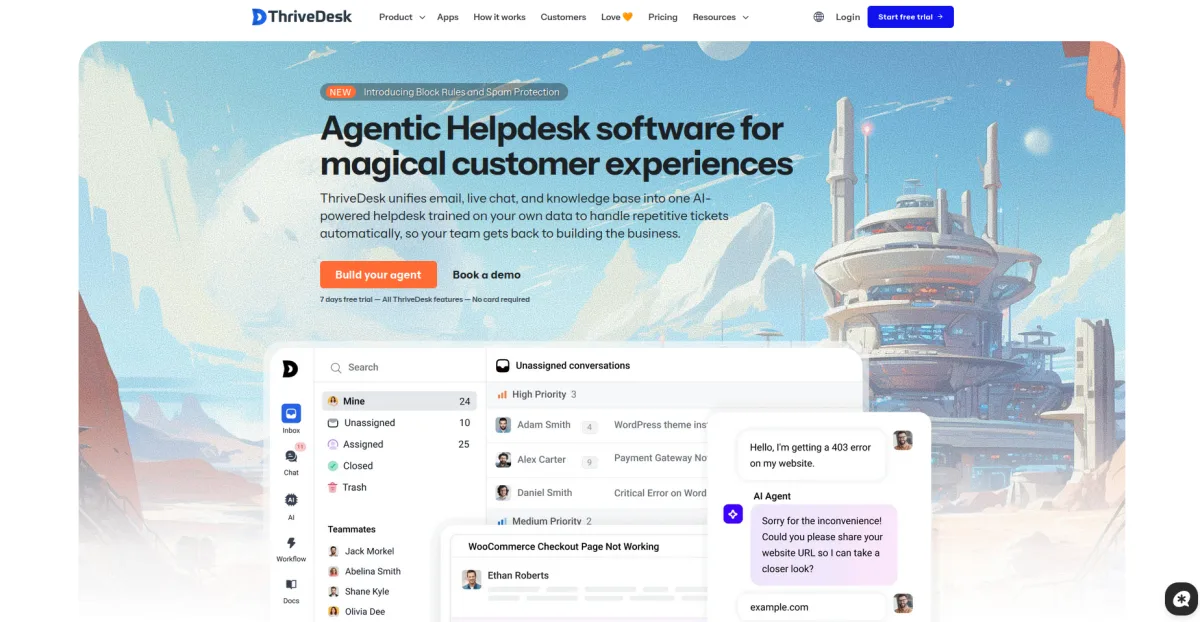
ThriveDesk is built for small teams that want organized customer communication without adopting a heavy enterprise support platform.
For solo practitioners or small front desk teams, ThriveDesk brings shared inbox, ticketing, live chat, and help center features into one support workspace. Live chat is especially useful for booking businesses because clients can ask about availability without leaving the website, while the shared inbox keeps those conversations from getting buried in personal email accounts.
ThriveDesk also supports WooCommerce integration, which can help businesses that route bookings or payments through WooCommerce view useful order context while handling customer conversations.
Where it falls short: there is no permanent free tier, so a business testing the waters may pay after the trial. Teams that rely heavily on mobile replies should also check current mobile app options before committing.
Choose it if: the business wants one clean tool for chat, tickets, and help center content without hiring anyone new.
Skip it if: the team needs zero monthly cost or wants every support workflow to stay inside the WordPress dashboard.
Objection 2: "Everything we run should stay inside WordPress. We don't want another login."
Many service businesses already run their website, booking plugin, forms, and admin work inside WordPress. Adding a SaaS helpdesk means another subscription, another login, and support data outside the site.
The fix: Fluent Support
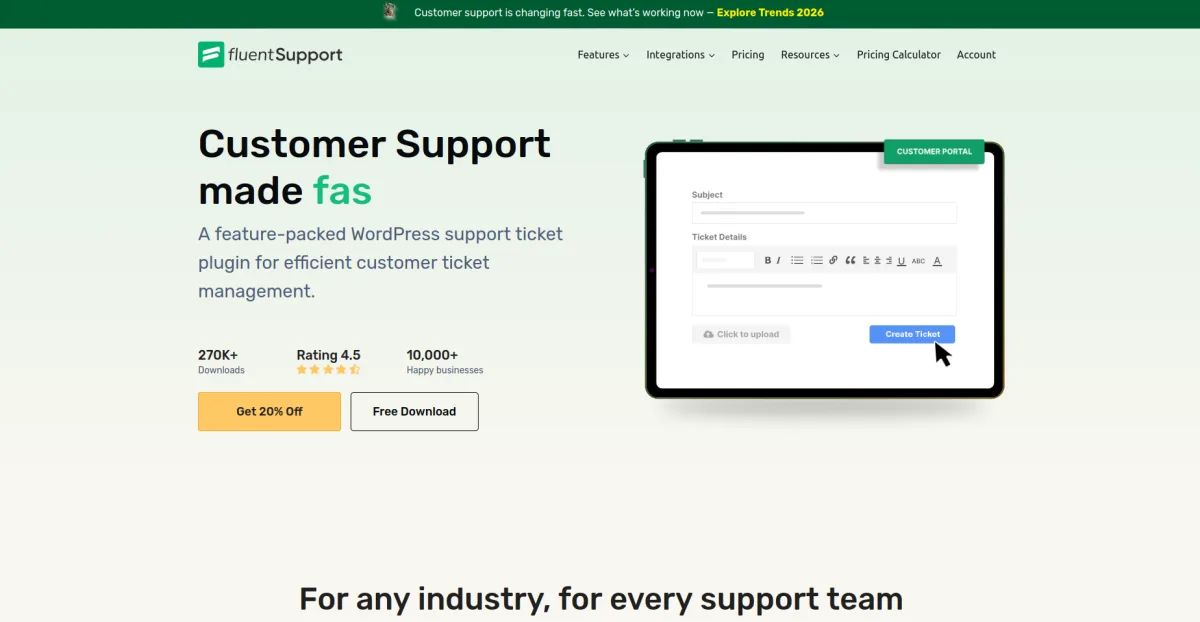
Fluent Support is a self-hosted support ticket plugin from WPManageNinja, the team behind Fluent Forms and FluentCRM. It runs inside the WordPress dashboard, so support tickets can stay in the same environment as the rest of the site's operations.
Its pricing is based on site licenses rather than per-agent billing. That can make costs easier to predict for small teams that expect more staff members to help with tickets over time. Depending on the current plan, features can include email piping, saved replies, tagging, reporting, and AI-assisted replies.
For booking businesses, the customer portal is useful because clients can see their previous support history instead of starting from zero each time they need to change an appointment.
Where it falls short: live chat is not the main strength of Fluent Support, so a business that wants real-time chat from day one may need to pair it with another tool. Multi-location businesses with separate WordPress installs should also check which license tier fits their setup.
Choose it if: the business wants to keep support data on its own WordPress site and avoid per-agent pricing.
Skip it if: live chat during business hours is a firm requirement from day one.
Objection 3: "Our team already works out of Gmail. Retraining everyone feels like a hassle."
Some teams do not want to change their daily workflow. Staff members already check Gmail or Outlook, and the real concern is disruption rather than features.
The fix: Heroic Inbox
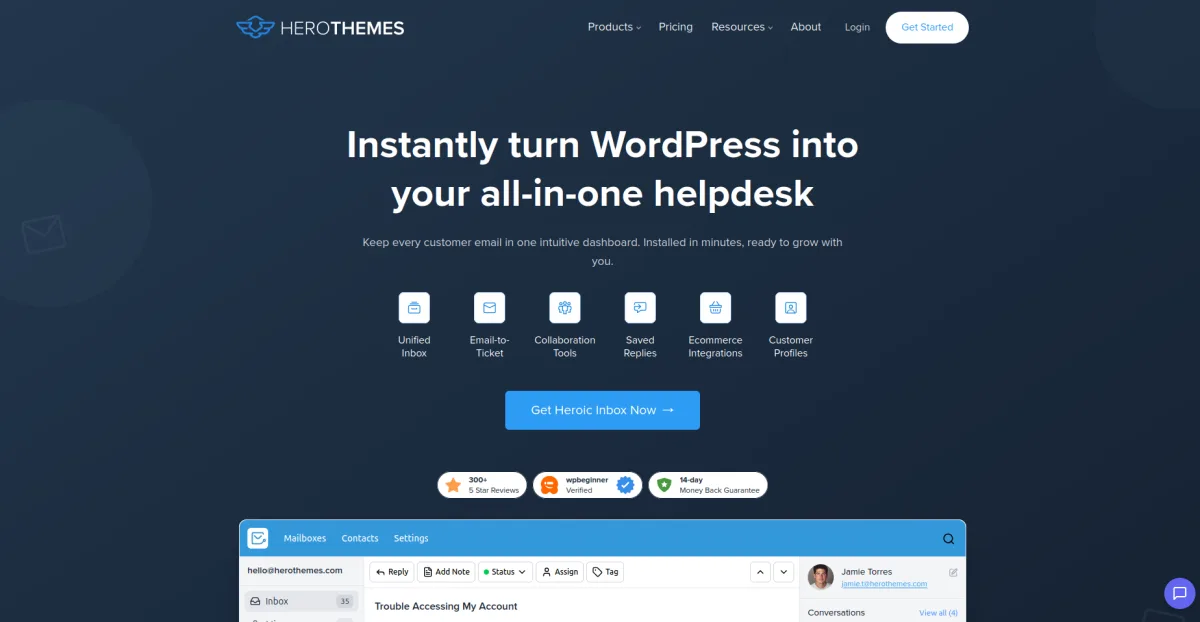
Heroic Inbox turns an existing Gmail, Outlook, or IMAP inbox into a shared WordPress helpdesk. The team can keep email at the center while adding assignment, collaboration, customer profiles, and conversation history.
Because Heroic Inbox is a WordPress plugin, it can be a good fit for teams that want more structure without moving entirely into a cloud helpdesk. It is also licensed by site rather than by every support agent, which can be helpful for front desk teams with multiple people replying to client messages.
Where it falls short: setup can take more work than a basic ticket form because email accounts need to be connected correctly. It is also not a live chat platform, so teams that want a chat widget need another tool.
Choose it if: the team already runs support through email and only needs structure layered on top.
Skip it if: the business wants a separate ticket portal with live chat built in.
Objection 4: "We genuinely can't spend money on this right now."
New service businesses often operate on a tight budget before the client base is stable. Paying for support software can feel premature.
The fix: SupportCandy
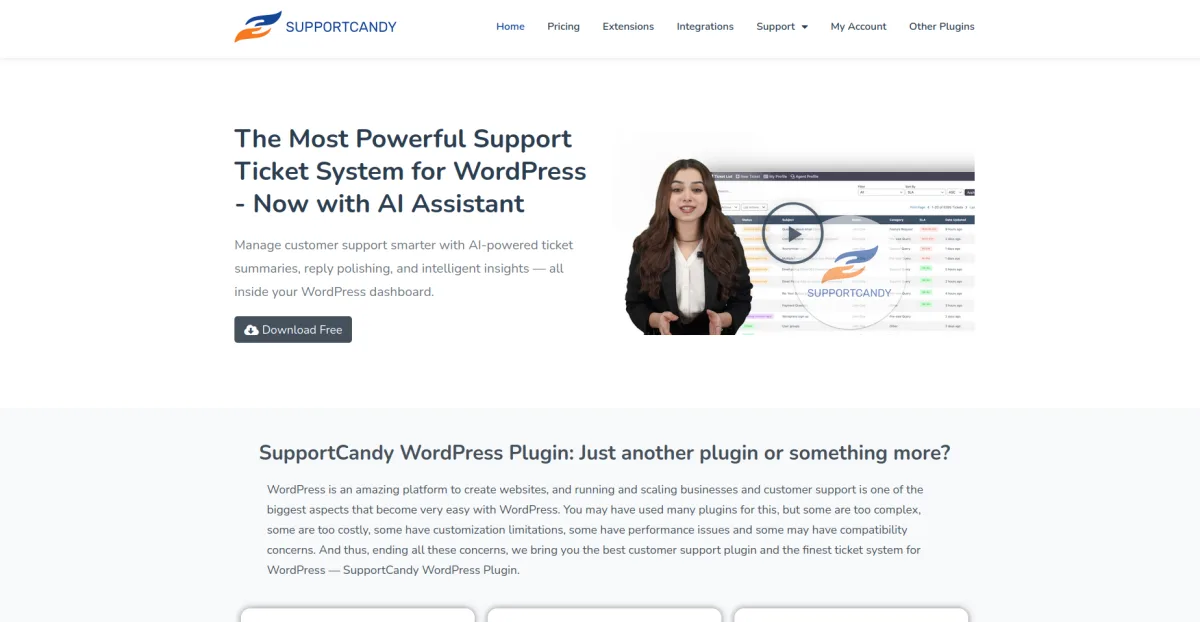
SupportCandy offers a free WordPress support ticket plugin with core ticket management features. A startup can use it to stop appointment questions from disappearing in personal inboxes without taking on a paid subscription immediately.
Paid plans and extensions are available when the business needs more advanced workflows, integrations, automation, reporting, or other support features. That makes SupportCandy a practical starting point for teams that want to begin with tickets and upgrade only when ticket volume justifies it.
For booking businesses, custom fields can be especially useful. A ticket form can ask for appointment date, booking reference, service type, or branch location, so the support agent has the right context before replying.
Where it falls short: the free version does not include every advanced workflow a growing team may need. Live chat is also not the core focus.
Choose it if: the business needs to start at zero cost and grow into paid features later.
Skip it if: live chat or same-day setup speed matters more than budget.
Objection 5: "We're growing fast and need phone, chat, and email in one place."
A booking business that has grown beyond a single location may outgrow a WordPress-native helpdesk. If support now happens through phone, chat, email, social channels, and a customer portal, it may be time to look outside the plugin ecosystem.
The fix: Zoho Desk
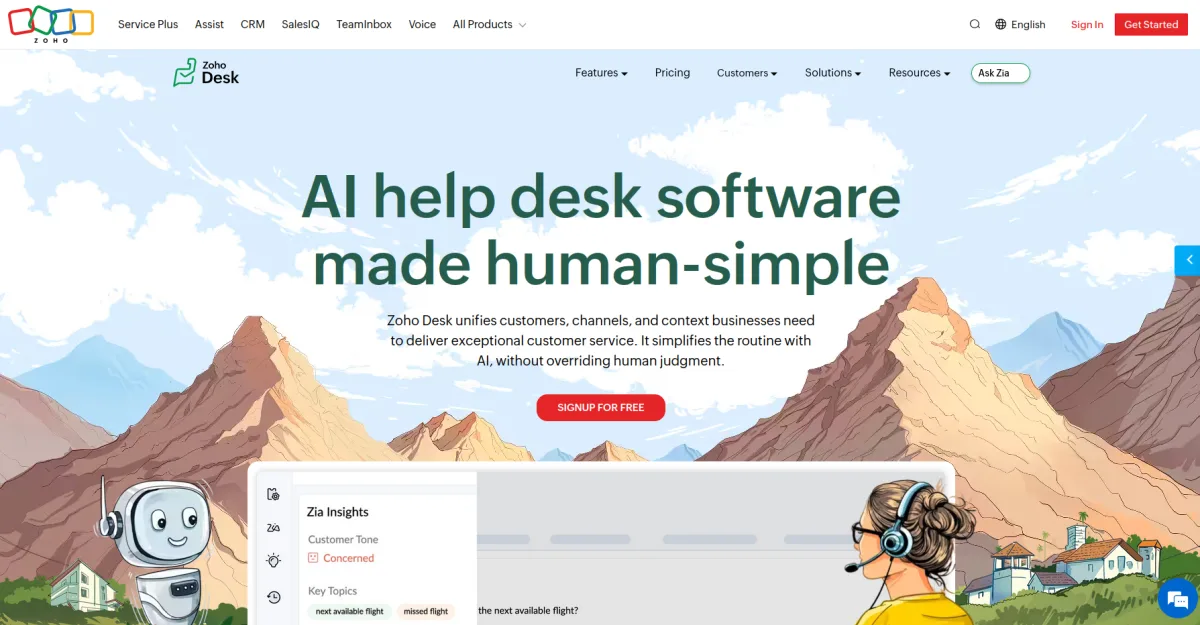
Zoho Desk is a cloud helpdesk platform rather than a WordPress plugin. Its free edition can work for very small teams, while paid tiers add broader channel support, automation, reporting, and AI features depending on the plan.
For service businesses with multiple locations or larger support teams, Zoho Desk can be more suitable than a single-site WordPress plugin because it is designed for omnichannel support and department-level workflows.
Where it falls short: it is not WordPress-native. If the business needs booking or payment context from the website, that may require a CRM workflow, a WooCommerce connection, or custom integration work.
Choose it if: the business has outgrown a single-site WordPress helpdesk and needs true omnichannel support.
Skip it if: keeping everything inside the WordPress dashboard is a hard requirement.
Objection 6: "Most of our client relationships start with a chat message, not an email."
Some service businesses get more pre-booking questions through live chat than through contact forms. A ticket-first tool can underserve that channel.
The fix: HelpCrunch
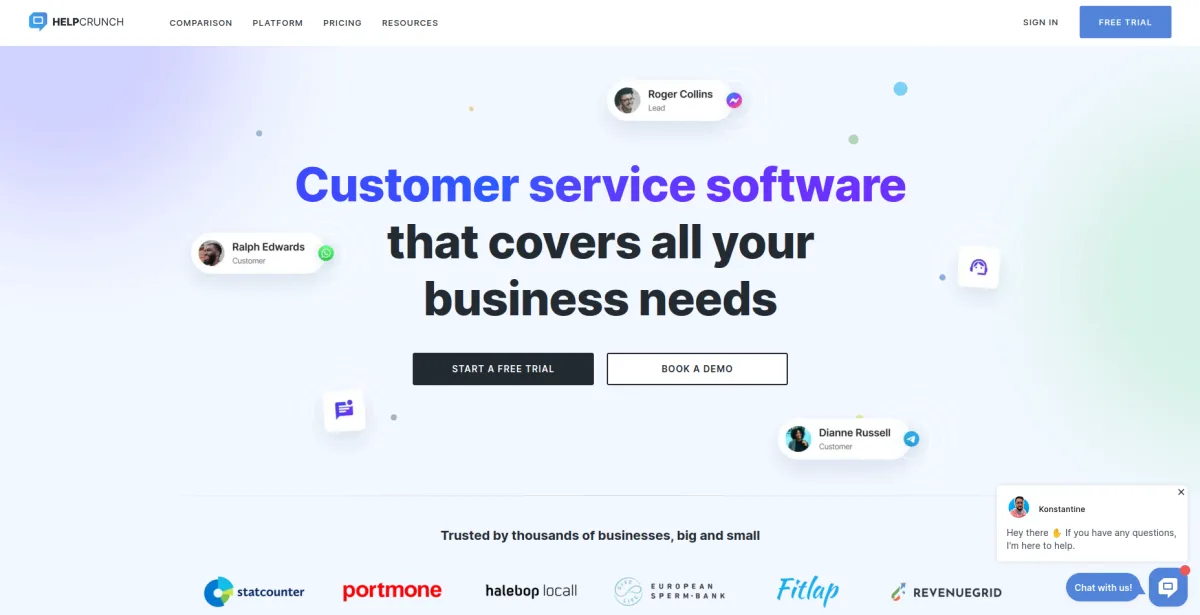
HelpCrunch is a chat-first customer service platform that also includes shared inbox, knowledge base, and automation features. It is a strong fit when visitors often ask questions about service availability, pricing, or package details before they book.
A visible chat widget can stop visitors from leaving the website when the only alternative is a contact form buried in the footer. For service businesses with high-intent visitors, that can make support feel closer to sales assistance than back-office ticket handling.
Where it falls short: HelpCrunch is a SaaS platform with seat-based pricing and plan limits, so costs can grow as the team expands or adds more automation. Teams should review the current pricing page carefully before choosing it.
Choose it if: live chat, not email, is the primary way clients reach out before booking.
Skip it if: the business runs mostly on scheduled tickets rather than real-time conversations.
How to Actually Decide
Start with how your team already works, not with the longest feature list.
A two-person salon that receives a dozen support messages a week probably does not need an enterprise-style omnichannel helpdesk. A clinic chain with five locations, phone support, chat support, and email support probably does.
If cost is the main constraint, start with SupportCandy's free plugin or Zoho Desk's free edition, then upgrade when ticket volume justifies it.
If staying inside WordPress matters most, Fluent Support and Heroic Inbox are the strongest fits. Fluent Support is better for teams that want a dedicated ticket portal. Heroic Inbox is better for teams that want to keep working from email.
If a single, well-rounded support tool is the priority, ThriveDesk is the simplest recommendation. It combines chat, tickets, and help center content in a way that suits small teams without forcing them into a complicated enterprise setup.
If most pre-booking conversations happen in chat, HelpCrunch is worth considering because its strongest features are built around real-time conversations.
Frequently Asked Questions
Does a small appointment-based business really need a WordPress helpdesk plugin, or is email enough?
Plain email works until more than one person answers messages, or until a client sends a second follow-up before the first one gets a reply. A WordPress helpdesk plugin adds visibility, history, and a clearer support process. Your team can see who is handling each request, what the client already asked, and whether the issue still needs a reply.
Can these plugins connect to a booking system like Booknetic?
Some helpdesk tools can connect indirectly with booking workflows, especially when the booking process uses WooCommerce, webhooks, email notifications, or form-based ticket creation. For example, a business using Booknetic can still use a helpdesk to organize appointment questions, cancellation requests, payment questions, and rescheduling messages.
The important point is not to assume a native Booknetic integration unless the vendor specifically documents it. In many cases, the practical setup is to route booking-related emails or contact form submissions into the helpdesk, include booking reference fields in the ticket form, or connect systems through WooCommerce or automation tools when available.
Is a free WordPress helpdesk plugin actually usable for a real business, or just a trial gimmick?
SupportCandy's free plugin and Zoho Desk's free edition are usable starting points, not just time-limited demos. The tradeoffs usually appear in automation, reporting, channel support, branding, and advanced integrations rather than basic ticket handling.
How many agents does a typical service business need on a helpdesk plan?
Most single-location salons, clinics, gyms, studios, and consultants can start with two to five agents. That usually covers the owner, front desk staff, and one backup person. Larger teams should look closely at per-agent pricing because costs can grow quickly.
Should live chat be a requirement or a nice-to-have?
It depends on how clients currently reach out. If most pre-booking questions already arrive by phone, email, or a contact form, live chat is useful but not essential. If visitors regularly ask short questions before booking, live chat can remove friction and help clients choose a time or service faster.


